
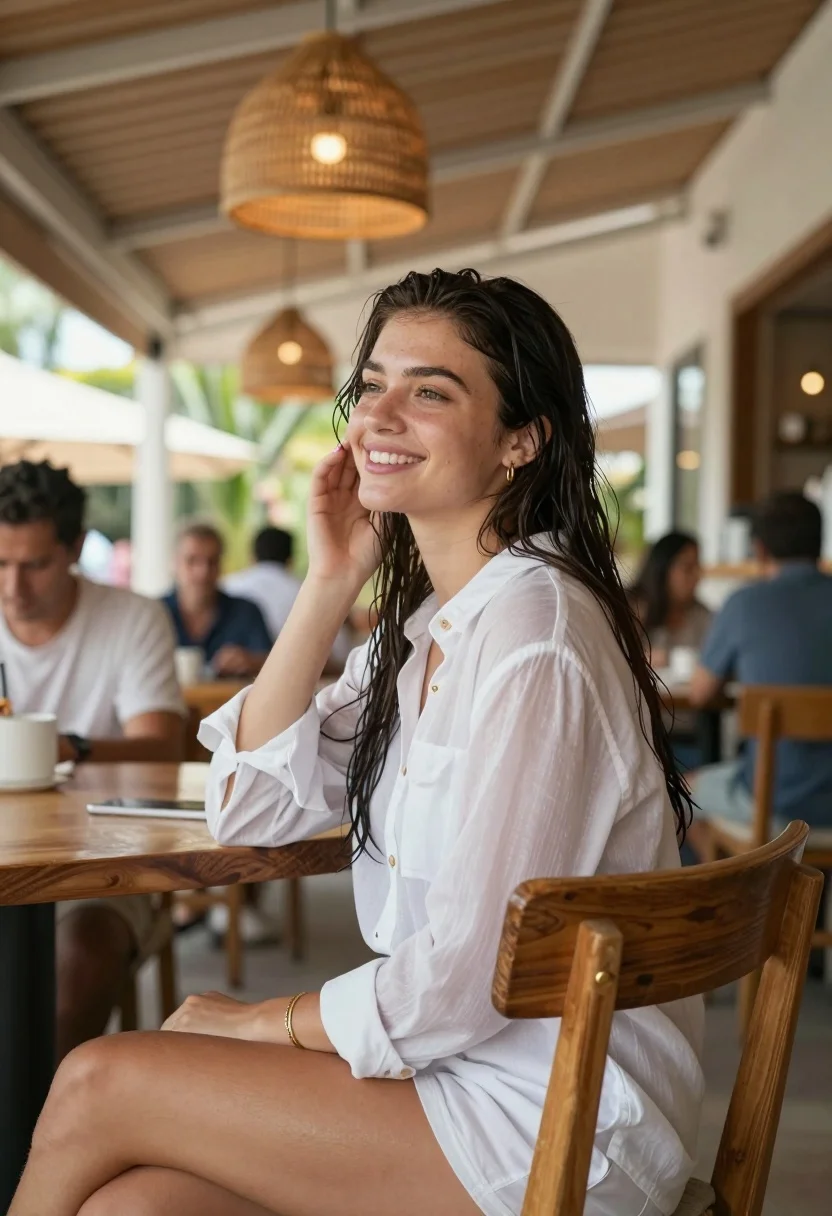
Young woman in white sheer dress sitting at cafe table outdoors
Prompt
A young woman with wet dark hair sits smiling on a wooden chair in a bright open-air cafe.

Subject: A young woman with long, wet, dark brown hair that clings to her face and neck, fair skin, and a warm, engaging smile as she looks off to the side.

Clothing: She wears a loose-fitting, sheer white button-down shirt worn as a dress over matching white shorts, accessorized with small gold hoop earrings, a thin gold bracelet on her wrist, and light pink nail polish.

Action: She is seated in profile turned slightly toward the camera, leaning back against the wooden chair with one hand resting on the backrest and the other gently touching her cheek near her ear.

Environment: The setting is a sunlit open-air restaurant or cafe with a wooden slat ceiling, large woven pendant lights hanging overhead, and blurred patrons dining in the background.

Camera: Shot from a low angle looking up at the subject, utilizing a shallow depth of field to keep the woman sharp while blurring the busy background into soft bokeh.

Lighting: Bright natural daylight illuminates the scene from the side, creating soft highlights on her wet hair and skin with gentle shadows that enhance the relaxed atmosphere.

Style Details: The image features a candid lifestyle photography aesthetic with warm tones, high dynamic range, and a focus on capturing a genuine moment of leisure.
Description
This prompt is useful for creating editorial lifestyle spreads, romantic portraiture featuring natural light, and atmospheric travel blogs. The combination of 'wet dark hair' catching the side illumination and the 'shallow depth of field' ensures that the subject remains intimately focused against a softly rendered background, perfectly capturing a moment of leisure without distracting visual clutter.
Suggestions
- Change 'wooden chair' to 'wicker chair' for a different texture.
- Swap 'light pink nail polish' for 'nude polish' to keep the focus on the gold jewelry.
- Adjust 'low angle looking up' to 'eye-level shot' for a more direct connection with the viewer.
Category
Tags
Brown HairBrunetteCafeCasual WearFair SkinFemaleLow AngleOutdoorsPortrait ShotRealistic
Date added
August 5, 2026
Added by
PromptDexter Team
Related Prompts
More prompts with similar categories and tags.

Young woman in olive saree leaning on railing outdoors during golden hour

Young woman with dark hair at wooden table in open air setting

Young woman laughing while holding milkshake against grey concrete wall
Young woman with brown hair sitting outdoors at night with tropical dress

Young east asian woman smiling with white flowers on sidewalk near flower

Young woman with brown hair in beige cardigan smiling indoors at camera
Young woman with brown hair sitting on concrete ledge in lush garden

Photorealistic portrait of woman in red gold armor holding shield studio shot
Close up portrait of young woman with braid under blue sky daylight
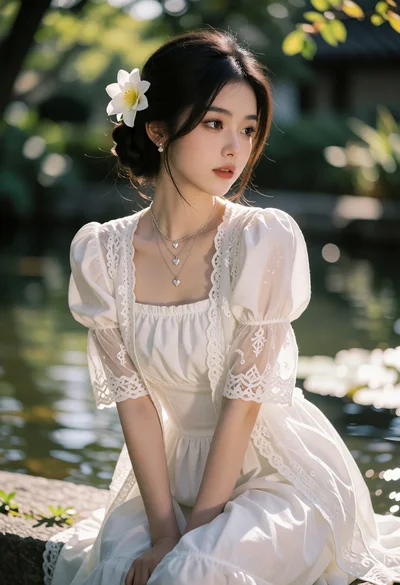
Young woman in white dress seated near water with floral accents
