
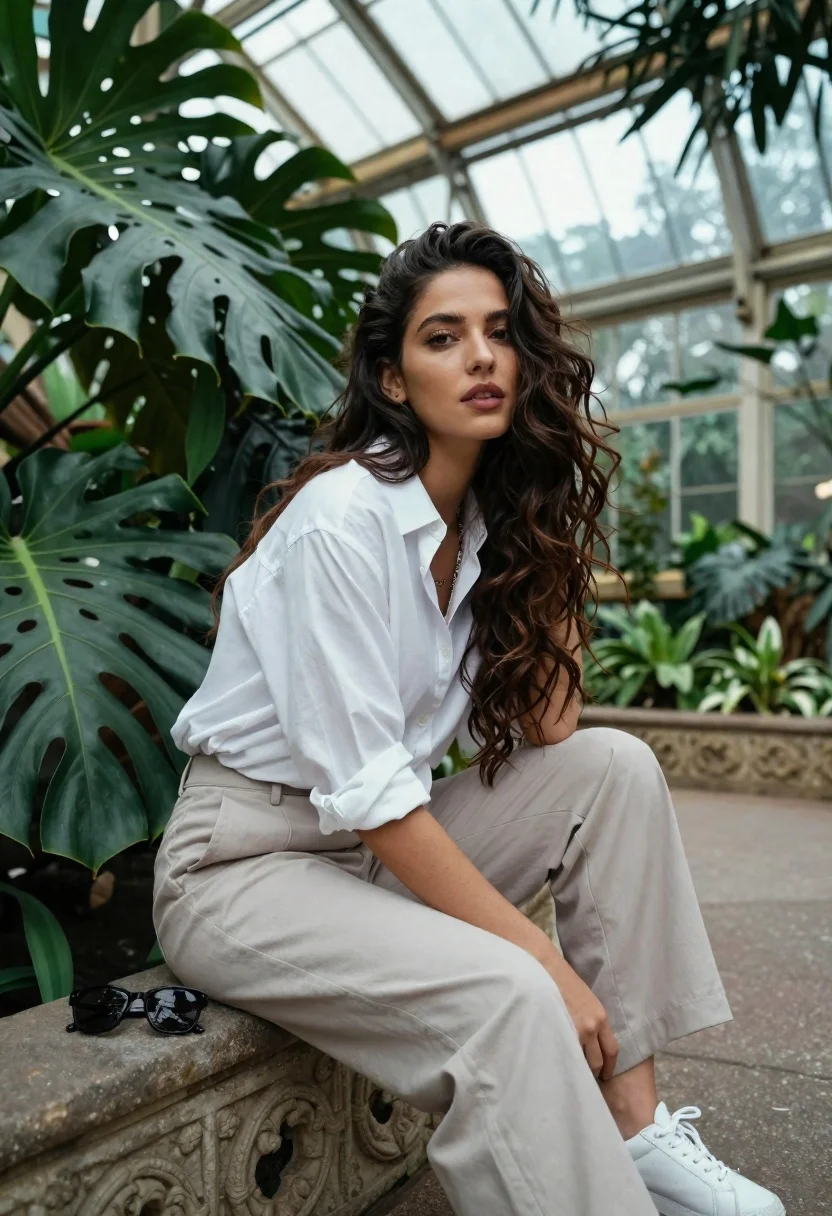
Young woman in white shirt sitting on stone ledge in glasshouse garden
Prompt
A woman with long wavy dark hair sits in a lush botanical garden surrounded by large green leaves and glass arches.

Subject: A young woman with long wavy dark brown hair, fair skin, and a calm, direct gaze looking at the camera.

Clothing: She wears a loose white button-down shirt with rolled-up sleeves, light beige wide-leg trousers, and white sneakers.

Action: She is seated on an ornate stone ledge or planter, leaning forward slightly with her left arm resting on her knee and her right hand placed near her ankle.

Environment: The setting is a glasshouse or conservatory filled with dense tropical foliage, large monstera leaves in the foreground, and a background of greenery under a high glass ceiling structure.

Camera: Shot from a low angle looking up at the subject, using a shallow depth of field to blur the background plants and glass architecture while keeping her face sharp.

Lighting: Soft natural light filters through the glass roof, creating a cool, diffused illumination with gentle shadows that highlight her features without harsh contrast.

Objects: A pair of black sunglasses rests on the stone ledge beside her left leg.

Style Details: High-resolution photography with a cinematic color grade emphasizing deep greens and soft whites, featuring a clean and polished aesthetic.
Description
This prompt is useful for creating editorial portraiture for lifestyle magazines, architectural interior design showcases, and mood boards focusing on natural light aesthetics. The combination of 'low angle looking up' with 'soft natural light filters through the glass roof' directs the viewer's eye upward toward the subject while using the shallow depth of field to isolate her against the complex background of 'large monstera leaves', preventing visual clutter.
Suggestions
- Change 'loose white button-down shirt' to 'sheer white blouse' for more delicate texture.
- Swap 'black sunglasses' for 'gold-rimmed reading glasses' to change the mood.
- Adjust 'deep greens and soft whites' to include a touch of 'muted terracotta' for warmer tones.
Category
Tags
Casual WearFair SkinFemaleIndoorsLow AngleMedium ShotOutdoorsPortrait ShotRealistic
Date added
June 26, 2026
Added by
PromptDexter Team
Related Prompts
More prompts with similar categories and tags.
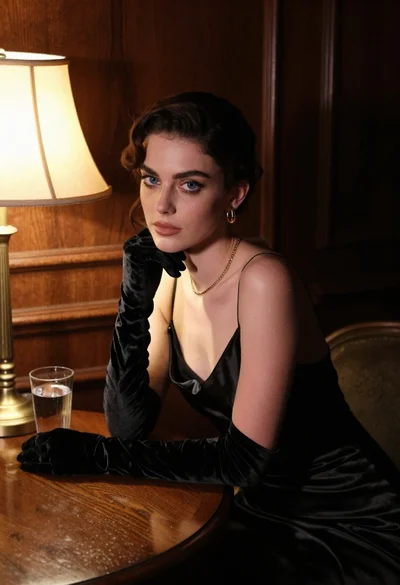
Woman in black satin dress and opera gloves at a wooden table
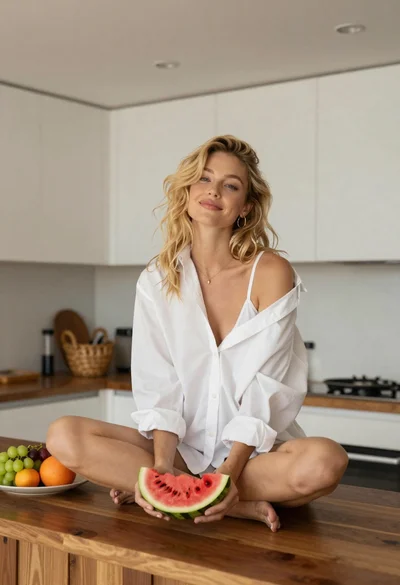
Blonde woman sitting on kitchen counter with watermelon slice

Blonde woman in rust knit sweater leaning against textured wall

Woman in black dress by window overlooking ocean at golden hour

Young blonde woman in brown top seated in modern living room setting
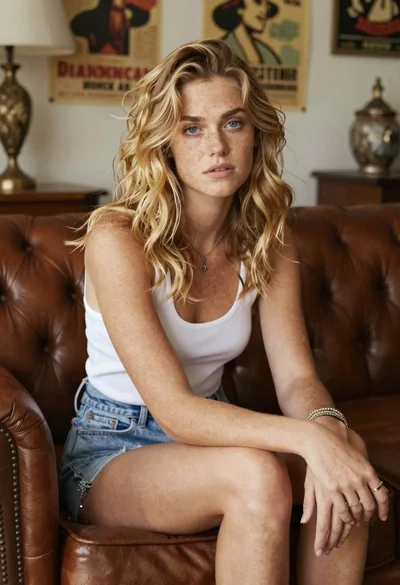
Woman with freckles sitting on brown leather sofa

Fair skinned woman in black sequined outfit sitting elegantly indoors

Black and white portrait of confident woman in blazer
