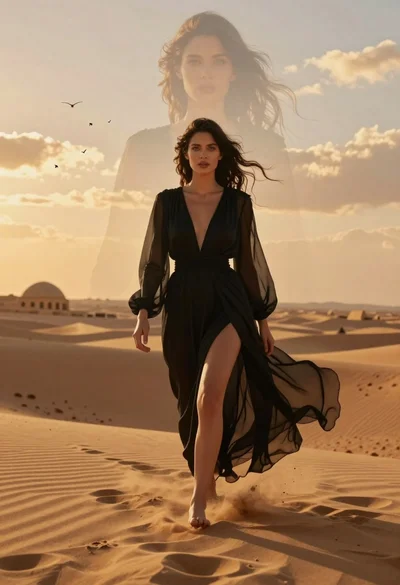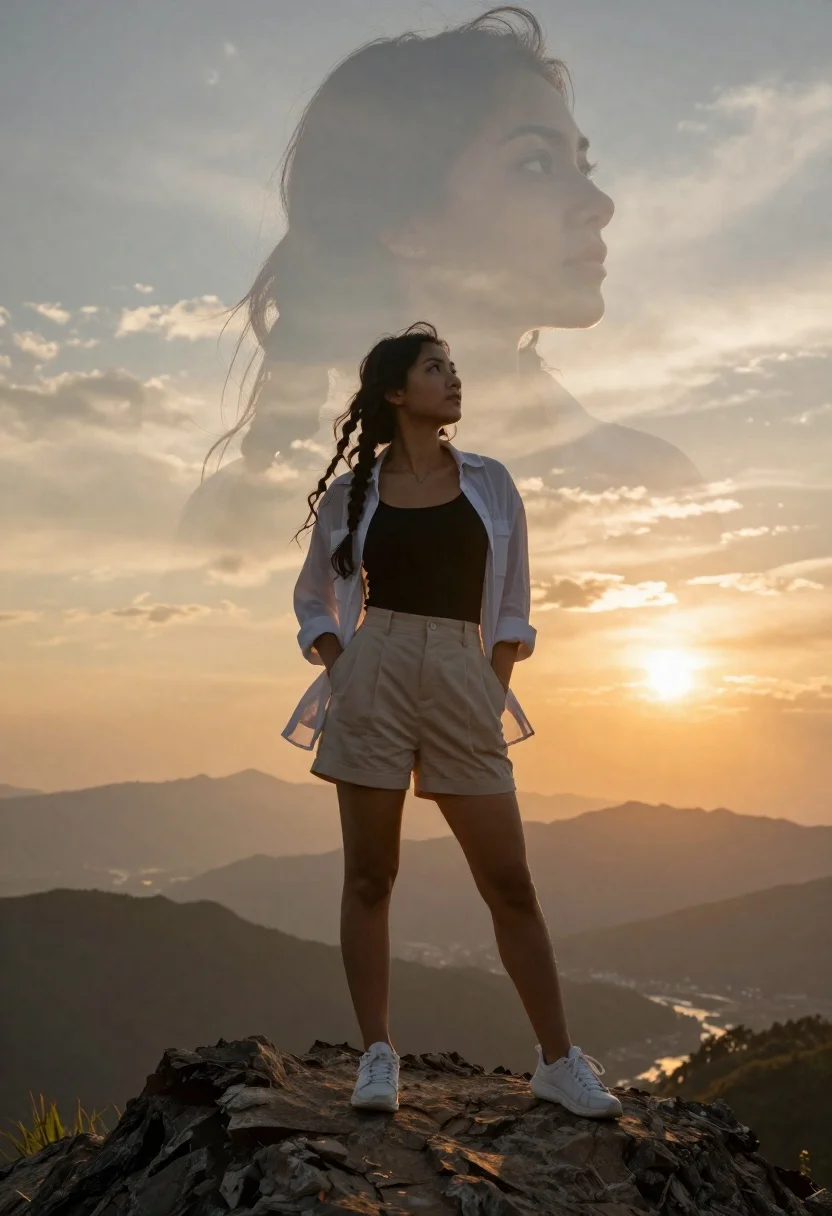
Young woman on mountain peak with ethereal face double exposure at sunset
Prompt
A young woman stands confidently on a rugged rocky mountain peak with her hands in her pockets, gazing upward at a massive, translucent double-exposure of her own face looming behind her head against a dramatic sunset sky. She has long dark wavy hair styled in two braids that flow freely around her shoulders and wears a black tank top under an open sheer white button-down shirt paired with beige pleated shorts and white sneakers. The scene is bathed in warm golden hour light with the sun glowing brightly on the right side casting soft shadows across her face and body while distant mountain ranges fade into atmospheric haze below. A large ethereal overlay of her face appears behind her head creating a dreamlike double exposure effect that blends seamlessly with the clouds. The composition uses a low angle shot to emphasize her stature against the vast landscape with shallow depth of field blurring the background mountains slightly. The overall style features cinematic lighting with rich warm tones and high contrast between the bright sky and darker foreground elements.
Description
This prompt is useful for creating dramatic cinematic posters, conceptual fine art photography, and editorial spreads emphasizing scale and introspection. The combination of 'low angle shot' to emphasize stature against the vast landscape, paired with the 'ethereal overlay of her face,' achieves a dreamlike quality that prevents the composition from feeling like a simple portrait by suggesting an internal or spiritual dimension.
Suggestions
- Change 'black tank top' to 'charcoal knit top' for more visual weight.
- Swap 'beige pleated shorts' for 'dark denim cargo shorts' to ground the figure.
- Adjust 'warm golden hour light' to 'deep blue twilight' for a cooler, moodier tone.
Category
Tags
Brown HairFemaleFull BodyLow AngleOutdoorsRealistic
Date added
June 19, 2026
Added by
PromptDexter Team
Related Prompts
More prompts with similar categories and tags.

Young woman in blue sweater holding yellow daffodils by railway tracks

Young woman with brown hair holding guitar in a dusty vortex
Young woman in mustard shirt leaning against bamboo under full moon

Romantic couple dancing intimately on cobblestone street at dusk
Young woman in grey sweater leaning on railing with bicycle and cat
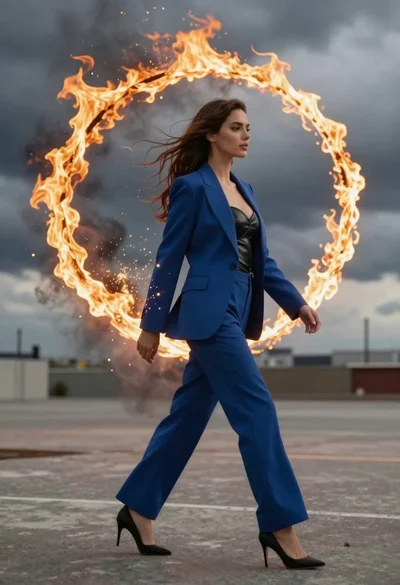
Young woman in blue blazer walking forward in profile against a ring
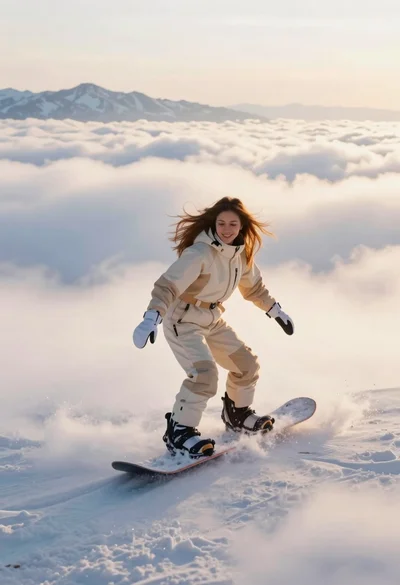
Joyful woman snowboarding above sea of clouds with distant mountains
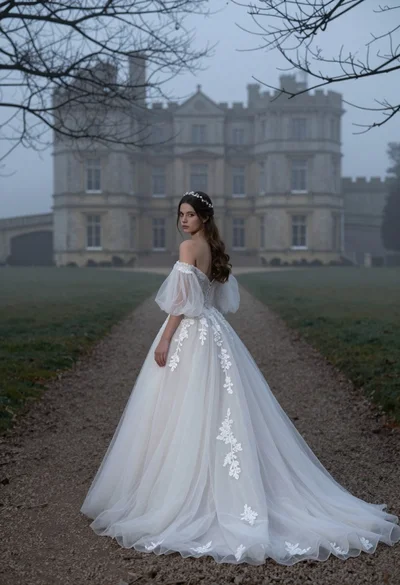
Woman in white wedding gown on gravel path before misty castle
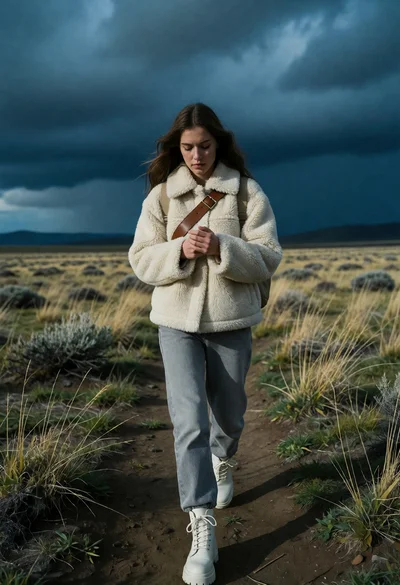
Solitary woman walking on dirt path through windswept grassland under storm sky
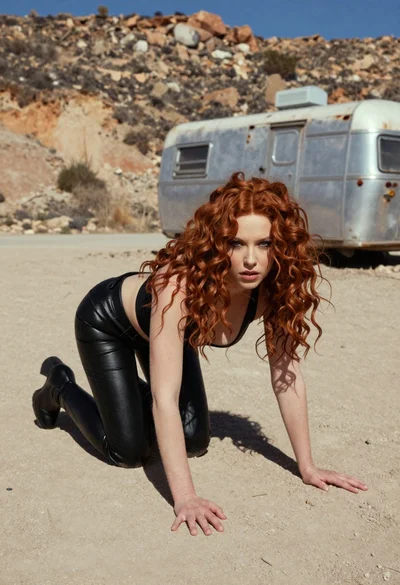
Woman crawling on dusty hillside in black leather outfit low angle