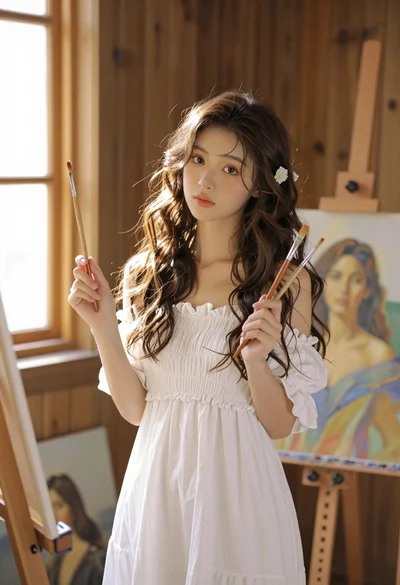
Young woman with brown hair painting a portrait in art studio
Prompt
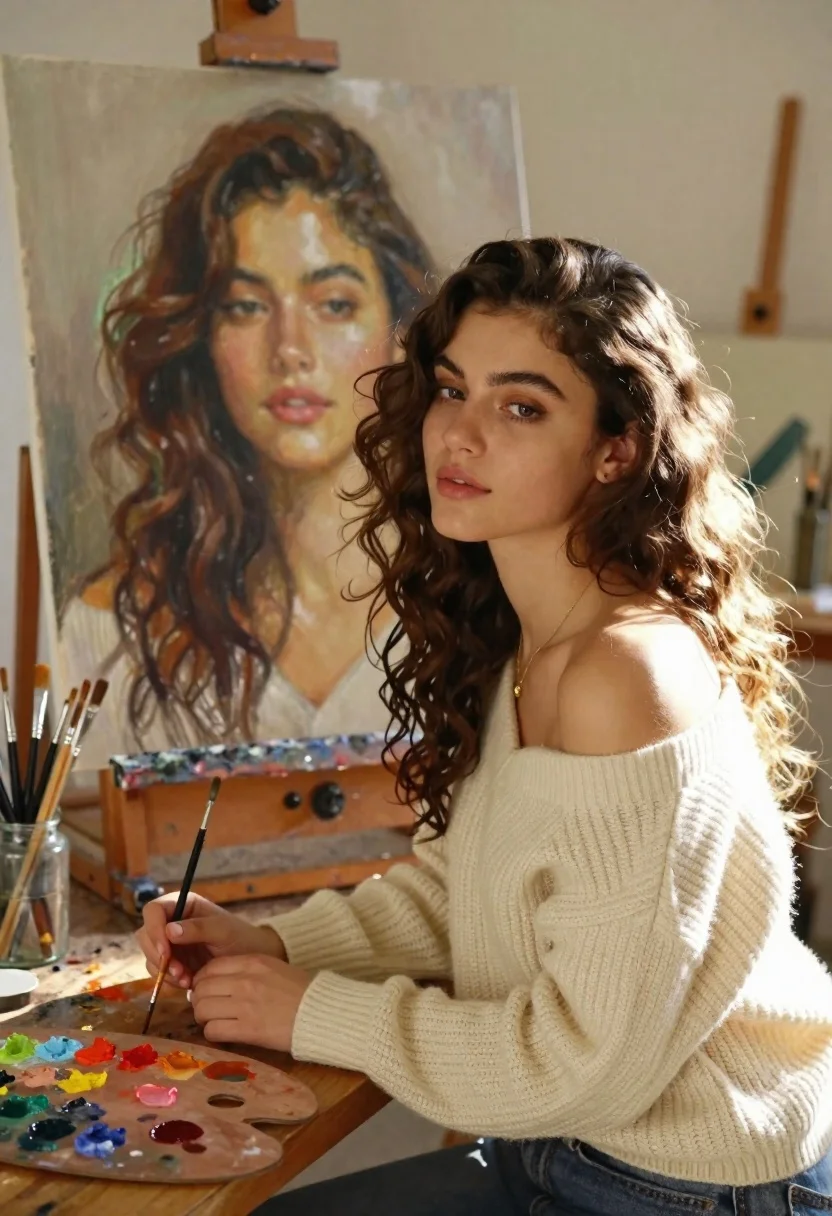
A young woman with wavy brown hair sits at a wooden table in an art studio, looking thoughtfully to the side while painting a large portrait of herself on an easel behind her.

Subject: A young woman with long wavy brown hair and warm skin tone sitting at a wooden desk.

Clothing: She wears a cream-colored off-the-shoulder ribbed knit sweater and a delicate gold necklace.

Action: Her hands rest gently on the table near paintbrushes, and she gazes downward with a contemplative expression.

Environment: The setting is an art studio featuring a large canvas displaying a hyper-realistic oil painting of her own face in the background.

Camera: The shot is framed at eye level with a medium close-up perspective that captures both the artist and her artwork clearly.

Lighting: Soft natural light streams from the right side, creating a warm glow on her hair and highlighting the texture of the paint on the canvas.

Objects: Paintbrushes stand in glass jars on either side of the table, alongside a wooden palette smeared with colorful paints.

Style Details: The image blends realistic photography with painterly textures, mimicking an oil painting aesthetic with soft focus and warm color grading.
Description
This prompt is useful for creating fine art concept illustrations, character studies for historical dramas, and editorial features on artistic processes. The combination of 'soft natural light' streaming from the right side and the inclusion of a 'wooden palette smeared with colorful paints' grounds the scene in tangible reality while the specified 'painterly textures' prevent the image from looking like a sterile photograph, making it suitable for narrative art pieces.
Suggestions
- Change 'cream-colored off-the-shoulder ribbed knit sweater' to 'deep emerald velvet' for richer contrast.
- Add 'chiaroscuro lighting' to deepen shadows and enhance drama.
- Swap 'medium close-up perspective' for 'over the shoulder shot' to emphasize the painting.
Category
Tags
Brown HairFair SkinFemaleIndoorsMedium ShotRealisticStudio
Date added
June 21, 2026
Added by
PromptDexter Team
Related Prompts
More prompts with similar categories and tags.
Young woman in gold dress beside her portrait painting in art studio
Young woman in navy embroidered traditional dress indoors medium shot
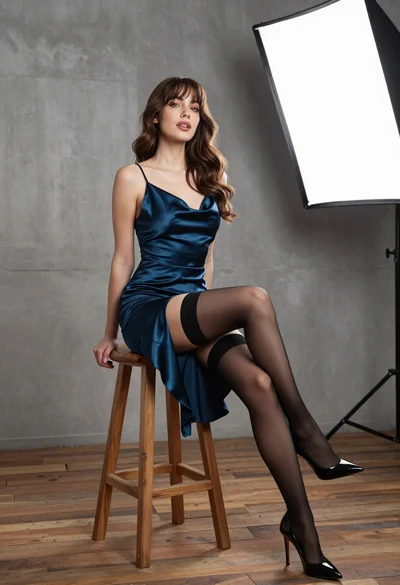
Young woman in dark teal slip dress sitting on wooden stool in
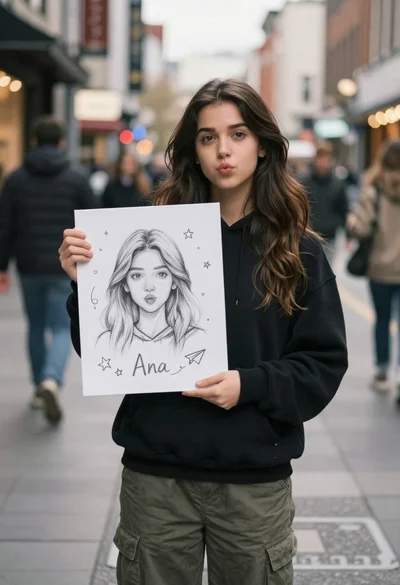
Young woman with long dark hair holding white board with pencil sketch
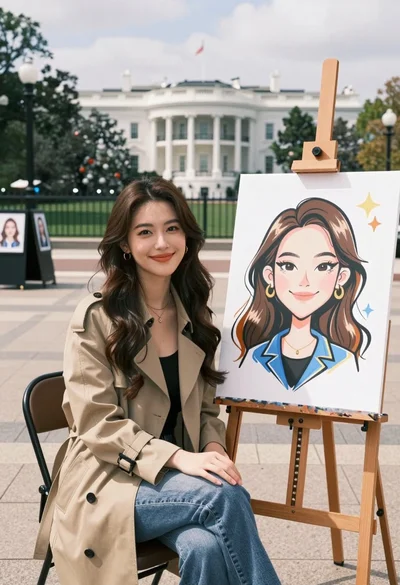
Young woman smiling next to her caricature portrait on an easel outdoors
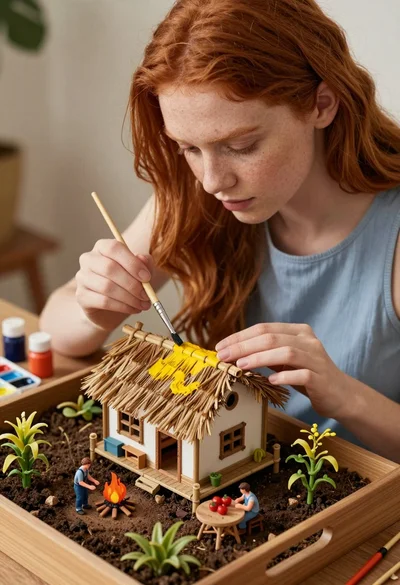
Young woman painting miniature village diorama with red hair
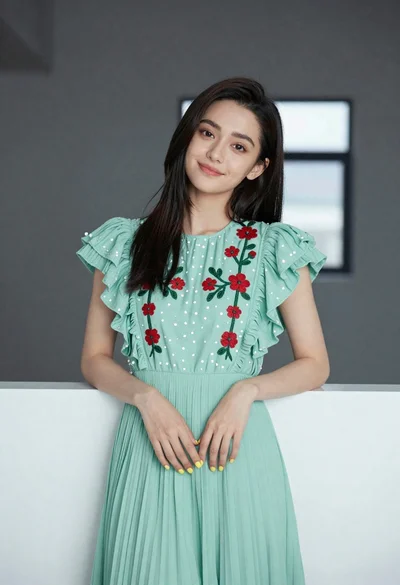
Young woman in light green embroidered dress leaning indoors

Young woman in black graphic tshirt against white paneled wall
