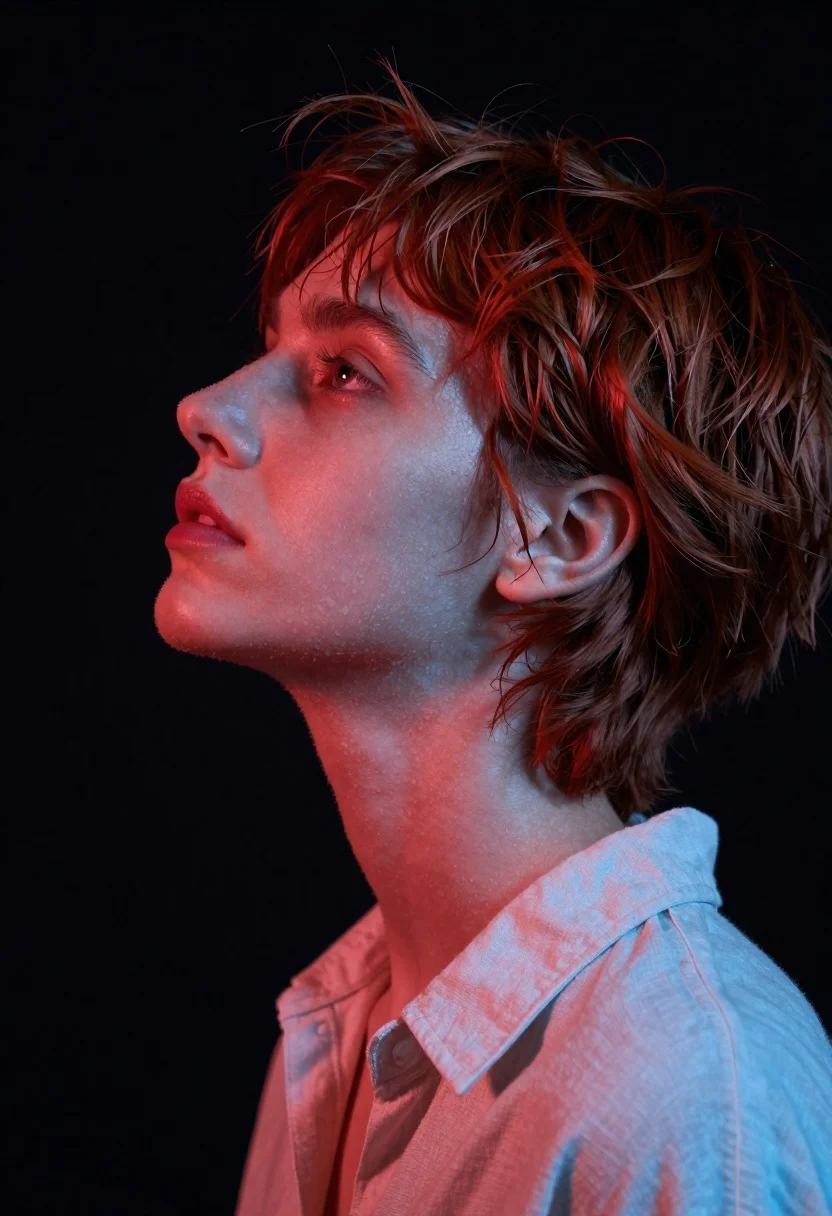
Close up profile portrait of woman with reddish brown hair looking upward
Prompt
A close-up profile portrait of a woman with short, tousled reddish-brown hair gazing upward and to the left.

Subject: A young woman with fair skin and short, textured hair that appears slightly windblown or messy around her ears. Her facial features are sharp and defined in profile, including a straight nose and full lips. She has a calm, contemplative expression with her head tilted back slightly.

Clothing: She wears a light-colored, possibly off-white or pale blue collared shirt made of a soft fabric like linen or cotton. The collar is visible near the neck.

Action: Her head is turned in profile facing left, and she is looking up towards an unseen point above her. Her expression is serene and thoughtful.

Environment: The background is a solid, deep black void that isolates the subject completely.

Lighting: Dramatic dual-tone lighting with a strong warm red light illuminating the front of her face, neck, and hair from the left, contrasting with a cool blue rim light hitting the back of her head and neck from the right. The lighting creates high contrast and emphasizes texture on her skin and hair.

Camera: Tight close-up framing focusing on the head and shoulders, shot at a slight low angle looking up at the subject to emphasize her upward gaze.

Style Details: High-fashion editorial photography with a cinematic color palette featuring deep reds and cool blues against black. The image has a smooth, polished digital rendering quality with soft focus on the background.
Description
This prompt is useful for creating high-fashion editorial moodboards, character concept art focusing on emotion, and dramatic beauty advertisements. The combination of 'dramatic dual-tone lighting'—specifically the warm red front light contrasting with the cool blue rim light—is crucial because it sculpts the profile by highlighting texture while simultaneously using complementary colors to prevent the image from looking flat against the solid black void.
Suggestions
- Change 'reddish-brown hair' to 'auburn highlights' for more visible dimension.
- Swap 'deep black void' for 'charcoal grey seamless backdrop' to soften the contrast.
- Adjust 'low angle' to 'eye level' if you want a less dramatic, more intimate feel.
Category
Tags
Brown HairBrunetteClose UpFair SkinFemaleLow AngleRealisticRed HairStudio
Date added
June 19, 2026
Added by
PromptDexter Team
Related Prompts
More prompts with similar categories and tags.
Close up portrait of young woman with dark hair in sequined black
Close up portrait of woman with dark wavy hair in pink top
Close up portrait of young woman making heart shape over chest
Young woman in dark teal slip dress sitting on wooden stool in

Photorealistic portrait of woman in red gold armor holding shield studio shot
Close up portrait of young woman with braid under blue sky daylight
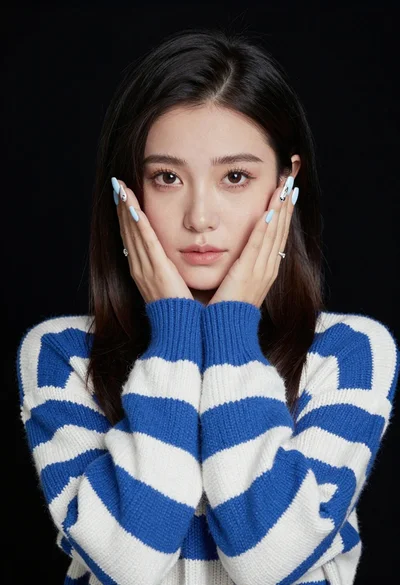
Portrait of young woman in striped sweater against dark background
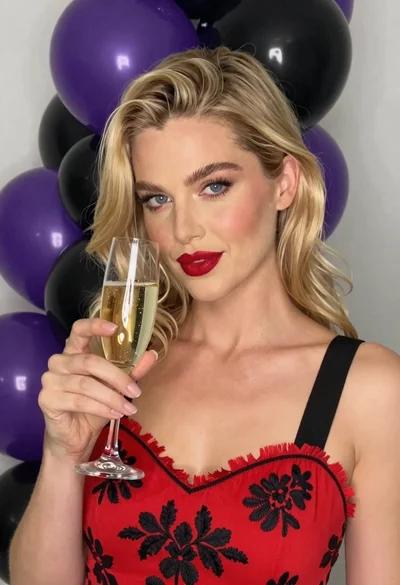
Close up portrait of blonde woman with champagne against purple balloons
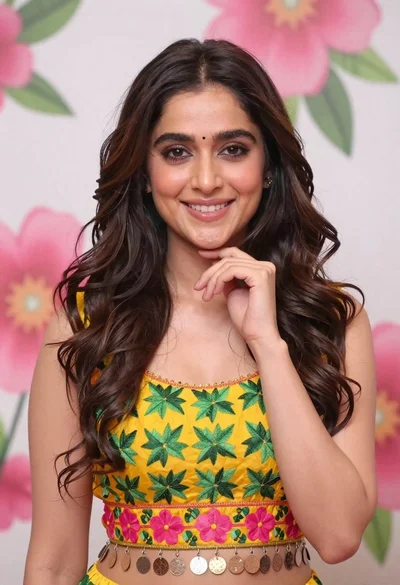
Smiling young woman in yellow floral top against pink flower mural
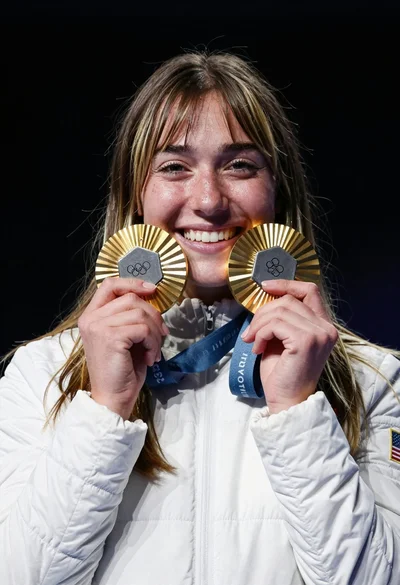
Joyful young woman holding gold medals against a solid black background