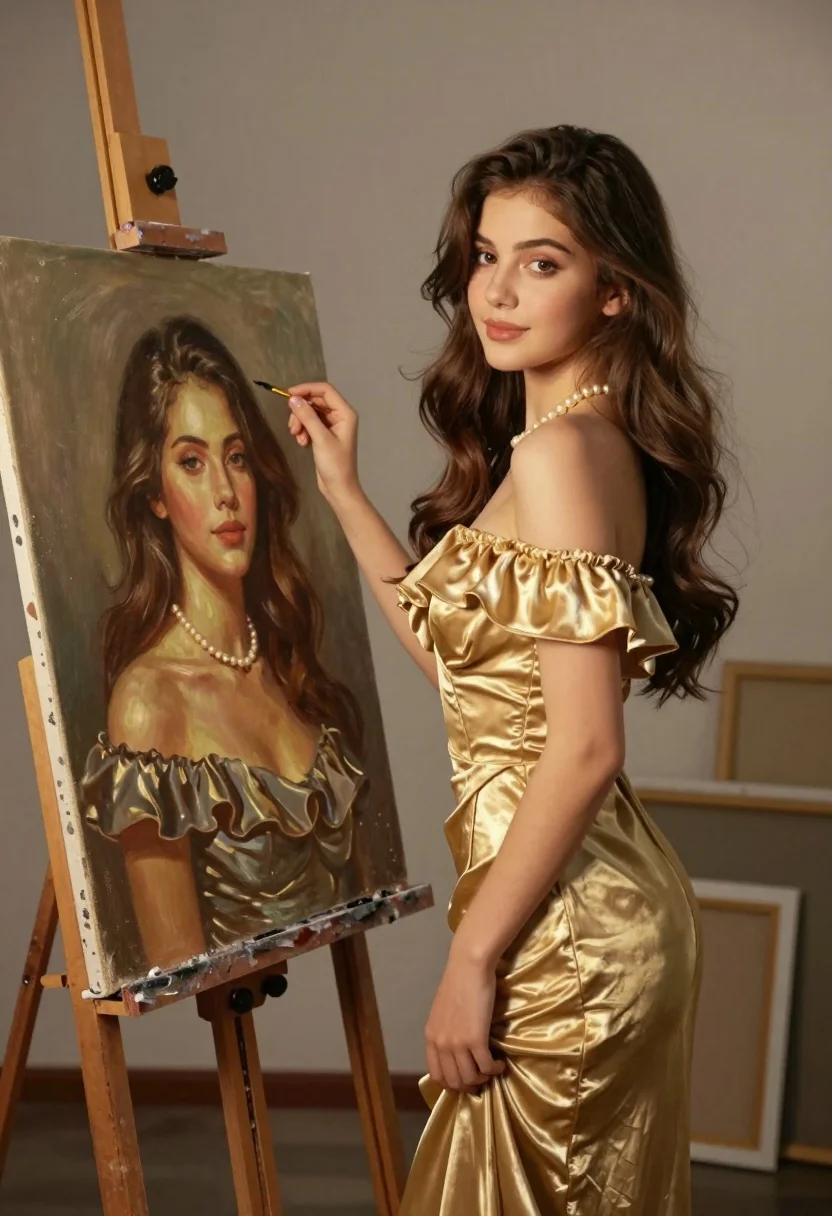
Young woman in gold dress beside her portrait painting in art studio
Prompt
A young woman in a golden off-the-shoulder dress stands beside an easel displaying her own portrait painting.

Subject: A young woman with long wavy brown hair and fair skin, wearing a pearl necklace, standing next to a large canvas on an easel.

Clothing: She wears a shimmering gold off-the-shoulder dress with ruffled sleeves and a fitted waist, complemented by a delicate pearl necklace.

Action: The woman stands in profile facing the painting, her left hand gently touching the frame while her right hand rests near her hip, looking directly at the viewer with a soft smile.

Environment: An indoor art studio setting with a neutral gray wall background, wooden easel legs, and framed canvases leaning against the wall in the distance.

Camera: Medium shot capturing both the woman and the full canvas, slightly angled to show depth between the subject and her artwork.

Lighting: Warm golden hour lighting from the right side casting soft shadows and highlighting the texture of the dress and skin tones.

Style Details: Hyper-realistic digital painting style with painterly brushstrokes visible on the canvas but smooth rendering on the woman, rich color grading with earthy tones and golden highlights.
Description
This prompt is useful for creating editorial fashion moodboards, fine art concept illustrations, and character concept sheets for historical dramas. The combination of 'hyper-realistic digital painting style' for the subject against visible brushstrokes on the canvas creates a deliberate visual contrast that grounds the figure in an artistic process while maintaining photorealistic appeal.
Suggestions
- Change 'golden off-the-shoulder dress' to 'deep emerald velvet gown' for a richer color palette.
- Add 'chiaroscuro lighting' to enhance the drama of the studio setting.
- Swap 'neutral gray wall background' for 'dark wood paneling' to ground the scene.
Category
Tags
Brown HairFair SkinFemaleMedium ShotPortrait ShotRealisticStudioTraditinal Art
Date added
August 5, 2026
Added by
PromptDexter Team
Related Prompts
More prompts with similar categories and tags.
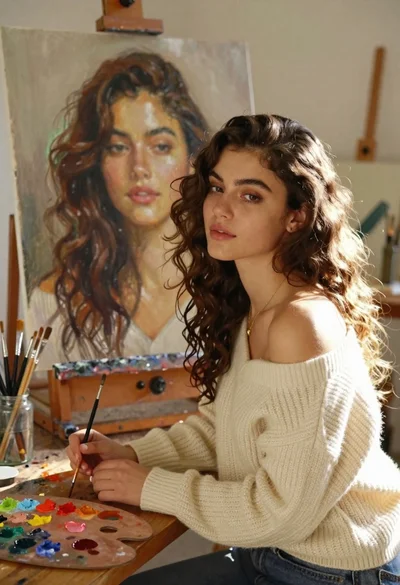
Young woman with brown hair painting a portrait in art studio
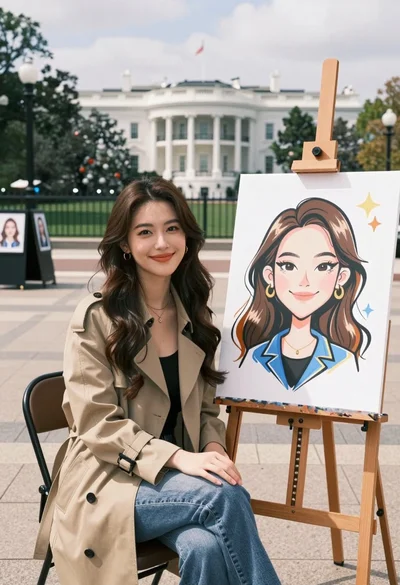
Young woman smiling next to her caricature portrait on an easel outdoors
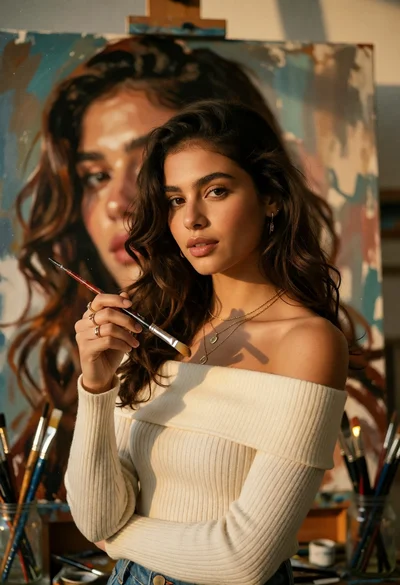
Young woman in art studio holding paintbrush near large selfportrait painting
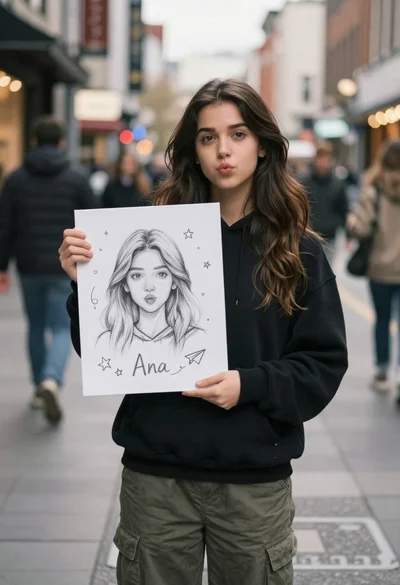
Young woman with long dark hair holding white board with pencil sketch
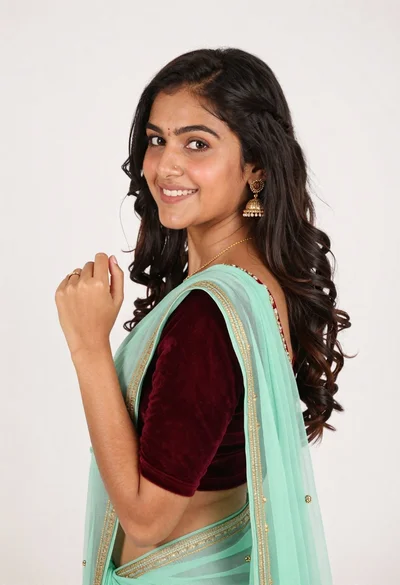
Smiling young woman in maroon velvet and mint saree studio portrait
Woman with dark brown hair seated in wooden chair against green backdrop
Close up portrait of woman with brown hair against solid orange background

Woman with brown hair forming heart shape in white strapless dress
Portrait of mother and daughter sitting together against neutral studio background

Photorealistic portrait of woman in red gold armor holding shield studio shot