
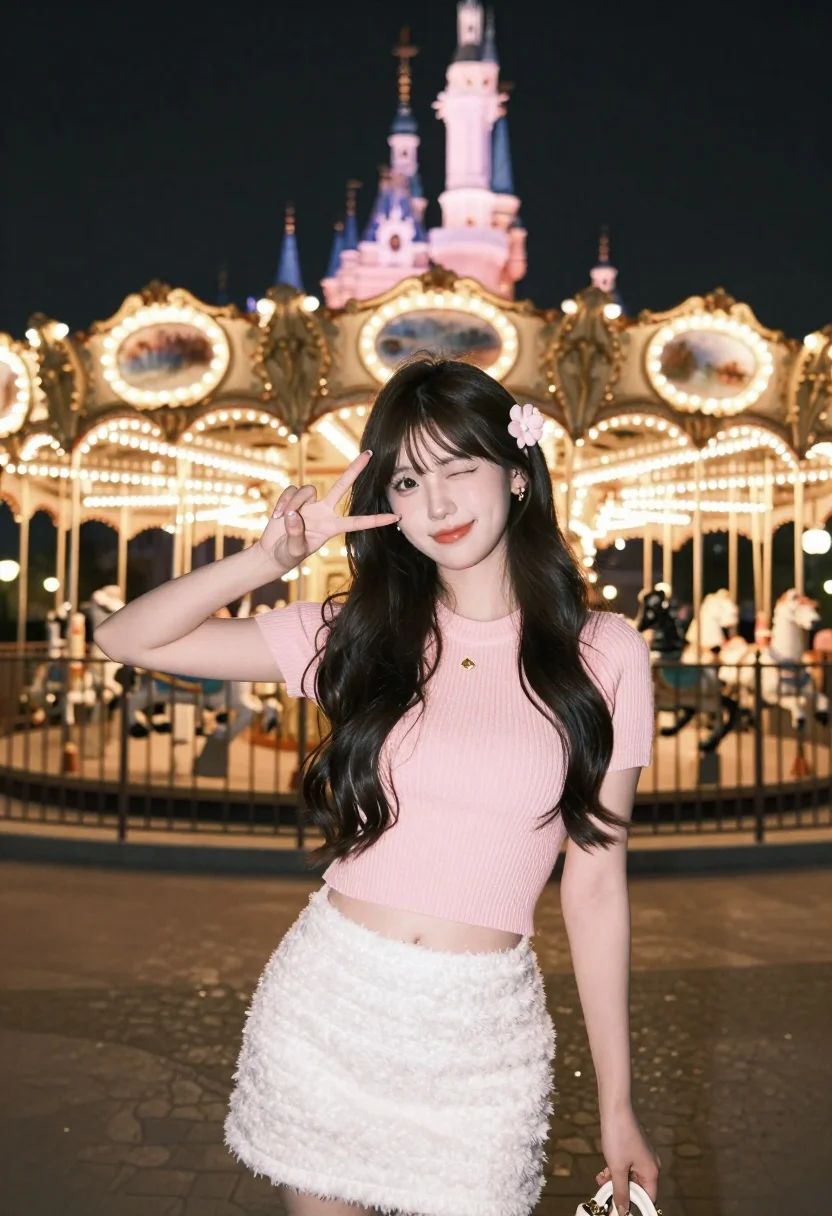
Young woman posing playfully at night near illuminated amusement park carousel
Prompt
A young woman with long dark hair stands in the foreground posing playfully at night.

Subject: A young woman with long, wavy dark hair featuring a small pink flower accessory tucked behind her ear, displaying a soft smile and a playful wink while making a peace sign with her hand.

Clothing: She wears a pale pink ribbed knit short-sleeved crop top paired with a fluffy white textured mini skirt, holding a small cream-colored handbag with gold hardware in one hand.

Action: The subject is posing for the camera with a cheerful expression, winking at the lens while raising her right hand to form a peace sign gesture near her face.

Environment: The scene is set outdoors at night in an amusement park featuring a brightly lit carousel with golden poles and painted horses directly behind the subject, with a large illuminated castle visible in the distant background under a dark sky.

Camera: The shot is a medium close-up framed from a slightly low angle to emphasize the subject against the towering background elements, utilizing a shallow depth of field that keeps the woman sharp while softly blurring the festive lights and architecture behind her.

Lighting: The scene is illuminated by warm ambient light reflecting off the carousel and cool blue artificial lighting on the distant castle, creating a high-contrast night atmosphere with soft highlights on the subject's skin and hair.

Style Details: The image exhibits a vibrant, dreamy aesthetic with a focus on pastel color grading, soft bokeh effects from the background lights, and a polished, high-quality portrait finish.
Description
This prompt is useful for creating themed event photography, playful travel portraits, and editorial mood shots capturing nighttime energy. The combination of 'warm ambient light' reflecting off the carousel against 'cool blue artificial lighting' on the castle establishes a high-contrast night atmosphere that perfectly frames the subject's playful pose while the 'shallow depth of field' ensures the focus remains sharply on her expression.
Suggestions
- Change 'pale pink ribbed knit crop top' to 'pastel yellow knit crop top' for a different color pop.
- Swap 'fluffy white textured mini skirt' for 'denim high-waisted mini skirt' to change the material feel.
- Adjust 'medium close-up framed from a slightly low angle' to 'full body shot' to incorporate more of the carousel.
Category
Tags
Black HairCasual WearFemaleLow AngleOutdoorsRealistic
Date added
July 3, 2026
Added by
PromptDexter Team
Related Prompts
More prompts with similar categories and tags.
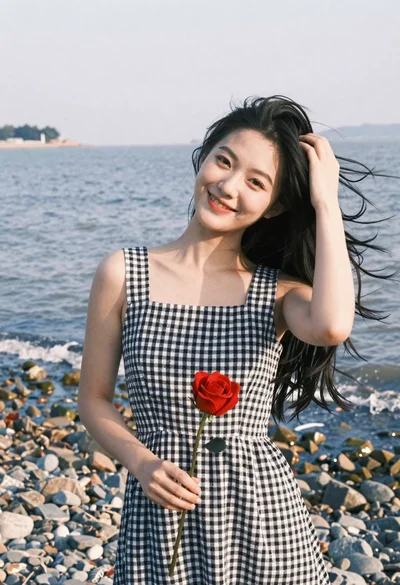
Smiling young woman in gingham dress holding red rose on pebbly beach
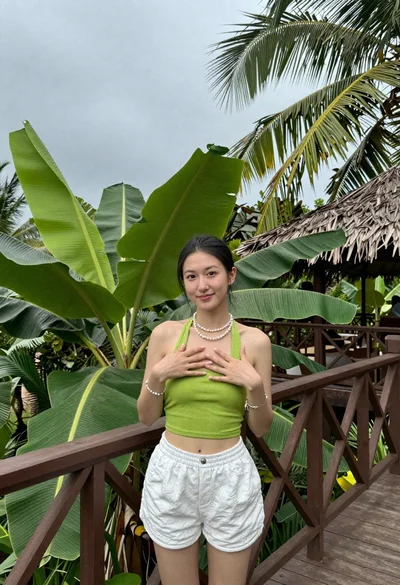
Young woman on wooden deck surrounded by tropical foliage under overcast sky
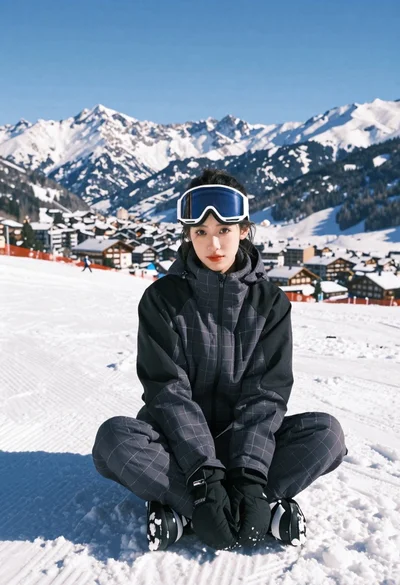
Young woman in charcoal ski suit sitting in deep snow mountains
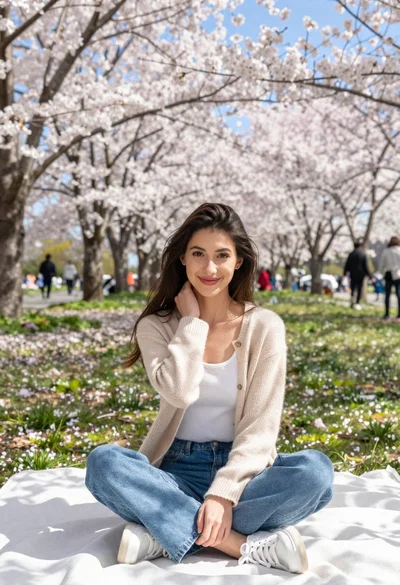
Young woman in beige cardigan sitting on blanket under cherry blossoms
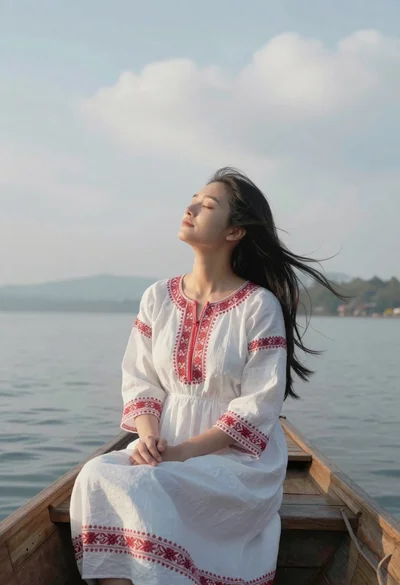
Young woman in white embroidered dress sitting in wooden boat on water
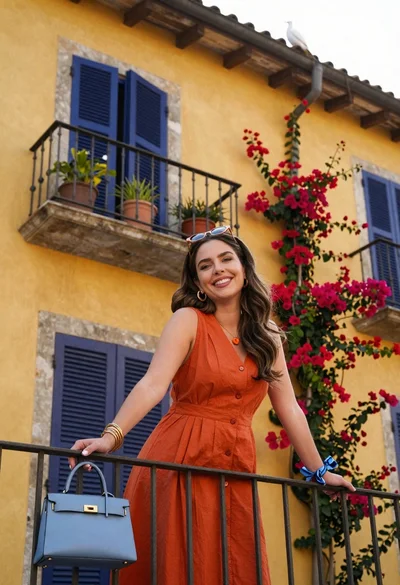
Smiling woman in orange dress on balcony with bougainvillea flowers
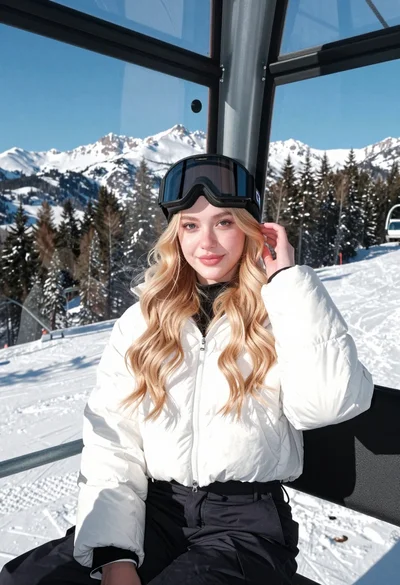
Young blonde woman in white puffer jacket sitting on ski lift
Fair blonde woman in black sweatshirt against snowy mountain landscape backdrop
Smiling young woman next to minnie mouse character at epcot geodesic sphere

Smiling woman on a busy japanese city street
