

Young woman sitting inside red shopping cart in room with orange walls
Prompt
A young woman sits inside a red shopping cart in the center of a brightly lit room with orange walls and shelves filled with colorful cereal boxes.

Subject: A young woman with long dark hair, wearing a white t-shirt and checkered trousers, sitting casually inside a red wire shopping cart with her legs extended forward.

Clothing: She wears a plain white short-sleeved t-shirt, grey and white checkered cropped trousers, and white pointed-toe high heels.

Action: The woman is seated in the shopping cart with her arms crossed over her chest, looking directly at the camera with a neutral expression.

Environment: The setting is an indoor room with bright orange walls and floor, featuring built-in shelves on both sides packed with colorful cereal boxes labeled with fictional names like "Fiction Creins" and "Fetor Chicken Vultures".

Camera: A medium shot capturing the woman and the cart from a slightly low angle, emphasizing the surrounding shelves and the large text on the wall.

Lighting: Bright and even indoor lighting that illuminates the scene uniformly with soft shadows under the cart and shelves.

Text/Graphics: Large white 3D block letters on the orange wall read "COMMIS CEREAL KILLER." in a bold sans-serif font.

Style Details: The image has a clean, commercial photography aesthetic with vibrant saturated colors and sharp focus on the subject and foreground objects.
Description
This prompt is useful for creating quirky editorial spreads, surreal product placement advertisements, and themed character concept art. The combination of 'bright orange walls' and 'red wire shopping cart' establishes a highly saturated, artificial environment that directs the viewer's eye immediately to the subject against an unexpected backdrop, while the 'clean, commercial photography aesthetic' ensures all elements remain sharply defined despite the surreal composition.
Suggestions
- Change 'checkered trousers' to 'denim overalls' for a different casual vibe.
- Swap 'bright orange walls' for 'mustard yellow walls' to shift the warmth of the scene.
- Adjust 'medium shot' to 'full body shot' to better incorporate the extended legs.
Category
Tags
Casual WearFemaleFull BodyIndoorsLow AngleMedium ShotOutdoorsRealistic
Date added
June 23, 2026
Added by
PromptDexter Team
Related Prompts
More prompts with similar categories and tags.
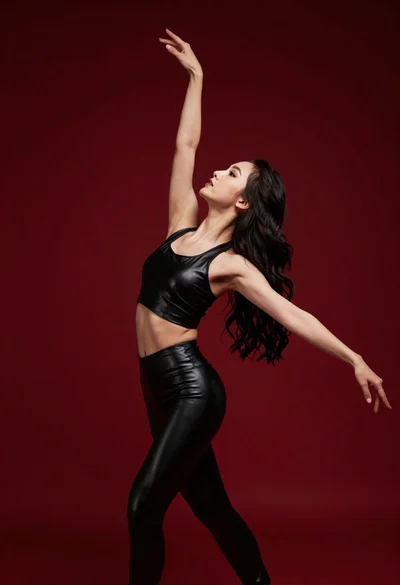
Graceful woman in black leather outfit dancing against deep red studio backdrop
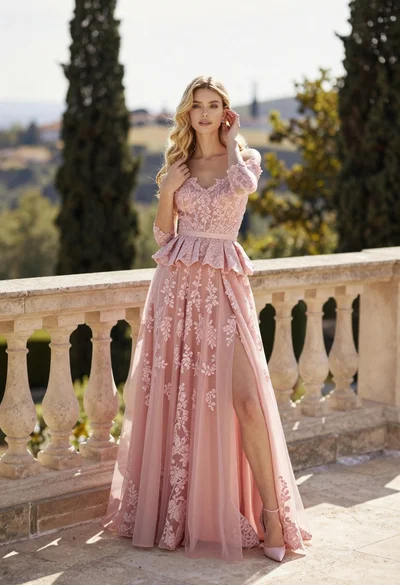
Fair skinned woman in pink ballgown on stone terrace outdoors

Smiling blonde woman in cream slip dress sitting on vintage orange scooter

Young woman in white shirt sitting on stone ledge in glasshouse garden
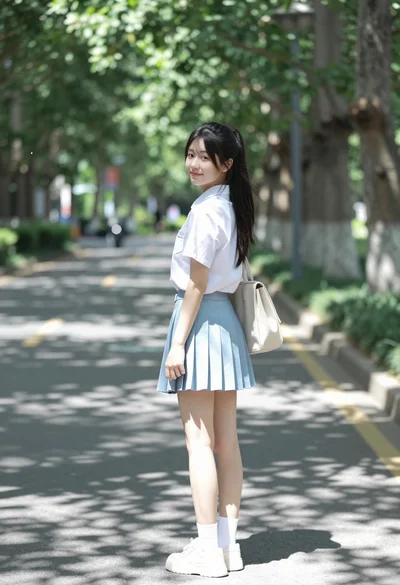
Young woman in white shirt and blue skirt on treelined paved walkway

Young woman in sheer white robe on balcony overlooking european cityscape at
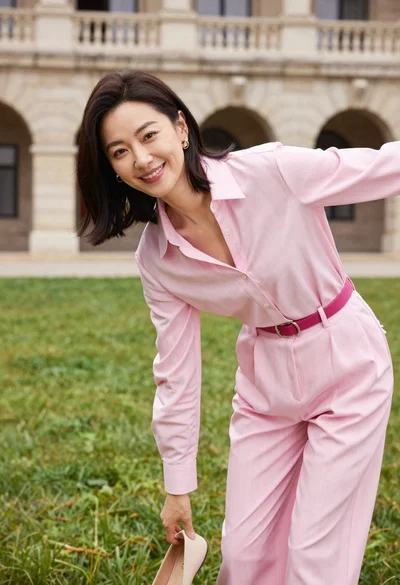
Woman in pink blouse picking up shoe on green lawn near stone

Young woman with dog sitting on green grass in a garden setting
