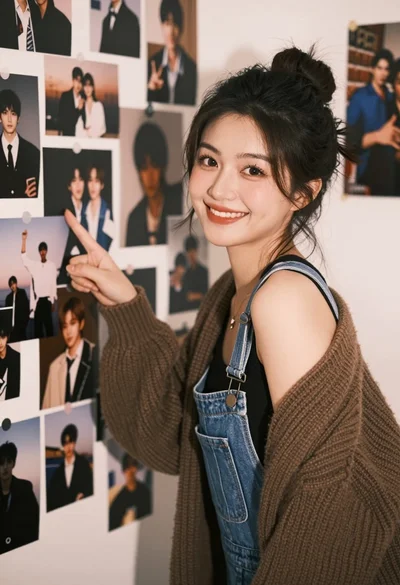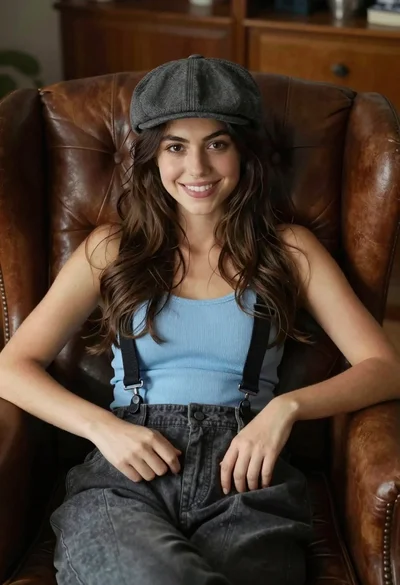

Young woman smiling in restaurant booth with window view
Prompt
A young woman with wavy brown hair smiles softly at the camera while seated in a restaurant booth.

Subject: A young woman with shoulder-length wavy brown hair and a warm smile looking directly at the viewer.

Clothing: She wears a light blue ribbed tank top with a plunging neckline, layered gold necklaces, and white shorts.

Action: She is leaning forward slightly with her arms resting on the table, exuding a relaxed and friendly demeanor.

Environment: The setting is a rustic restaurant interior with wooden beams, brick walls, and large windows overlooking green trees and a gazebo outside.

Camera: Shot from a medium close-up angle at eye level, capturing the subject clearly against the bright window background.

Lighting: Natural sunlight streams in from the right side, casting soft highlights on her face and hair while creating gentle shadows.
Second

Subject: Another person is partially visible on the right edge of the frame, wearing a white sleeveless top.

Objects: A wooden table with a menu and a Coca-Cola bottle sits in front of her, along with hanging hats above.

Style Details: The image has a candid, lifestyle photography feel with warm tones and natural depth of field.
Description
This prompt is useful for creating lifestyle blog features, casual portrait sessions, and restaurant ambiance marketing materials. The combination of 'natural sunlight streams in from the right side' and the 'medium close-up angle at eye level' ensures that the subject remains the focus while the visible background elements—like the 'wooden beams' and 'green trees'—provide contextual depth without distracting from her warm smile.
Suggestions
- Change 'light blue ribbed tank top' to a specific pattern like 'striped knit top' for more visual interest.
- Add 'bokeh effect' to the camera section to blur the window view further.
- Swap 'Coca-Cola bottle' for an empty glass of wine to adjust the perceived mood.
Category
Tags
Brown HairBrunetteCasual WearFemaleIndoorsRealistic
Date added
June 19, 2026
Added by
PromptDexter Team
Related Prompts
More prompts with similar categories and tags.
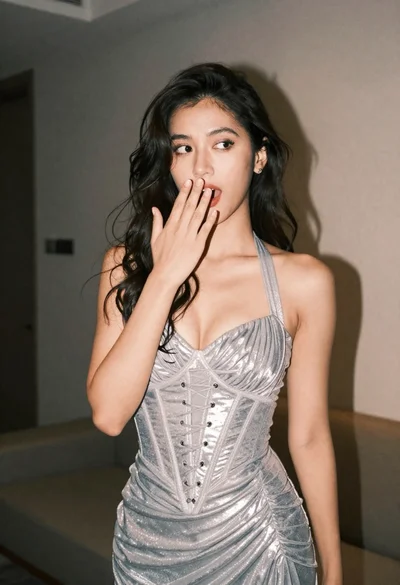
Woman in shimmering silver halter dress posing indoors with playful gesture
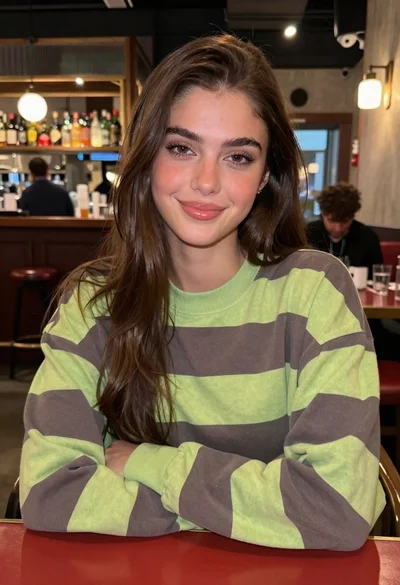
Young woman in striped sweatshirt sitting at restaurant table smiling
Portrait of young woman in blue crop top and denim shorts
Woman eating food with chopsticks in modern restaurant setting
Young woman leaning on cream wall with teal crop top jeans
Woman with brown hair by white window blinds

Young woman in red velvet gown standing indoors against white wall

Young woman with dark wavy hair sitting indoors on beige sofa
Young woman with dark hair seated by train window looking at camera

Woman in dark green mini dress smiling indoors near glowing neon love