
Woman eating food with chopsticks in modern restaurant setting
Prompt
A woman with long brown hair is captured mid-bite as she eats a piece of food held by chopsticks in a restaurant setting.

Subject: A woman with long wavy brown hair and visible tattoos on her neck and hand, wearing a black ribbed top with a deep V-neckline and buttons.

Clothing: She wears a dark grey or black long-sleeved button-up shirt that is unbuttoned at the top, revealing a necklace and chest tattoo.

Action: She holds wooden chopsticks in her right hand, bringing food to her open mouth with an expressive look of enjoyment.

Environment: The setting is a modern restaurant with warm wooden paneling on the walls and ceiling, recessed lighting, and blurred background elements including tables and chairs.

Camera: Medium close-up shot taken from a slightly low angle, focusing on the subject's face and upper body with a shallow depth of field blurring the background.

Lighting: Warm ambient indoor lighting highlights her face and hair, creating soft shadows and emphasizing the texture of her clothing and skin.

Objects: A bowl of soup with a spoon sits on the table in front of her, along with a plate of food garnished with greens and a partially visible beverage can.

Style Details: Naturalistic photography with high detail, realistic textures, and warm color grading that enhances the cozy atmosphere of the dining experience.
Description
This prompt is useful for creating lifestyle editorial spreads, intimate character portraits, and restaurant ambiance marketing materials. The combination of 'medium close-up shot taken from a slightly low angle' paired with 'warm ambient indoor lighting' directs focus intensely onto the subject's expression and the act of eating, while the shallow depth of field ensures that background elements remain suggestive rather than distracting.
Suggestions
- Change 'black ribbed top' to 'silk blouse' for a more upscale feel.
- Swap 'wooden chopsticks' for 'gold-toned chopsticks' to add luxury contrast.
- Adjust 'warm color grading' to 'muted cinematic tones' for a moodier effect.
Category
Tags
Brown HairBrunetteCasual WearFemaleFoodIndoorsLow AngleRealistic
Date added
June 19, 2026
Added by
PromptDexter Team
Related Prompts
More prompts with similar categories and tags.
Young woman leaning on cream wall with teal crop top jeans

Young woman with brown hair in beige cardigan smiling indoors at camera
Young woman with brown hair sitting in a leather armchair indoors
Young woman smiling in restaurant booth with window view

Smiling young woman in maroon top standing outdoors with blurred background
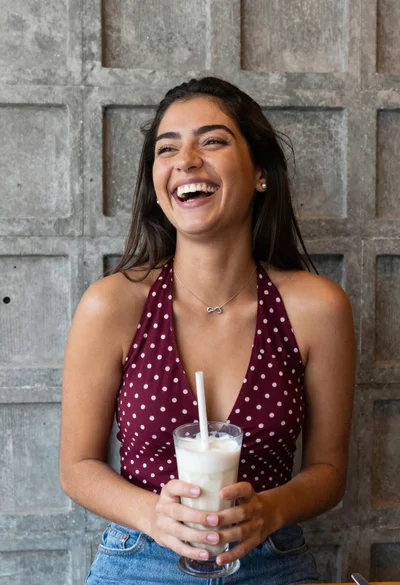
Young woman laughing while holding milkshake against grey concrete wall
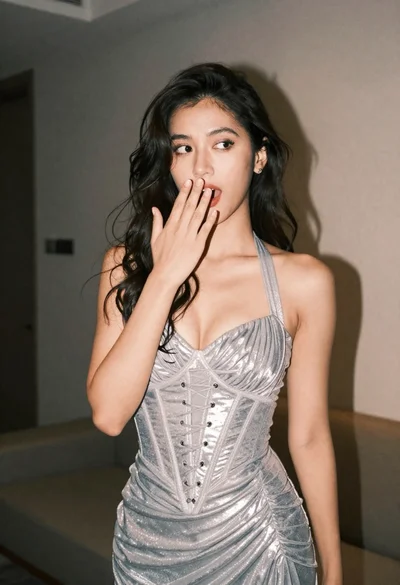
Woman in shimmering silver halter dress posing indoors with playful gesture
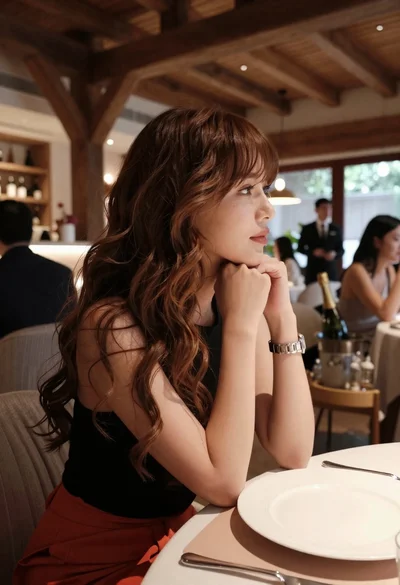
Profile portrait of woman at dining table in upscale restaurant setting
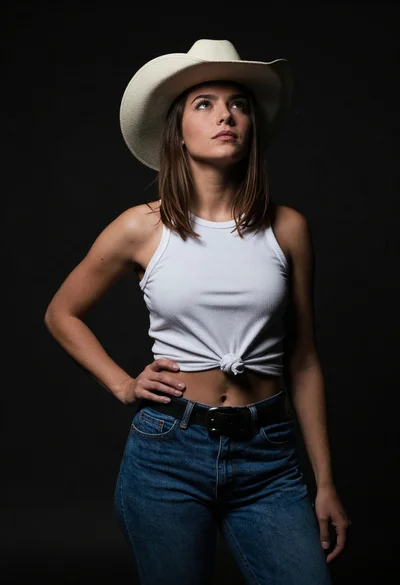
Confident woman in cowboy hat posing against dark studio background
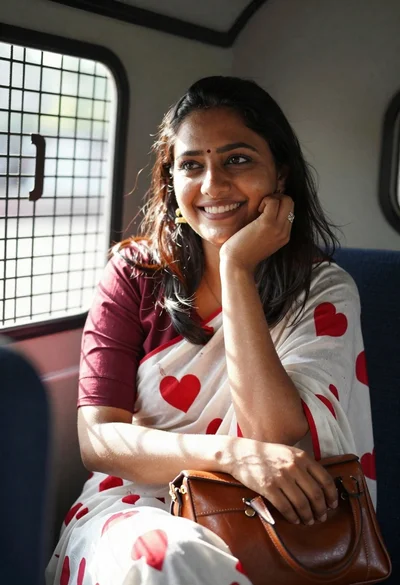
Smiling young woman with dark hair inside vehicle sunlight portrait