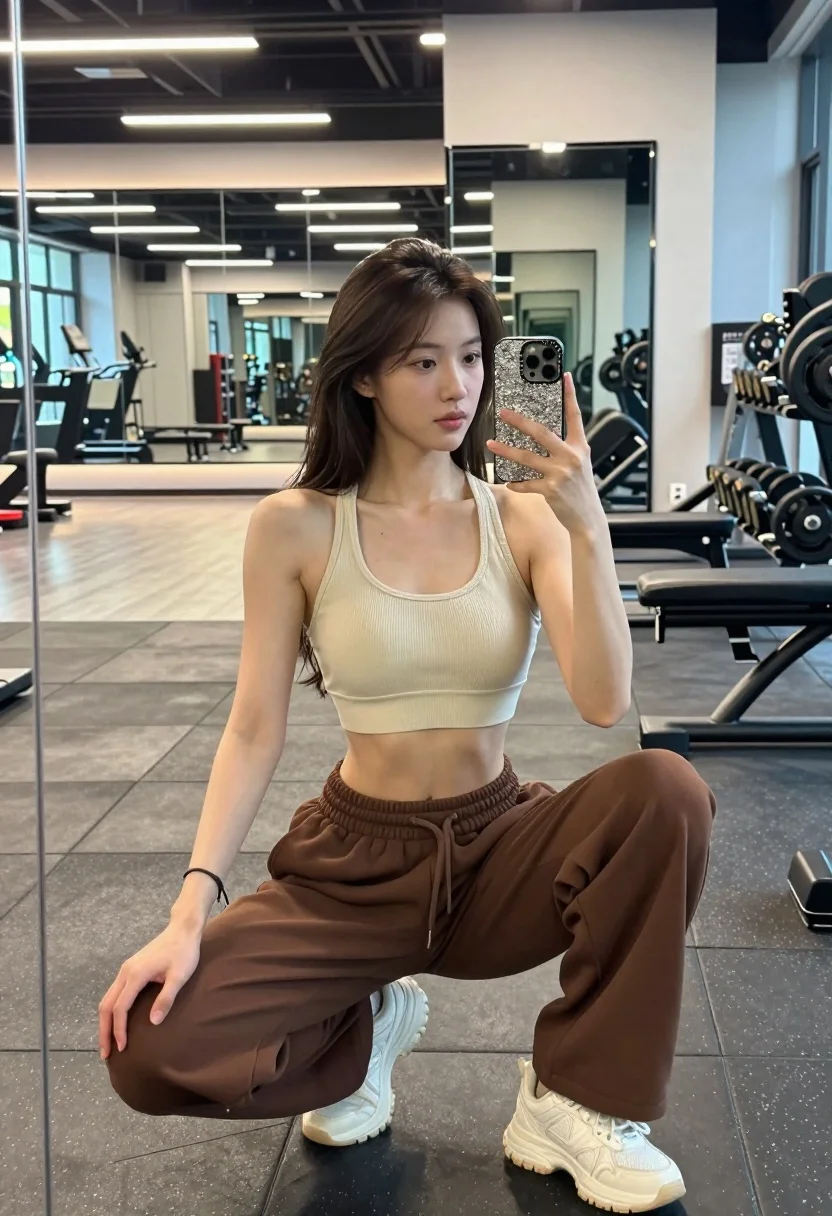
Young woman taking mirror selfie squatting in a modern gym setting
Prompt
A young woman taking a mirror selfie while squatting in a gym.

Subject: A young woman with long dark brown hair pulled back into a half-up style, fair skin, and soft facial features looking slightly to the side.

Clothing: She wears a beige ribbed sports bra, loose-fitting brown sweatpants with an elastic waistband, and white chunky sneakers.

Action: She is in a deep squat position holding a smartphone with a sparkly case up to take a mirror selfie, her expression calm and neutral.

Environment: The setting is a modern gym interior featuring large mirrors reflecting the room, grey rubber flooring, weight racks with dumbbells, and exercise machines in the background.

Camera: A medium shot framed through a reflection in a large vertical mirror, capturing the subject from head to toe with a slight downward angle.

Lighting: Bright overhead rectangular LED lights provide even illumination with soft shadows and a clean, clinical atmosphere.

Style Details: High-resolution photography with natural color grading, sharp focus on the subject, and a realistic aesthetic typical of modern social media fitness content.
Description
This prompt is useful for creating fitness influencer content, workout routine documentation, and lifestyle blog imagery showcasing gym aesthetics. The combination of 'bright overhead rectangular LED lights' ensuring even illumination prevents harsh shadows on the subject while the 'large mirrors reflecting the room' adds necessary environmental context that grounds the image in a believable, modern setting.
Suggestions
- Change 'beige ribbed sports bra' to 'black seamless sports bra' for higher contrast.
- Add 'sweat beads visible on skin' to enhance realism.
- Adjust 'medium shot' to 'full body shot' to better capture the squat depth.
Category
Tags
Brown HairFair SkinFemaleFull BodyIndoorsMedium ShotRealisticSelfieSportswear
Date added
August 5, 2026
Added by
PromptDexter Team
Related Prompts
More prompts with similar categories and tags.
Fit blonde woman taking mirror selfie in bright gym setting
Blonde woman taking mirror selfie in modern gym setting
Young woman taking selfie at packed football stadium wearing barcelona jersey
Young woman taking mirror selfie in modern gym setting with athletic wear
Young woman taking mirror selfie in modern gym setting with blonde hair

Close up selfie of young woman in argentina jersey at football stadium
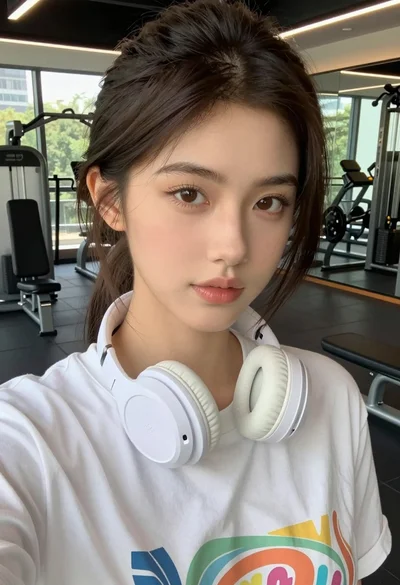
Close up selfie of young woman in white t shirt at modern
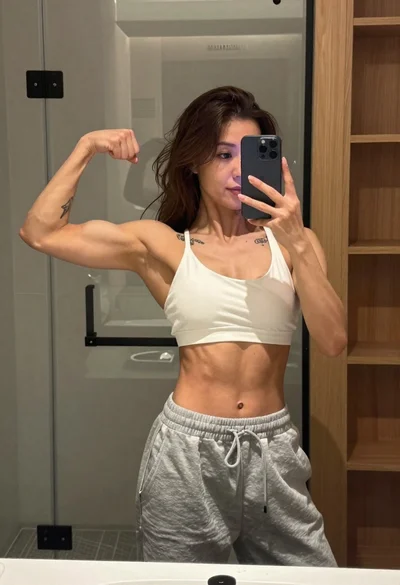
Muscular woman taking a mirror selfie in modern bathroom setting
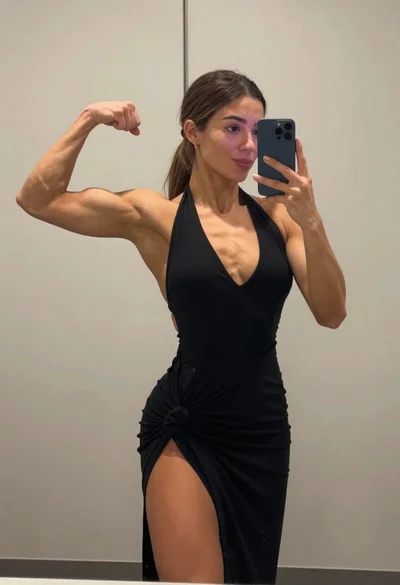
Muscular woman taking a mirror selfie flexing bicep in an indoor room
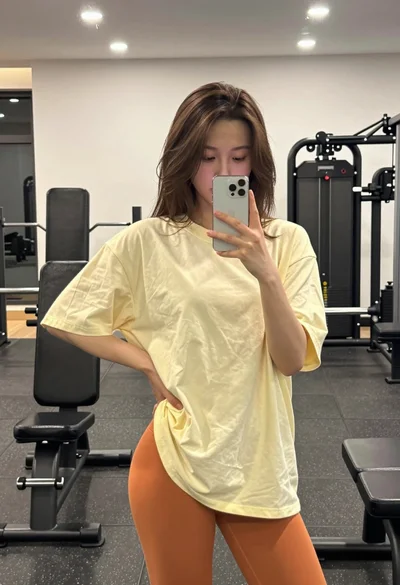
Young woman taking a mirror selfie in a gym setting indoors