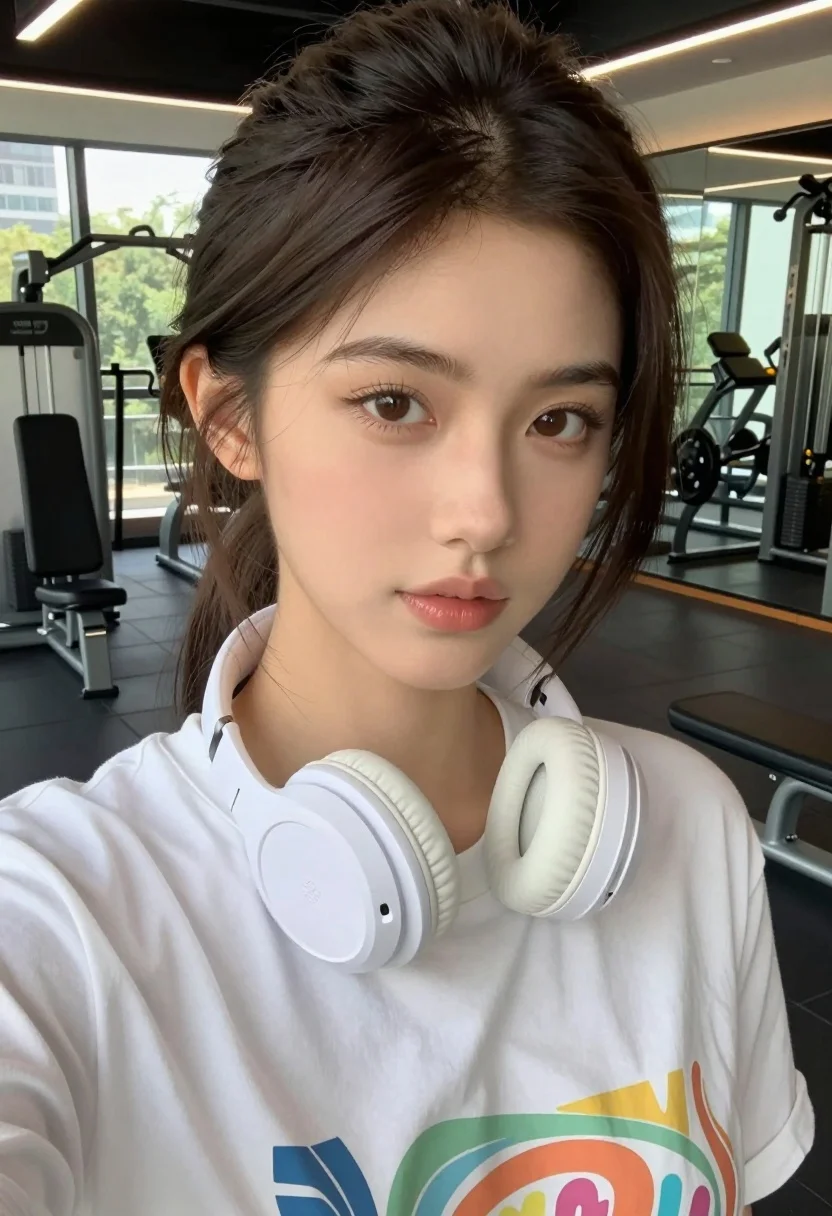
Close up selfie of young woman in white t shirt at modern
Prompt
A close-up selfie of a young woman with dark brown hair tied back in a ponytail, wearing white over-ear headphones around her neck and a white graphic t-shirt.

Subject: A young woman with fair skin, defined eyebrows, brown eyes looking slightly to the side, and glossy lips.

Clothing: She wears a loose-fitting white t-shirt with a colorful graphic print on the chest and white wireless headphones resting around her neck.

Action: She is holding the camera for a selfie, tilting her head slightly while maintaining a soft, neutral expression.

Environment: The setting is a modern gym or fitness center with large windows in the background letting in natural light, revealing exercise equipment like weight benches and machines.

Camera: Shot from a close-up perspective typical of a smartphone selfie, capturing a tight frame on the face with the background slightly out of focus.

Lighting: Bright, diffused daylight coming from the large windows behind her creates a soft glow on her skin and highlights her features without harsh shadows.

Style Details: The image has a natural, high-definition aesthetic with realistic skin texture and vibrant colors, resembling a casual social media snapshot.
Description
This prompt is useful for creating fitness influencer content, personal lifestyle blogs, and candid 'day in the life' social media posts. The combination of 'close-up perspective typical of a smartphone selfie' with 'bright, diffused daylight' ensures the image feels immediate and unposed, while specifying 'realistic skin texture' prevents the overly airbrushed look often seen in studio shots.
Suggestions
- Change 'white graphic t-shirt' to 'black athletic tank top' for higher contrast.
- Add 'bokeh effect' to the camera section for a shallower depth of field.
- Swap 'weight benches and machines' for 'yoga mats and resistance bands' to change the focus.
Category
Tags
Brown HairCasual WearClose UpFair SkinFemaleIndoorsMedium ShotRealisticSelfie
Date added
August 5, 2026
Added by
PromptDexter Team
Related Prompts
More prompts with similar categories and tags.
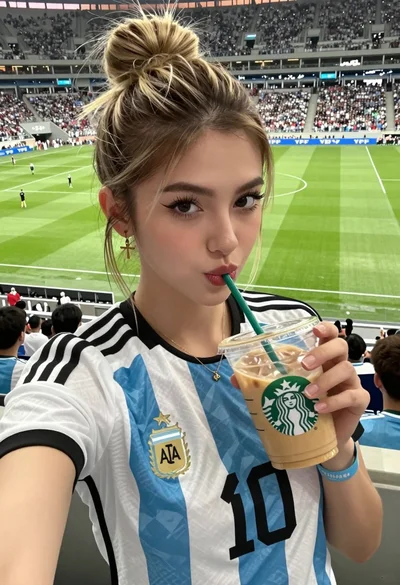
Close up selfie of young woman in argentina jersey at football stadium
Young woman taking a sweaty selfie in a gym setting
Young woman taking selfie at packed football stadium wearing barcelona jersey
Young woman taking a mirror selfie in a gym setting indoors
Young woman taking mirror selfie in modern gym setting with athletic wear
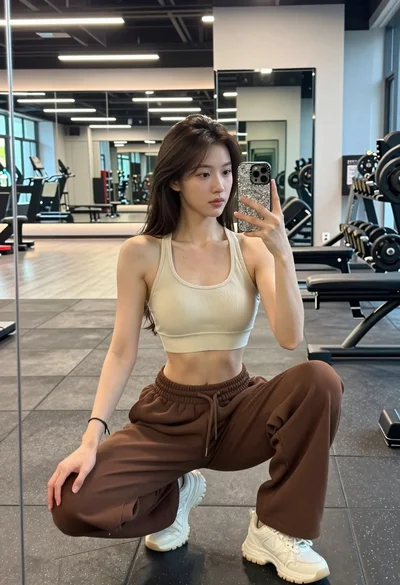
Young woman taking mirror selfie squatting in a modern gym setting
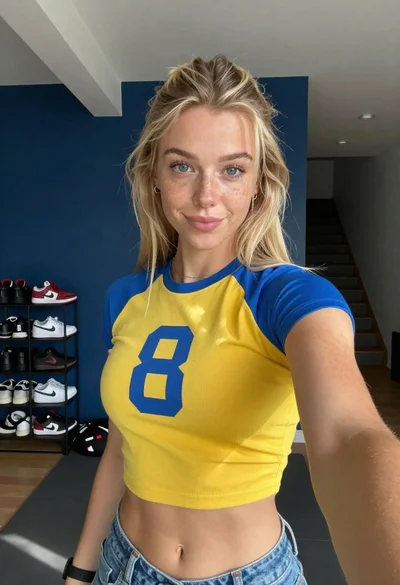
Selfie of blonde woman in yellow crop top at home gym
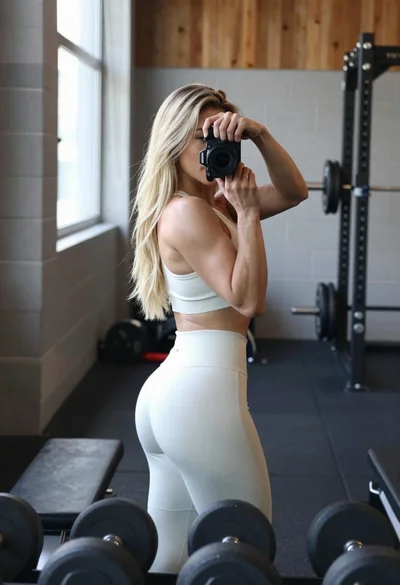
Fit blonde woman taking mirror selfie in bright gym setting
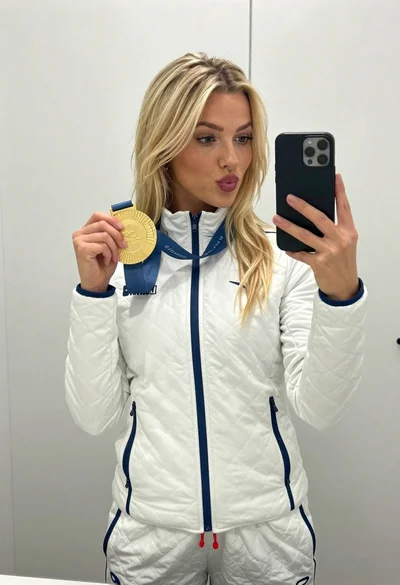
Blonde woman taking mirror selfie with gold medal in white jacket
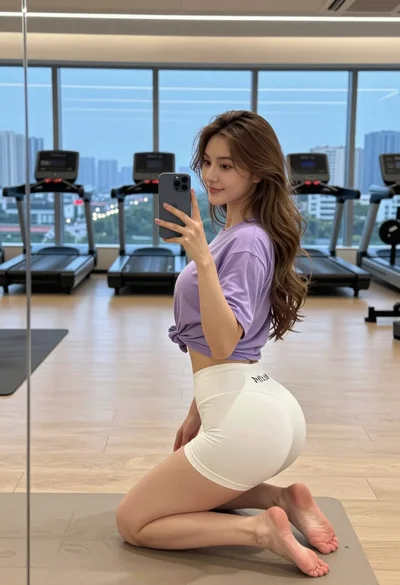
Young woman taking mirror selfie in modern gym overlooking city skyline at