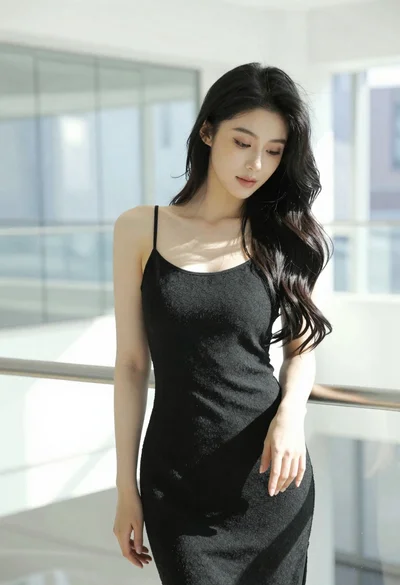
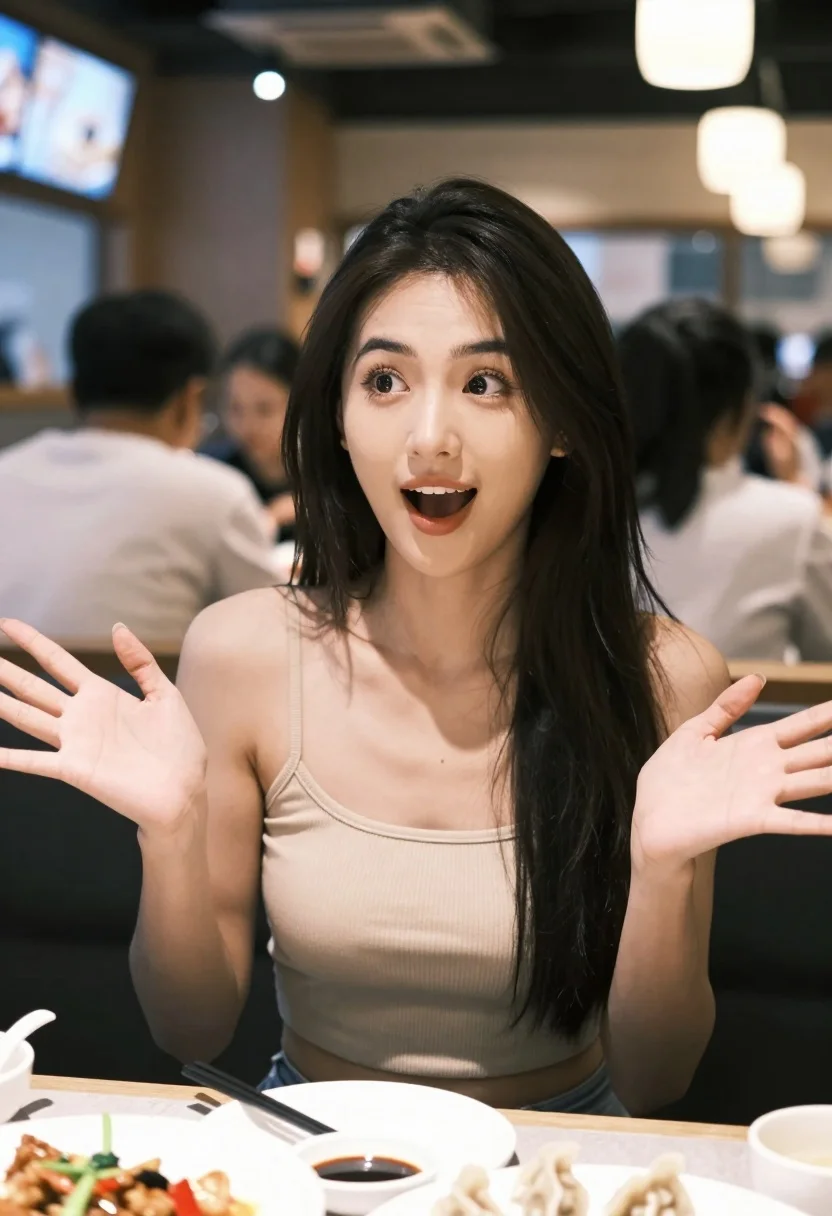
Young woman with black hair gesturing excitedly at a restaurant table setting
Prompt
A young woman with long dark hair sits at a restaurant table, looking excited and gesturing with both hands open in front of her.

Subject: A young woman with fair skin and long straight black hair framing her face. She has a surprised or delighted expression with her mouth slightly open and eyes wide.

Clothing: She wears a beige ribbed spaghetti-strap crop top that reveals her midriff.

Action: Her hands are raised in an expressive gesture, palms facing somewhat inward, as if explaining something or reacting enthusiastically to the food.

Environment: A busy indoor restaurant setting with blurred diners and tables in the background. Warm ambient lighting is visible from overhead fixtures and screens.

Camera: Medium close-up shot focused on the subject with a shallow depth of field that blurs the background significantly.

Lighting: Soft, warm artificial lighting illuminates her face and upper body, creating gentle shadows and highlights on her skin.

Objects: Plates of food are on the table in front of her, including dumplings and small bowls of dipping sauce.
Description
This prompt is useful for creating lifestyle blog content about dining experiences, character studies capturing spontaneous moments, and advertising materials for casual eateries. The combination of 'soft, warm artificial lighting' and a 'shallow depth of field' ensures the focus remains tightly on her expressive gesture and face, while the blurred background prevents visual clutter that would distract from the narrative moment.
Suggestions
- Change 'beige ribbed spaghetti-strap crop top' to 'dark emerald silk camisole' for a richer color contrast.
- Add 'bokeh effect' to enhance the background blur further.
- Specify 'overhead pendant lighting' instead of general fixtures for more defined highlights.
Category
Tags
Black HairCasual WearFair SkinFemaleIndoorsMedium ShotPortrait ShotRealistic
Date added
July 12, 2026
Added by
PromptDexter Team
Related Prompts
More prompts with similar categories and tags.

Young woman in black crop top and cream trousers indoors looking over

Woman in black dress seated in dimly lit diner booth
Medium close up portrait of young woman wearing black top and sunglasses
Young woman with red hair seated at wooden desk in cozy studio
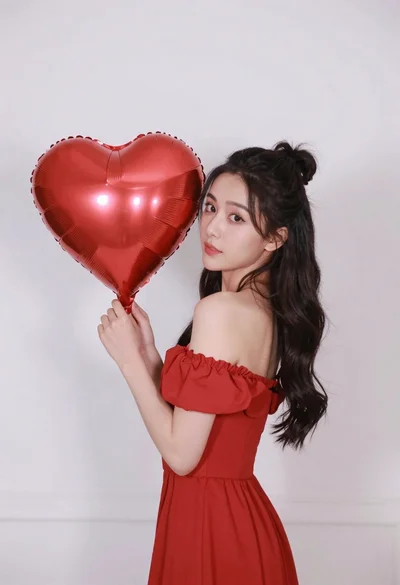
Woman in red dress holding heart shaped balloon against white wall
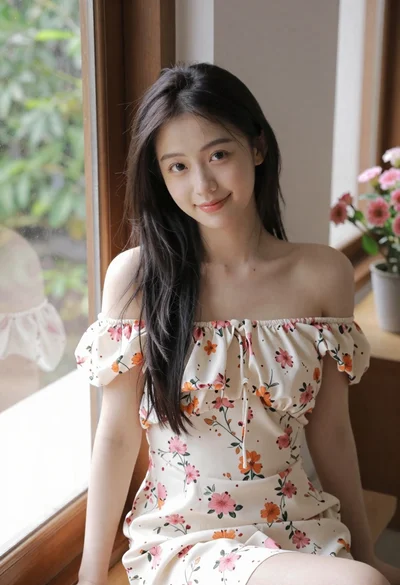
Young woman in floral dress seated indoors by a window with greenery

Blonde woman at a bar counter in dimly lit pub

Young woman with dark hair at wooden table in open air setting

Blonde woman smiling with green lollipop in brightly lit candy store
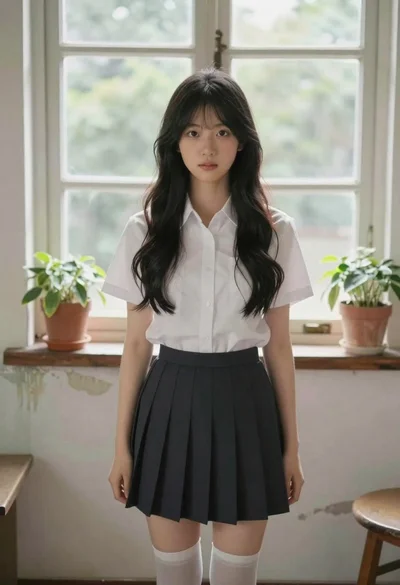
Young asian woman in white shirt by large window
