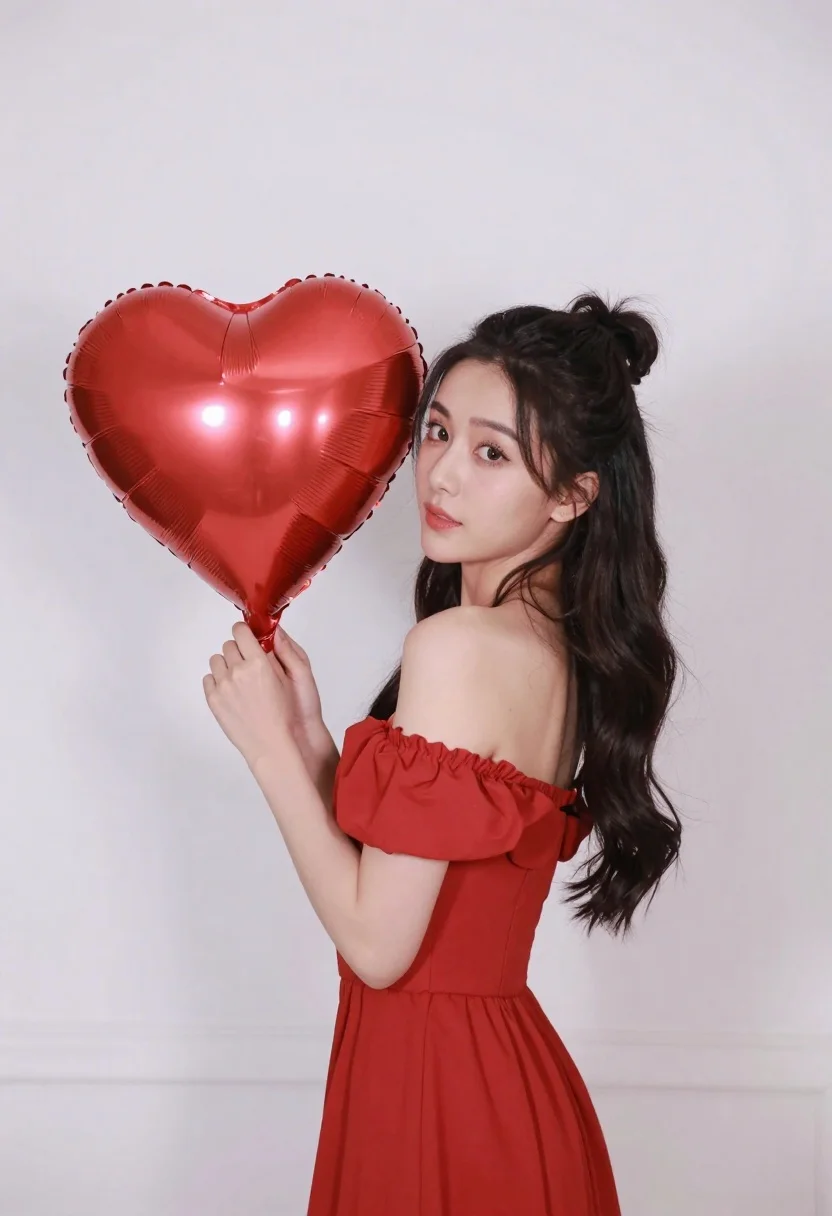
Woman in red dress holding heart shaped balloon against white wall
Prompt
A woman stands in profile holding a large red heart-shaped balloon near her face.

Subject: A woman with long dark wavy hair styled in a high bun with loose strands framing her face. She has fair skin and is looking over her shoulder towards the camera with a soft expression.

Clothing: She wears a vibrant red off-the-shoulder dress that matches the color of the balloon, featuring ruched fabric on the sleeves.

Action: She holds the large red heart-shaped foil balloon in her hands near her face while turning her head to look back at the viewer.

Environment: The background is a plain, solid white wall with soft shadows indicating an indoor setting.

Lighting: Soft, diffused lighting illuminates the scene evenly from the front, creating gentle highlights on her skin and the shiny surface of the balloon without harsh shadows.

Camera: Medium shot framing the subject from the waist up, captured at eye level with a shallow depth of field that keeps the focus sharp on the woman and the balloon.

Objects: A large red heart-shaped metallic foil balloon held by the woman.
Description
This prompt is useful for creating romantic portraiture, anniversary announcements, or stylized product placements featuring symbolic props. The combination of 'vibrant red off-the-shoulder dress' and a 'large red heart-shaped metallic foil balloon' against the 'plain, solid white wall' directs all visual attention to the subject and the object, while the 'soft, diffused lighting' ensures that both the skin highlights and the balloon's shine are visible without distracting harsh shadows.
Suggestions
- Change 'vibrant red off-the-shoulder dress' to 'deep burgundy velvet gown' for a richer tone.
- Swap 'large red heart-shaped metallic foil balloon' for 'bouquet of deep red roses' to change the prop type.
- Adjust 'soft, diffused lighting' to 'rim light from the side' to add more drama.
Category
Tags
Black HairCasual WearFair SkinFemaleIndoorsMedium ShotOver The ShoulderPortrait ShotRealisticSide Profile
Date added
June 23, 2026
Added by
PromptDexter Team
Related Prompts
More prompts with similar categories and tags.

Woman with black hair leaning indoors by glass railing in bright modern

Young woman in black crop top and cream trousers indoors looking over

Woman in black dress seated in dimly lit diner booth
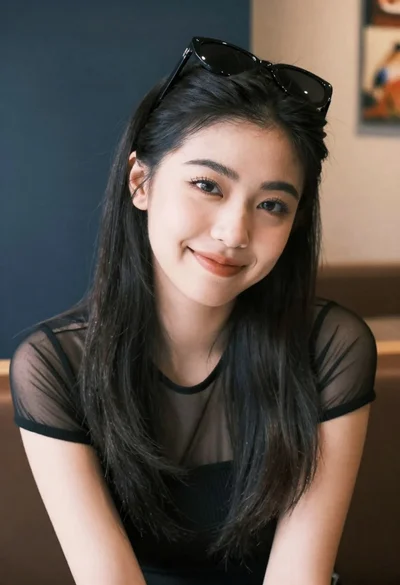
Medium close up portrait of young woman wearing black top and sunglasses
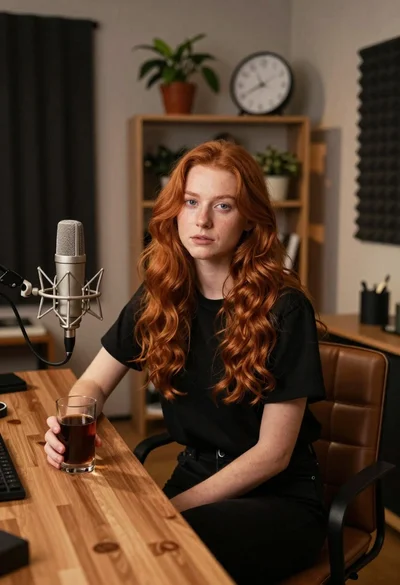
Young woman with red hair seated at wooden desk in cozy studio
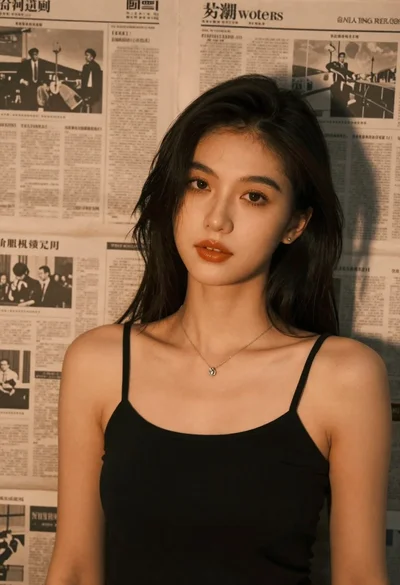
Brunette woman leaning against aged newspaper wall
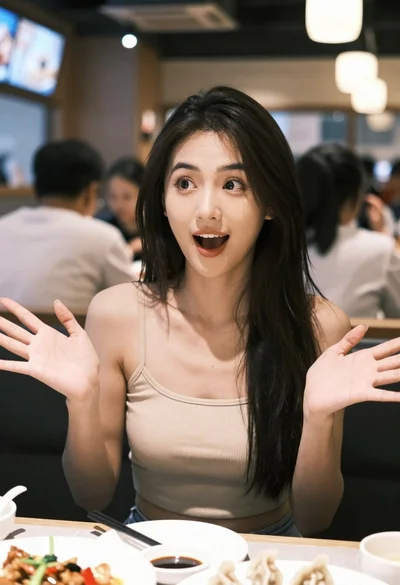
Young woman with black hair gesturing excitedly at a restaurant table setting

Monochrome portrait of woman with cat indoors
