
Young woman with black hair in striped cardigan indoors natural lighting
Prompt
A young woman with long dark hair and bangs looks directly at the camera with a neutral expression.

Subject: A young woman with long straight black hair featuring blunt bangs that cover her forehead. She has fair skin, defined eyebrows, and subtle pink lipstick. Her eyes are looking forward with a calm, direct gaze.

Clothing: She wears a black and grey horizontal striped cardigan over a black top with a square neckline. The cardigan is open at the chest.

Action: She is seated and leaning slightly forward towards the viewer. Her head is tilted slightly to her right.

Environment: The setting appears to be indoors, likely a room near a window. A dark curtain hangs in the background on the right side, and a portion of a plaid patterned cushion or fabric is visible on the left.

Lighting: Strong natural light streams in from the right side, creating a high-contrast silhouette effect and illuminating the edges of her hair and face. The lighting casts deep shadows on the left side of the image.

Camera: The shot is a medium close-up framed from chest level up. The angle is slightly low, looking up at the subject. The composition places the subject centrally with the light source acting as a strong backlight.

Style Details: The image has a soft, slightly grainy aesthetic typical of casual smartphone photography or film emulation.
Description
This prompt is useful for creating intimate portrait studies, character concept art for indie films, and lifestyle editorial spreads mimicking candid moments. The combination of 'strong natural light' from the side, which creates a high-contrast silhouette effect, paired with the 'soft, slightly grainy aesthetic' prevents the image from looking too polished, grounding the direct gaze in an achievable, unposed reality.
Suggestions
- Change 'black and grey horizontal striped cardigan' to 'chunky knit cream cardigan' for a lighter feel.
- Adjust 'strong natural light' to 'diffused window light' for softer shadows.
- Swap 'medium close-up framed from chest level up' to 'headshot, rule of thirds composition' for more negative space.
Category
Tags
Black HairBrunetteCasual WearFair SkinFemaleIndoorsLow AngleRealistic
Date added
June 19, 2026
Added by
PromptDexter Team
Related Prompts
More prompts with similar categories and tags.
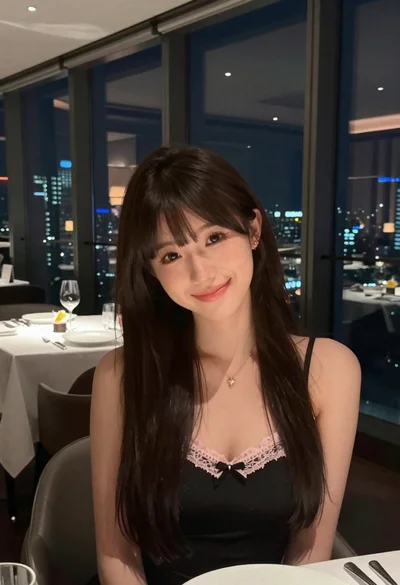
Young woman with dark hair smiling in upscale dimly lit restaurant setting
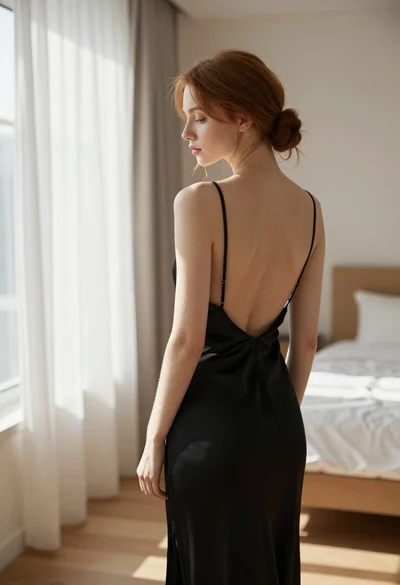
Young woman in black slip dress standing by window in bright bedroom

Young woman with brown hair in beige cardigan smiling indoors at camera
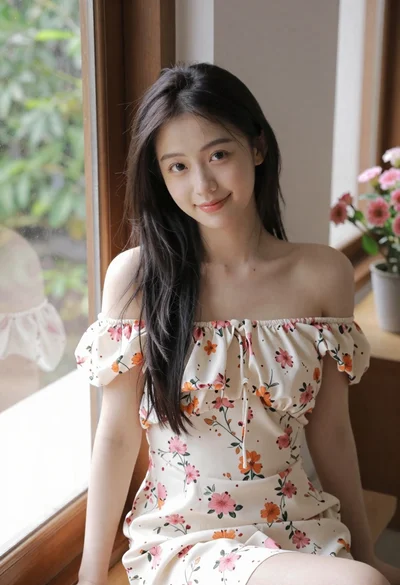
Young woman in floral dress seated indoors by a window with greenery

Blonde woman at a bar counter in dimly lit pub

Young woman with dark hair at wooden table in open air setting
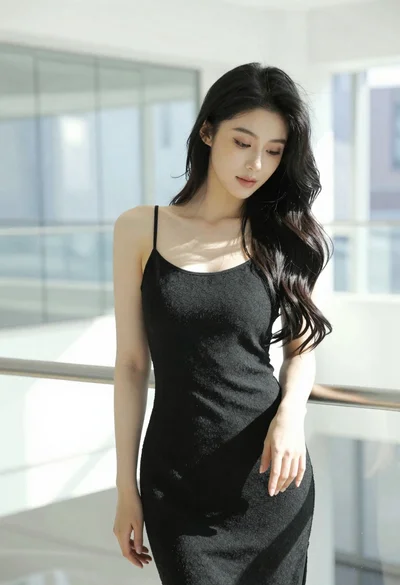
Woman with black hair leaning indoors by glass railing in bright modern
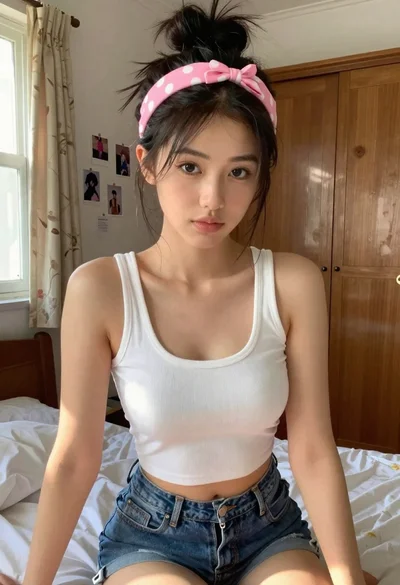
Young woman in white crop top sitting on bed by window light

Young woman in black crop top and cream trousers indoors looking over
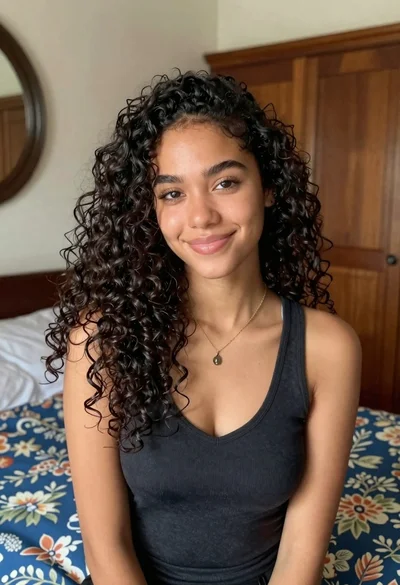
Medium close up portrait of young woman with dark curly hair indoors