
Young woman with black hair smiling on rooftop terrace at night
Prompt
A young woman with long dark hair stands smiling at the camera on a rooftop terrace at night.

Subject: A young woman with fair skin and long, straight black hair that falls past her shoulders. She has green eyes and a bright, friendly smile showing her teeth. Her posture is relaxed as she leans against a railing.

Clothing: She wears a black off-the-shoulder top featuring a subtle striped or textured pattern, paired with blue denim jeans.

Action: She stands leaning casually against a weathered wooden railing with her left arm resting on it and her right hand hanging by her side. Her gaze is directed straight at the viewer.

Environment: The setting is an outdoor rooftop terrace at dusk or night. In the background, there are blurred city lights and strings of warm decorative bulbs strung across a pergola structure. Potted plants are visible along the railing line.

Camera: The shot is a medium close-up framed from the waist up, utilizing a shallow depth of field that renders the background into soft bokeh while keeping the subject in sharp focus.

Lighting: The scene is lit by warm ambient light from the string bulbs and possibly a soft fill light on the subject, creating a cozy atmosphere with gentle highlights on her skin and shoulders against the dark blue night sky.

Style Details: The image has a polished portrait quality with high contrast between the dark clothing and the warm background lights, featuring a smooth texture and vibrant colors typical of modern digital photography.
Description
This prompt is useful for creating candid lifestyle portraits, urban engagement announcements, and moody editorial features. The combination of 'shallow depth of field' rendering the background into soft bokeh while keeping the subject in sharp focus ensures that the viewer's attention remains on her 'bright, friendly smile,' preventing the busy 'blurred city lights' from becoming distracting.
Suggestions
- Change 'blue denim jeans' to 'black leather pants' for a more cohesive dark palette.
- Swap 'warm ambient light' for 'neon glow' to shift the mood entirely.
- Adjust 'medium close-up framed from the waist up' to 'full body shot' to incorporate more of the rooftop environment.
Category
Tags
Black HairFair SkinFemaleMedium ShotOutdoorsRealisticRooftopUrban
Date added
June 21, 2026
Added by
PromptDexter Team
Related Prompts
More prompts with similar categories and tags.

Smiling woman in cycling gear making peace sign on forest road

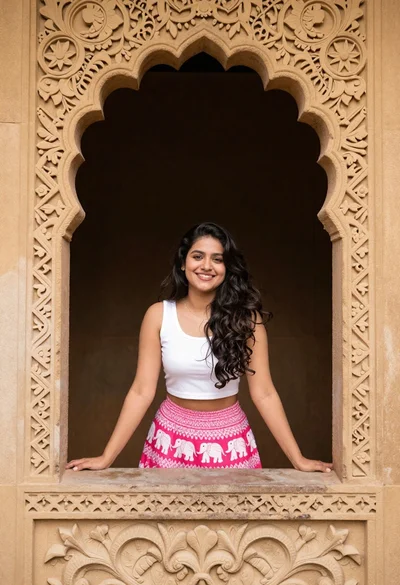
Young woman in denim dress standing on balcony before hawa mahal
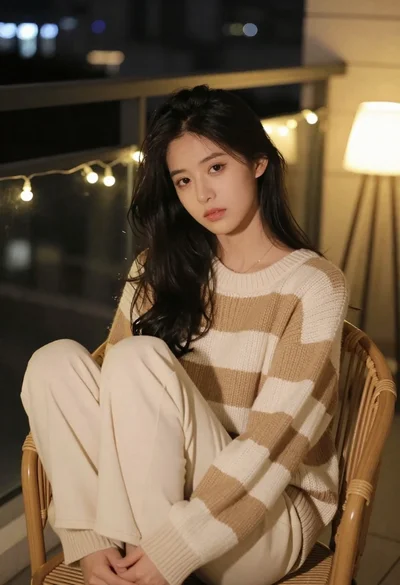
Young woman in knit sweater sitting on balcony at night
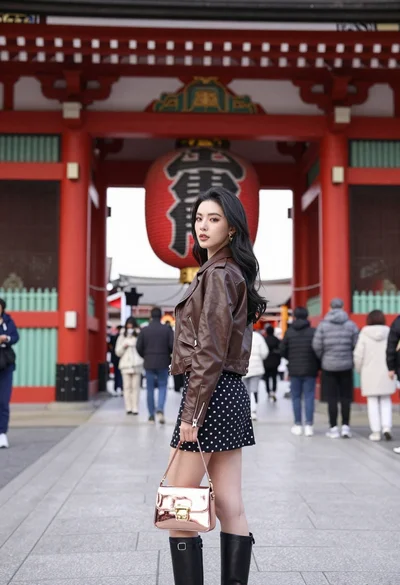
Young woman in leather jacket standing before traditional japanese temple gate
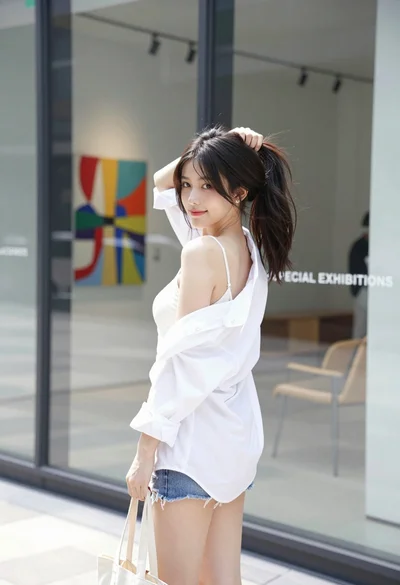
Young woman in white shirt and denim shorts outside modern glass building
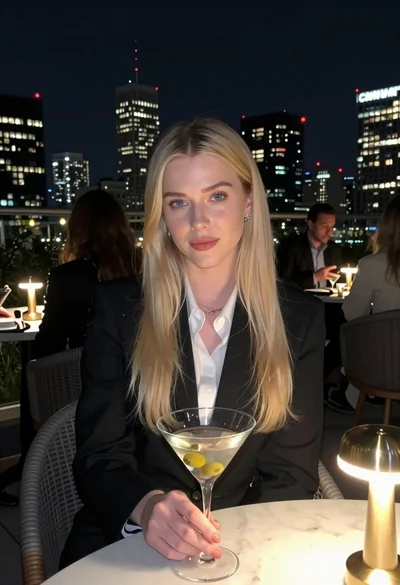
Blonde woman in blazer holding martini glass on rooftop overlooking city skyline
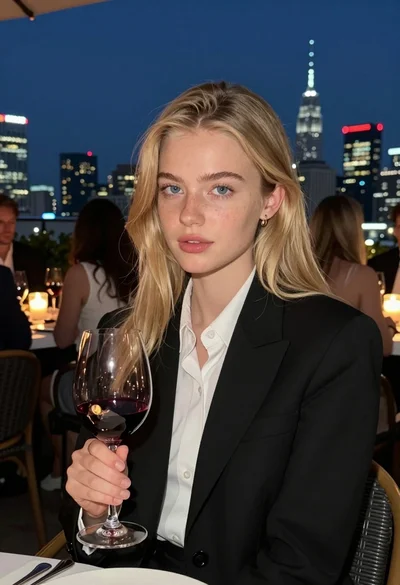
Fair blonde woman at rooftop restaurant holding red wine glass at night

Joyful couple covered in colorful powder on a city rooftop
