
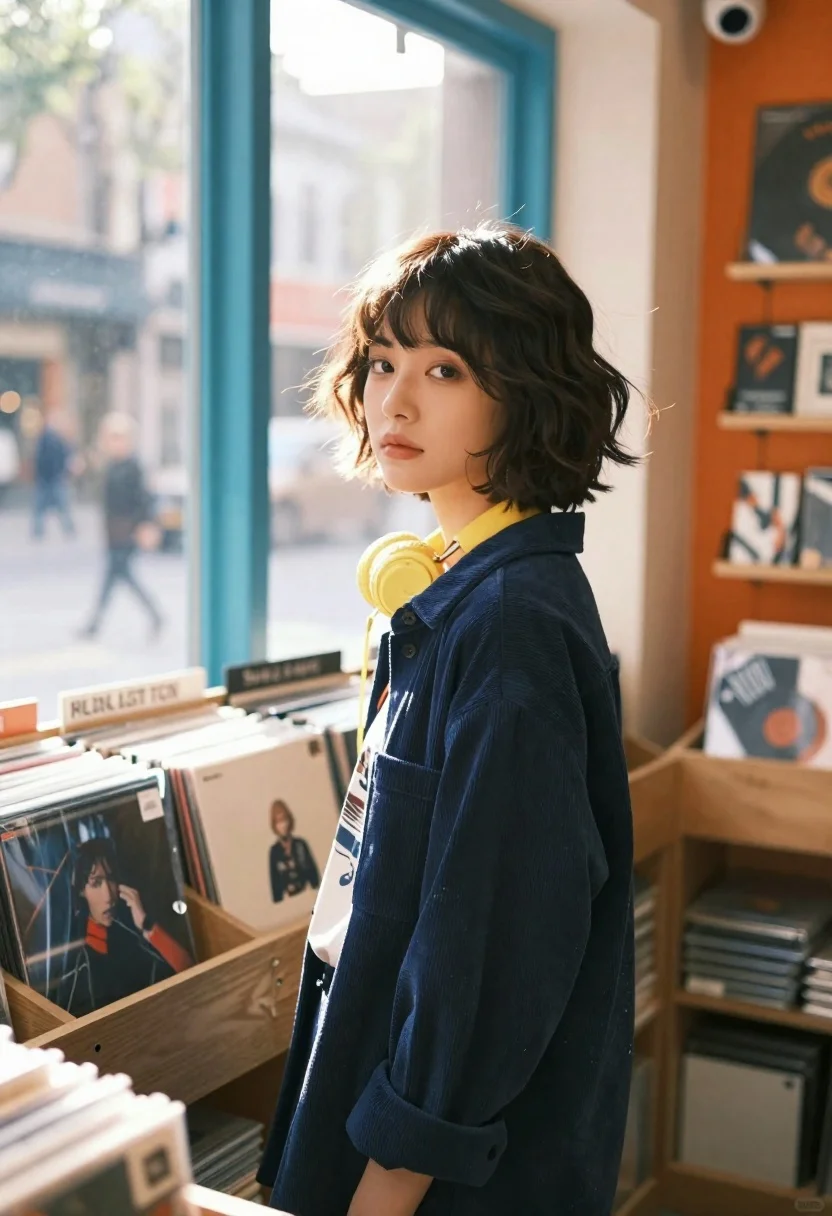
Young woman with bob haircut stands in profile near a large window
Prompt
A young woman with a short, tousled bob haircut stands in profile near a large window inside a cozy record store, gazing thoughtfully toward the camera.

Subject: A young woman with a textured, chin-length bob haircut featuring wispy bangs and natural waves.

Clothing: She wears a dark blue corduroy button-down shirt over a lighter graphic tee, with bright yellow headphones resting around her neck.

Action: She stands in a relaxed pose looking back over her shoulder toward the viewer with a calm, neutral expression.

Environment: The interior is a warm-toned record shop filled with wooden shelves stacked with vinyl records and cassette tapes; through the window, a blurred city street scene with pedestrians is visible.

Camera: Shot from a medium distance with a shallow depth of field that keeps the subject sharp while blurring the foreground items and background street into soft bokeh circles.

Lighting: Bright natural sunlight streams through the teal-framed window, creating a strong backlight that illuminates her hair and casts a warm glow across the room.

Style Details: The image features a cinematic color palette with high contrast between the cool blue window frame and the warm orange interior tones, rendered in a film photography aesthetic with soft focus and lens flare effects.
Description
This prompt is useful for creating editorial portraiture, cozy lifestyle branding materials, and moody character studies for music-themed campaigns. The combination of 'bright natural sunlight' acting as a strong backlight against the cool blue window frame emphasizes the subject's silhouette while the 'shallow depth of field' ensures that the viewer's focus remains tightly on her thoughtful expression despite the detailed record shop environment.
Suggestions
- Change 'dark blue corduroy button-down shirt' to 'cream knit sweater' for a softer feel.
- Swap 'teal-framed window' for 'arched glass window' to alter the shape of the light source.
- Add 'Kodak Portra 400 film grain' to enhance the specified film photography aesthetic.
Category
Tags
Black HairCasual WearFemaleIndoorsMedium ShotPortrait ShotRealistic
Date added
June 26, 2026
Added by
PromptDexter Team
Related Prompts
More prompts with similar categories and tags.
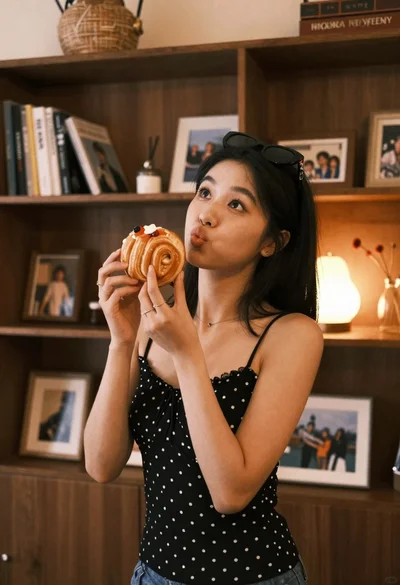
Young woman with dark hair holding pastry in warmly lit room

Blonde woman in black slip dress winking at table in upscale restaurant
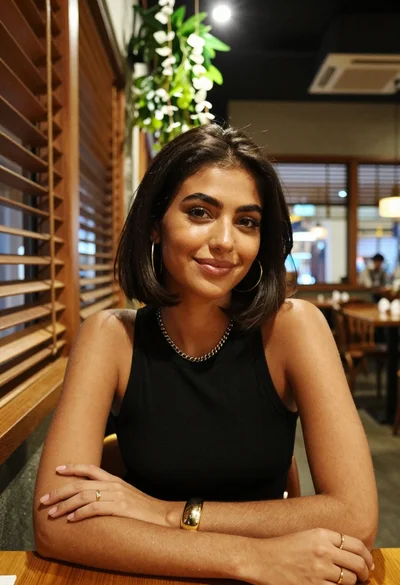
Medium close up of woman with dark bob in modern cafe setting

Woman seated in armchair near large windows with greenery

Young woman in silver sequin top and lace dress against beige wall

Woman in black dress by window overlooking ocean at golden hour

Young blonde woman in brown top seated in modern living room setting

Black and white portrait of woman on urban street at night
