
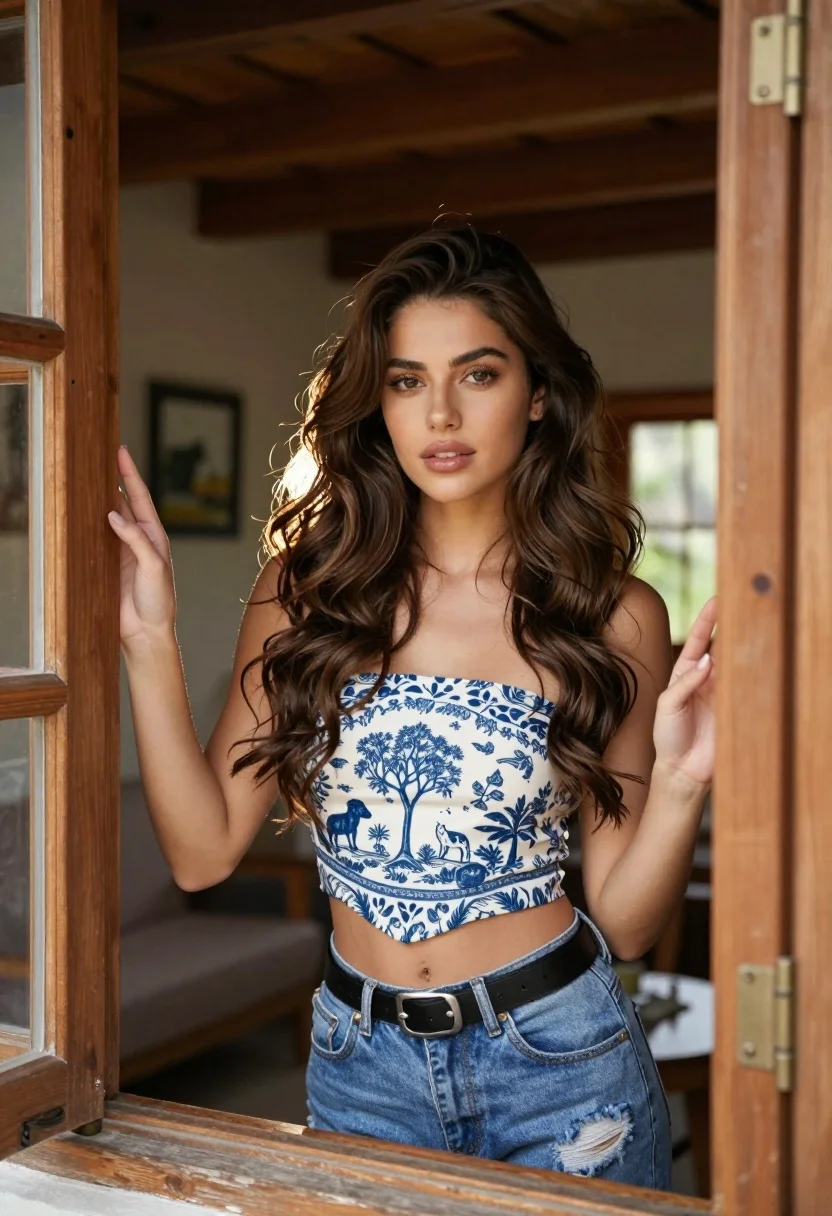
Young woman with brown hair framed by ornate wooden window indoors
Prompt
A young woman with long wavy brown hair stands framed by an ornate wooden window, looking directly at the camera with a soft expression.

Subject: A young woman with long wavy brown hair and light makeup featuring defined eyebrows and glossy lips.

Clothing: She wears a strapless crop top with a blue pastoral tapestry pattern depicting trees and animals, paired with distressed blue denim jeans and a black leather belt with silver hardware.

Action: She leans forward slightly through the window frame, her left hand resting on the wooden jamb while her right hand is extended toward the camera with fingers slightly curled.

Environment: The setting appears to be an interior room with rustic wooden beams on the ceiling and walls, framed pictures hanging in the background, and a glimpse of natural light coming from behind her.

Camera: Shot through a window frame creating a natural vignette, medium close-up framing that emphasizes the subject's face and upper body.

Lighting: Soft natural backlighting creates a gentle halo effect around her hair while frontal fill light illuminates her face evenly with minimal harsh shadows.

Style Details: High-resolution portrait photography with warm color grading and shallow depth of field to blur the background slightly.
Description
This prompt is useful for creating editorial fashion moodboards, character concept art featuring domestic settings, and stylized personal portraits. The combination of 'soft natural backlighting' providing a halo effect against the 'ornate wooden window' structure directs focus to the subject while the 'shallow depth of field' ensures that background elements like the rustic beams do not distract from her face.
Suggestions
- Change 'blue pastoral tapestry pattern' to 'deep emerald botanical print' for richer color contrast.
- Add 'chiaroscuro lighting' to enhance the drama around the window frame.
- Swap 'distressed blue denim jeans' for 'high-waisted velvet trousers' to change the formality.
Category
Tags
Brown HairFemaleIndoorsRealistic
Date added
July 3, 2026
Added by
PromptDexter Team
Related Prompts
More prompts with similar categories and tags.

Young woman seated on grey sofa against pink wall fashion portrait
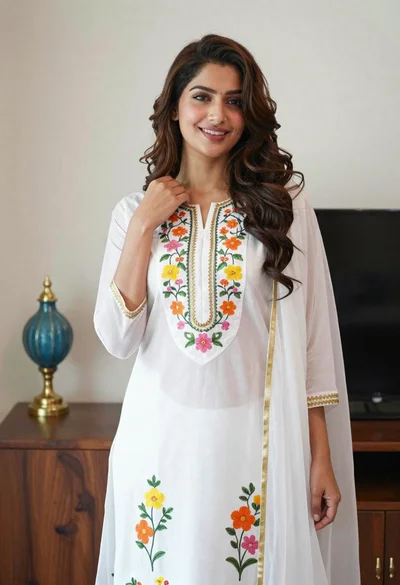
Smiling woman in floral kurta dress indoors with sheer dupatta drape
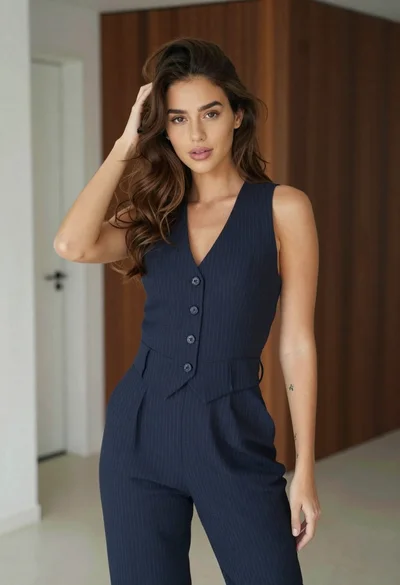
Young woman in navy jumpsuit posing indoors with soft expression
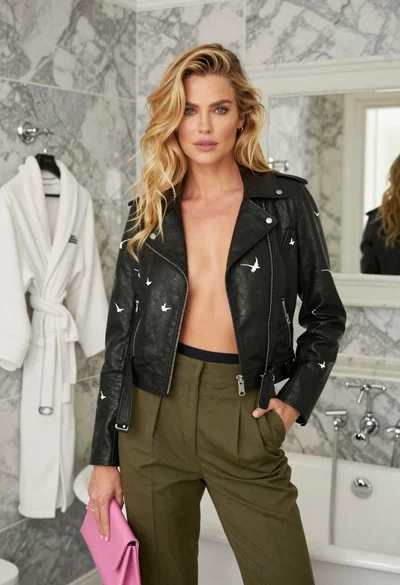
Blonde woman in black leather jacket standing in modern marble bathroom
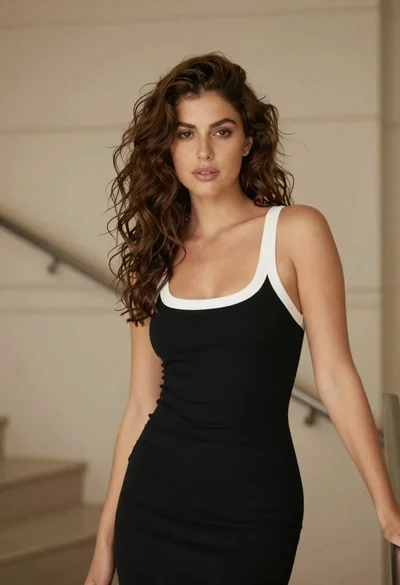
Woman with brown hair in black dress indoors soft focus portrait

Young woman in black graphic tshirt against white paneled wall
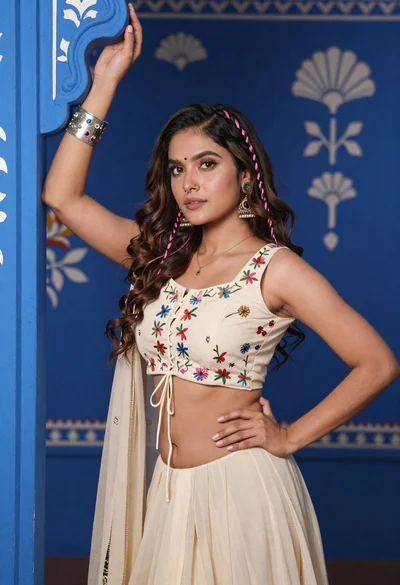
Young woman with brown hair posing by blue floral patterned wall
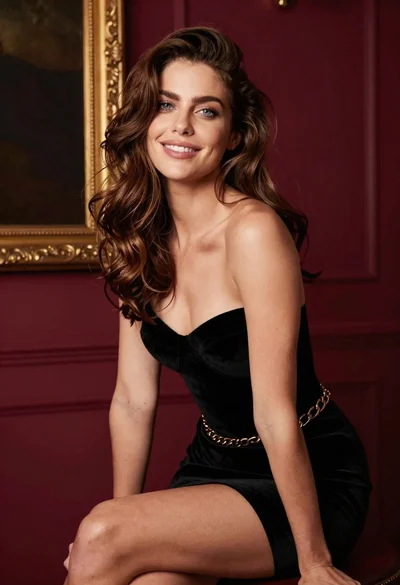
Glamorous woman in black velvet dress against burgundy wall portrait
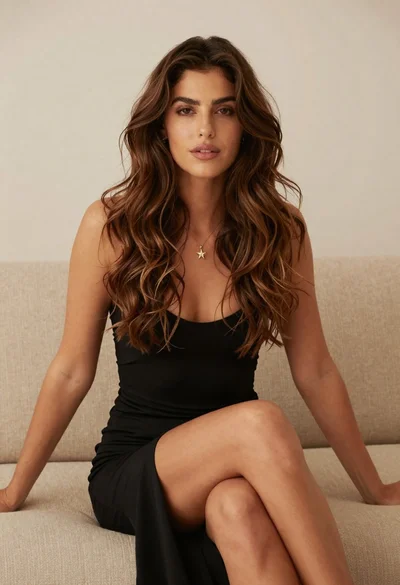
Woman with brown hair in black dress seated on beige sofa studio
Glamorous woman in black leather corset top within an elegant interior room
