
Young woman with brown wavy hair smiling indoors at a cluttered wooden
Prompt
A young woman with wavy brown hair and bangs smiles warmly at the camera in a cozy indoor setting.

Subject: A young woman with shoulder-length wavy brown hair featuring straight-cut bangs, fair skin, and bright eyes looking directly forward.

Clothing: She wears a white ribbed tank top underneath an oversized beige knitted cardigan draped off one shoulder, accessorized with a delicate silver chain necklace.

Action: She is seated and smiling gently at the viewer, her posture relaxed and casual.

Environment: The background features a cluttered wooden desk to the left with piles of clothes and a smartphone, and a wooden bookshelf behind her filled with books, bottles, and various items.

Camera: Shot from a slightly low angle in a medium close-up, utilizing a shallow depth of field that keeps the subject sharp while softly blurring the background details.

Lighting: Soft, warm lighting illuminates her face from the front, creating a gentle glow on her skin with subtle shadows defining her features and hair texture.

Style Details: The image has a film photography aesthetic with natural color tones, slight grain, and a candid, intimate atmosphere reminiscent of 35mm film.
Description
This prompt is useful for creating lifestyle blog headers, cozy interior design features, and personal portrait galleries that feel unposed. The combination of 'soft, warm lighting' illuminating the subject against a 'cluttered wooden desk' grounds the image in reality, while the 'shallow depth of field' ensures the viewer focuses on her expression rather than getting lost in background detail.
Suggestions
- Change 'oversized beige knitted cardigan' to 'chunky cream knit sweater' for more texture.
- Swap '35mm film' for 'Kodak Portra 400' to specify a color palette.
- Adjust the environment by changing 'piles of clothes' to 'scattered magazines' for less visual noise.
Category
Tags
Brown HairCasual WearFair SkinFemaleIndoorsLow AngleRealistic
Date added
August 5, 2026
Added by
PromptDexter Team
Related Prompts
More prompts with similar categories and tags.

Young woman in white top and floral skirt inside car window

Young woman with brown hair in beige cardigan smiling indoors at camera

Blonde woman at a bar counter in dimly lit pub

Young woman with dark hair at wooden table in open air setting

Young woman with brown hair holding red wine at striped table setting

Young woman in black crop top and cream trousers indoors looking over
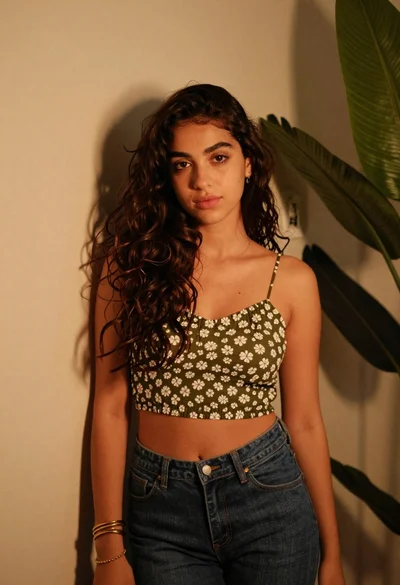
Young woman in olive top and denim jeans indoors with green leaves
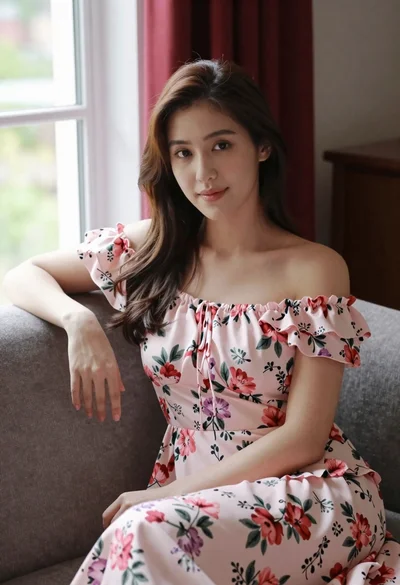
Woman in pink floral dress seated indoors by window with red curtains

Smiling young woman in maroon top standing outdoors with blurred background

Woman in black dress seated in dimly lit diner booth