
Young woman in white top and floral skirt inside car window
Prompt
A young woman with long wavy brown hair sits in the back seat of a car looking directly at the camera with her lips slightly parted.

Subject: A young woman with long wavy brown hair and a fair complexion featuring defined collarbones and shoulders.

Clothing: She wears a white off-the-shoulder crop top that exposes one shoulder and a floral patterned skirt in yellow and blue tones, accessorized with a delicate gold necklace holding a small pendant.

Action: She is seated facing forward with her head turned slightly to the side, gazing directly at the viewer with a neutral expression.

Environment: The interior of a car serves as the setting, featuring a dark grey door panel and window frame, with raindrops visible on the glass behind her.

Camera: A close-up shot taken from a low angle looking up at the subject, capturing the details of her face and upper body within the confined space of the vehicle.

Lighting: Soft ambient light illuminates her skin evenly while a warm yellow glow reflects through the wet window in the background, creating a moody atmosphere.

Style Details: The image has a high-definition, realistic photographic quality with natural color grading and a focus on skin texture and fabric details.
Description
This prompt is useful for creating intimate portraiture, automotive lifestyle editorials, and mood pieces evoking nostalgia or romance. The combination of 'low angle' perspective looking up at the subject within the confined space of the car, paired with 'raindrops visible on the glass,' establishes a moody atmosphere that draws focus to her face while using the window as a natural framing device.
Suggestions
- Change 'yellow and blue tones' in the skirt description to 'deep jewel tones' for richer contrast.
- Add 'bokeh effect' to the background raindrops for more visual separation.
- Swap 'soft ambient light' for 'rim lighting from the side' to emphasize her silhouette.
Category
Tags
Brown HairCasual WearClose UpFair SkinFemaleIndoorsLow AngleRealisticStreetwear
Date added
June 19, 2026
Added by
PromptDexter Team
Related Prompts
More prompts with similar categories and tags.
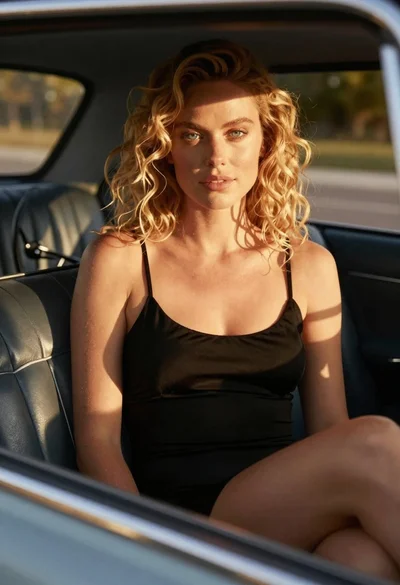
Close up of blonde woman in black dress inside vintage car
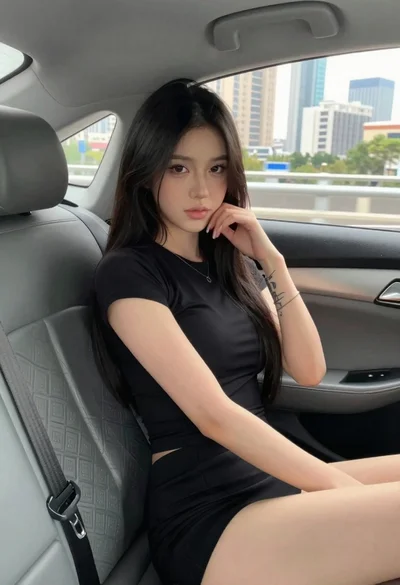
Young woman in black outfit sitting inside car looking at camera
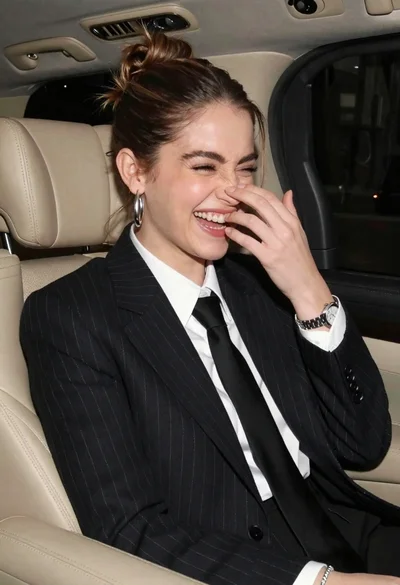
Candid medium close up of young woman laughing in luxury car seat
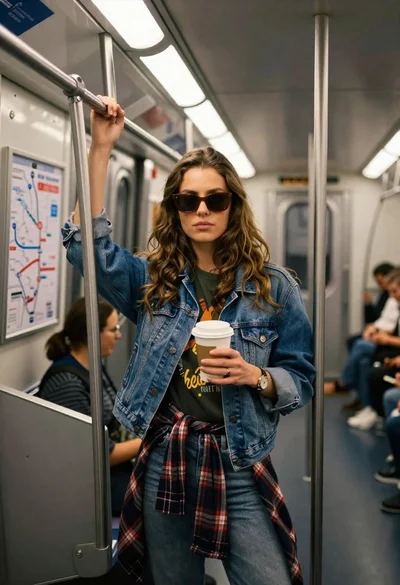
Young woman with brown hair and denim jacket inside a subway car
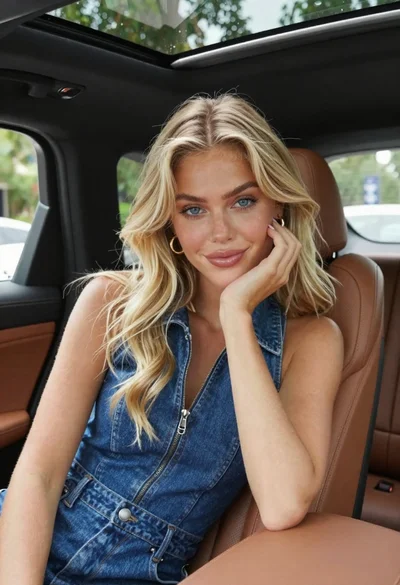
Fair skinned blonde woman in denim dress inside luxury car
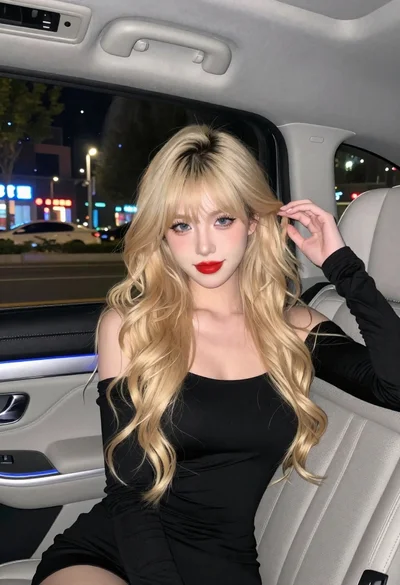
Fair skinned woman with blonde hair in luxury car interior at night
Young woman in black top seated inside car looking at camera through
Young woman on motorcycle at night looking back over shoulder urban scene
Young woman in white crop top standing in concrete parking garage
Young woman leaning on cream wall with teal crop top jeans