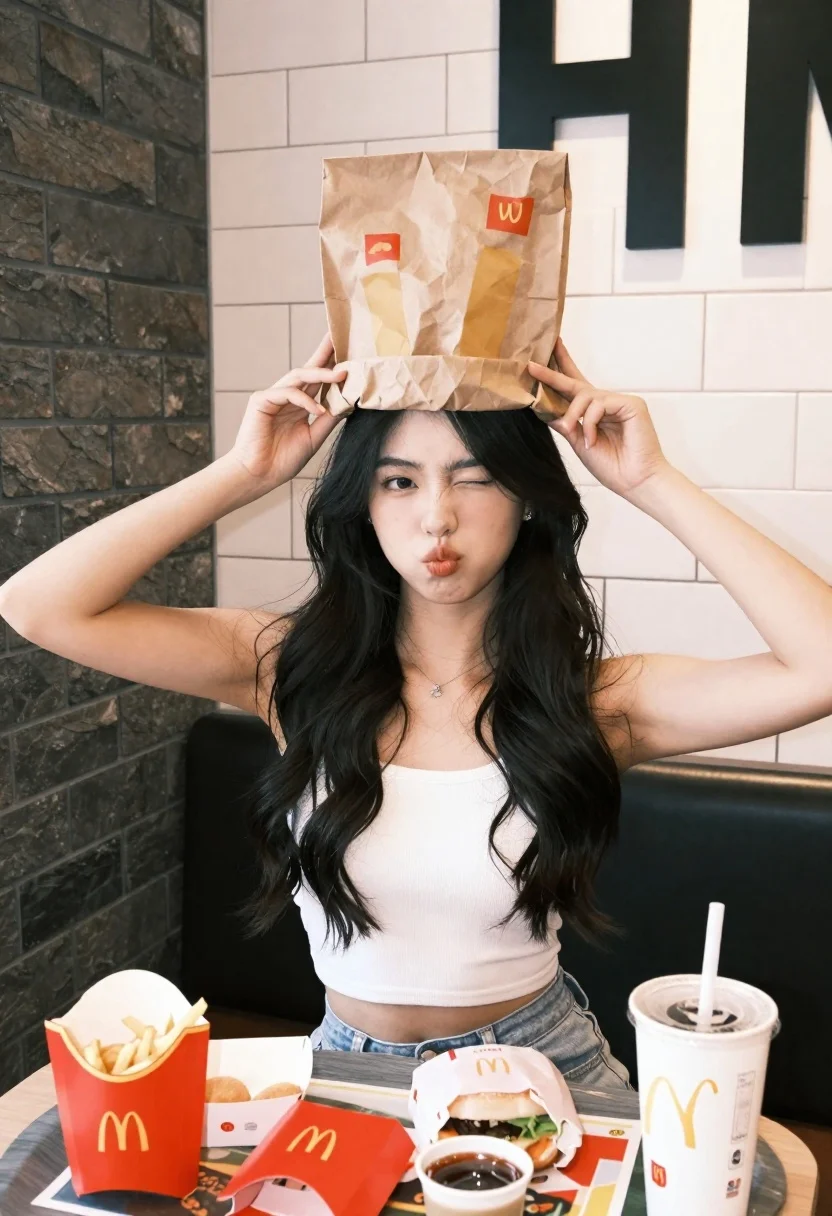
Young woman with dark hair holding paper bag over head at fast
Prompt
A young woman with long dark hair sits at a table in a fast-food restaurant, holding a brown paper bag over her head with both hands while making a playful face and winking.

Subject: A young woman with long, dark, wavy hair that cascades over her shoulders. She has fair skin and is wearing a white ribbed tank top. Her expression is mischievous as she squints one eye and pouts her lips.

Clothing: She wears a simple white sleeveless crop top and light-colored denim shorts. A delicate necklace is visible around her neck.

Action: She holds a large brown paper bag directly over her head with both hands, gripping the sides near her temples. Her arms are raised and bent at the elbows.

Environment: The setting is a modern fast-food restaurant interior featuring a dark grey brick wall on the left and a white tiled wall with large black lettering on the right. A black booth seat is behind her.

Objects: The table in front of her is covered with various McDonald's food items, including a tray holding a box of Chicken McNuggets, a red container of fries, a wrapped McChicken sandwich, a small sauce cup, and two large drinks with straws.

Lighting: The scene is lit by bright, even indoor artificial lighting that illuminates the subject clearly without harsh shadows.

Camera: The shot is taken from a slightly low angle looking up at the subject, capturing her upper body and the table in the foreground.

Style Details: The image has a candid, snapshot aesthetic with high saturation and sharp focus on the subject.
Description
This prompt is useful for creating editorial lifestyle content, humorous social media posts, or themed advertising mockups that require an immediate, relatable moment. The combination of 'bright, even indoor artificial lighting' and a 'candid, snapshot aesthetic' ensures the subject remains clearly visible despite the cluttered foreground objects, preventing deep shadows from obscuring her mischievous expression.
Suggestions
- Change 'McDonald\'s food items' to 'minimalist snack tray' for a less specific look.
- Swap 'white ribbed tank top' for 'oversized graphic tee' to change the casual vibe.
- Adjust 'slightly low angle looking up' to 'eye-level medium shot' for a more direct portrait feel.
Category
Tags
Casual WearFair SkinFemaleHalf BodyIndoorsLow AngleRealistic
Date added
June 26, 2026
Added by
PromptDexter Team
Related Prompts
More prompts with similar categories and tags.
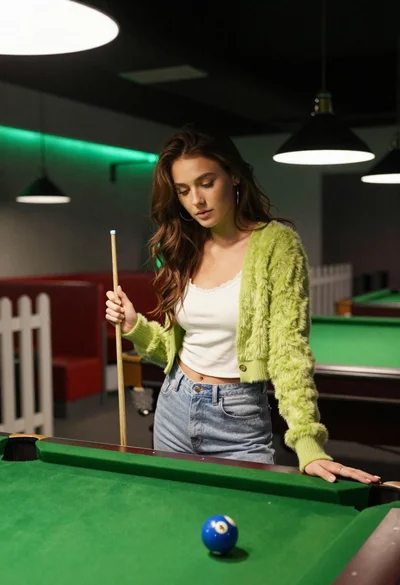
Young woman at pool table holding cue stick looking at eight ball
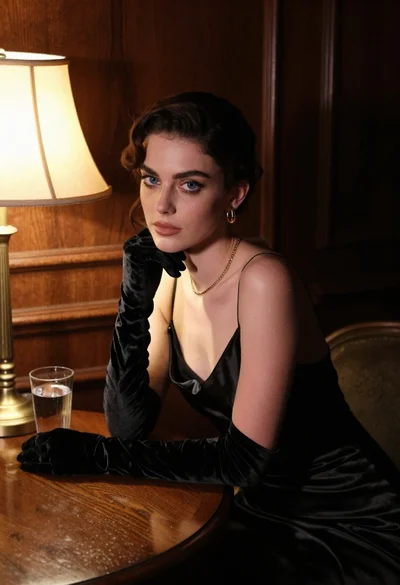
Woman in black satin dress and opera gloves at a wooden table
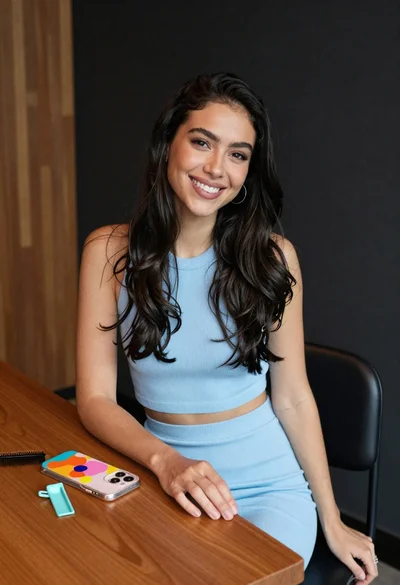
Smiling woman with dark hair at wooden table wearing blue ribbed outfit

Young blonde woman in brown top seated in modern living room setting
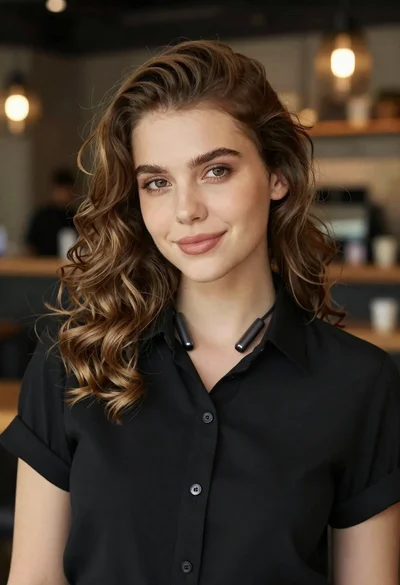
Portrait of young woman with light brown hair in black shirt
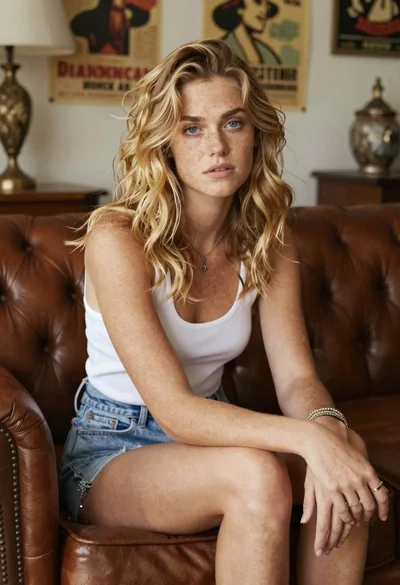
Woman with freckles sitting on brown leather sofa
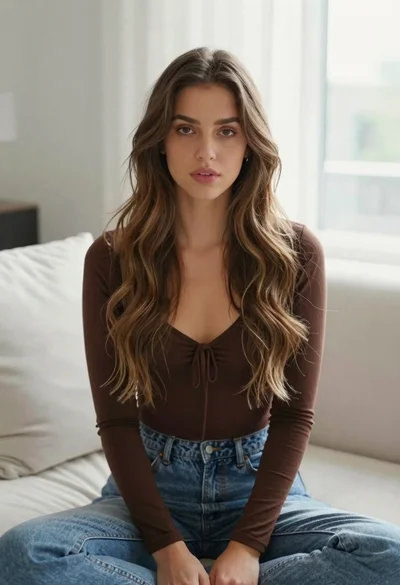
Young woman with brown hair sitting on white sofa in bright modern
Monochrome portrait of woman adjusting dark hair indoors with natural light
