

Young woman with dark hair in mint dress inside modern apartment
Prompt
A young woman with long dark hair sits in a modern apartment interior, looking sideways with a playful pout.

Subject: A young woman with long, straight dark brown hair parted in the middle and fair skin with visible freckles across her nose and cheeks. She has small hoop earrings and a delicate necklace with a nameplate resting on her collarbone. Her shoulders are bare and she is looking off to her left side with a playful expression.

Clothing: She wears a light mint green strapless dress made of a textured waffle-knit fabric. The bodice features a gathered front with white lace trim along the neckline and a tie-string detail at the center chest.

Action: She is seated, leaning slightly forward with her hands clasped together in her lap holding the strings of her dress. Her lips are pursed in a playful pout.

Environment: A modern apartment living space with grey carpeting. Behind her is a kitchen area with white countertops, stainless steel appliances including a refrigerator, and light wood cabinetry. To the right is a white armchair and a low coffee table with a black cap on it.

Lighting: Soft, natural daylight illuminates the scene from the left, casting gentle shadows and highlighting the texture of her skin and dress.

Camera: Eye-level medium shot capturing the subject from the thighs up, with a shallow depth of field that keeps the woman in sharp focus while blurring the background kitchen area.

Style Details: Naturalistic photography style with realistic textures and soft color grading.
Description
This prompt is useful for creating lifestyle editorial spreads, intimate portrait galleries, and mood boards for spring fashion campaigns. The combination of 'soft, natural daylight' illuminating the subject while using a 'shallow depth of field' ensures that the focus remains sharply on her playful pout and the texture of the 'waffle-knit fabric', preventing the detailed modern apartment background from becoming distracting.
Suggestions
- Change 'mint green' to 'dusty blue' for an alternative cool tone.
- Swap 'white lace trim' for 'ivory crochet detail' to alter the neckline feel.
- Adjust 'soft, natural daylight' to 'late afternoon window light' for warmer shadows.
Category
Tags
Brown HairFair SkinFemaleIndoorsMedium ShotRealistic
Date added
June 19, 2026
Added by
PromptDexter Team
Related Prompts
More prompts with similar categories and tags.
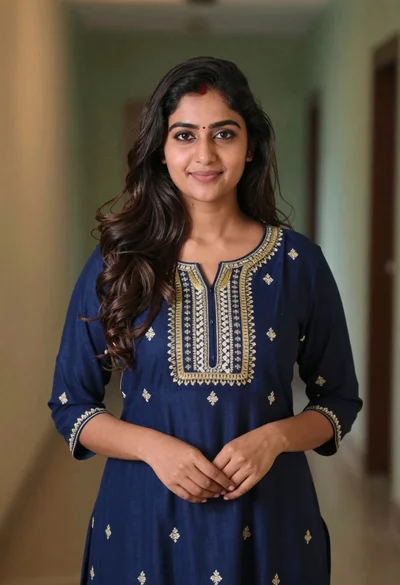
Young woman in navy embroidered traditional dress indoors medium shot

Young woman in black crop top and cream trousers indoors looking over
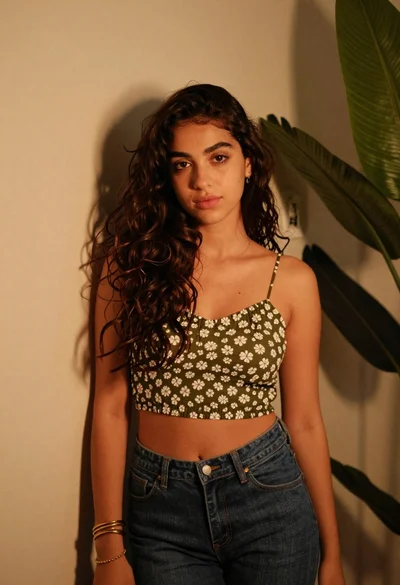
Young woman in olive top and denim jeans indoors with green leaves
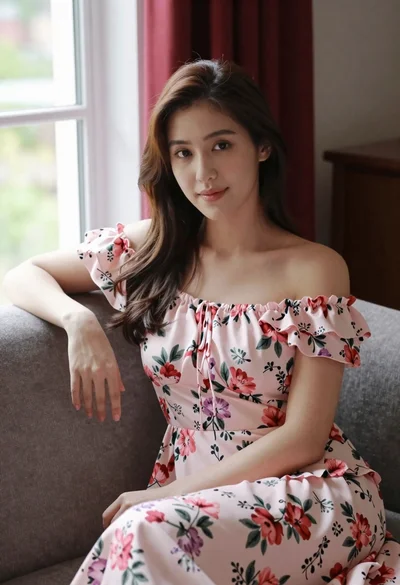
Woman in pink floral dress seated indoors by window with red curtains
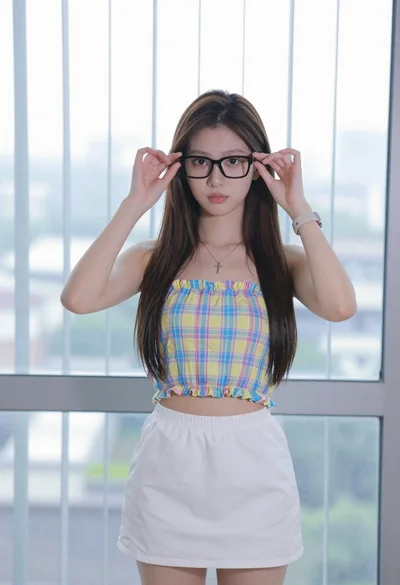
Young woman adjusting glasses indoors against blurred cityscape view

Woman in black dress seated in dimly lit diner booth
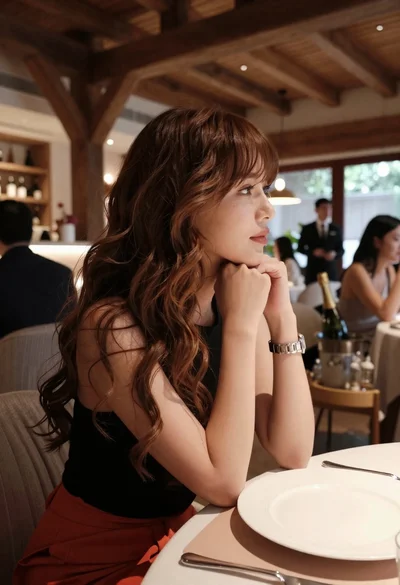
Profile portrait of woman at dining table in upscale restaurant setting

Young girl smiling in messy bedroom with string lights
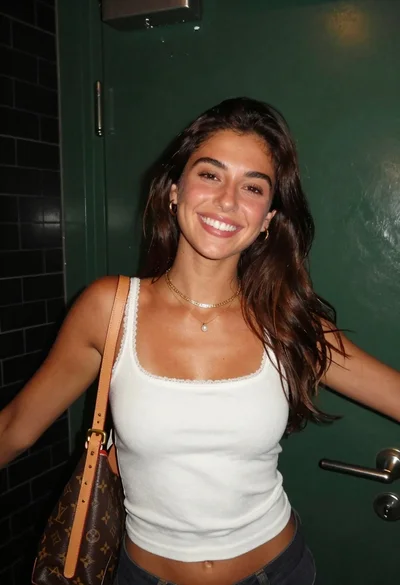
Smiling young woman with brown hair wearing white tank top indoors
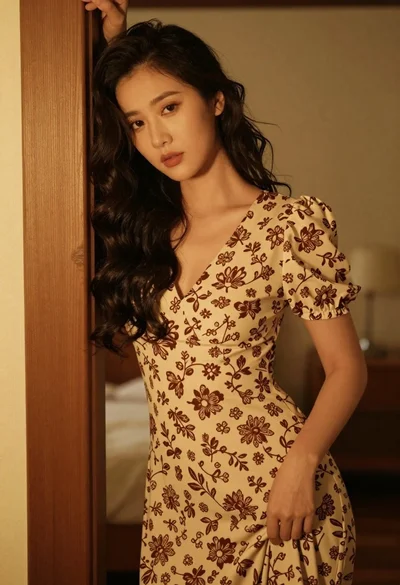
Woman with dark wavy hair leaning on wooden bedpost in warmly lit
