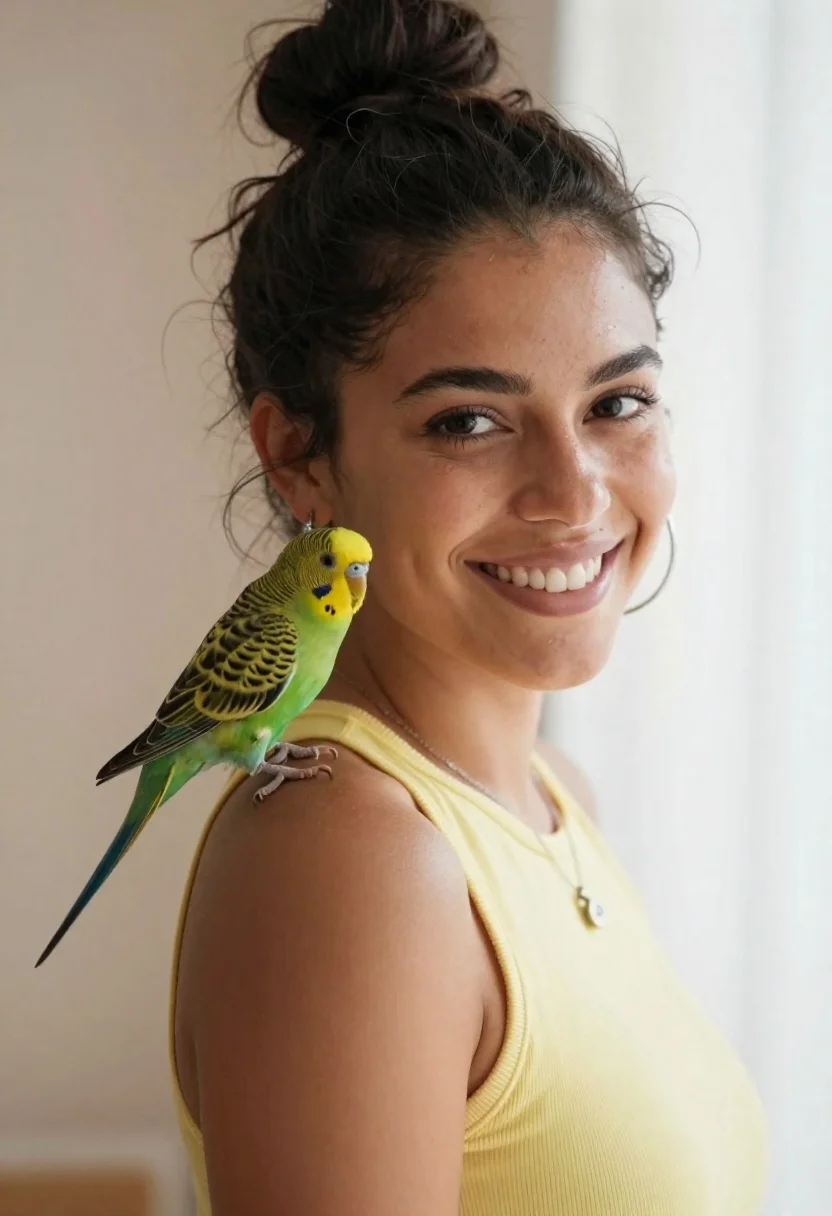
Smiling woman with dark hair in bun and green parakeet on shoulder
Prompt
A close-up portrait of a smiling woman with dark hair styled in a messy bun and a small green parakeet perched on her left shoulder.

Subject: A young woman with warm skin tone, dark brown eyes, and a bright, genuine smile showing her teeth. Her dark hair is pulled up into a casual high bun with loose strands framing her face.

Clothing: She wears a sleeveless pale yellow top that fits closely to the body. She has large silver hoop earrings and a delicate silver chain necklace with a small pendant resting on her collarbone.

Action: The woman is looking directly at the camera with a relaxed, happy expression. Her head is turned slightly to her right while facing forward. The bird is perched calmly on her shoulder, facing left.

Environment: A soft, neutral indoor background featuring a pale peach wall on the left and a bright white area on the right suggesting a window or light source.

Camera: Shot with a medium close-up framing that captures the subject from the chest up. The angle is slightly low looking up at the face, creating an intimate and engaging perspective.

Lighting: Soft, diffused natural light illuminates the scene from the right side, casting gentle shadows on the left side of her face and highlighting her features without harsh contrast.

Style Details: High-resolution photography with a shallow depth of field that keeps the subject sharp while blurring the background slightly to emphasize the portrait.
Description
This prompt is useful for creating intimate lifestyle portraits, pet feature spreads, and casual editorial content focusing on connection between person and animal. The combination of 'soft, diffused natural light' and a 'shallow depth of field' ensures that the focus remains sharply on the woman's smile and the parakeet, while the gentle lighting prevents harsh shadows from distracting from the subject's warm skin tone.
Suggestions
- Change 'pale yellow top' to 'terracotta knit sweater' for richer color contrast.
- Add 'bokeh effect' to the style details for more background separation.
- Adjust the angle by changing 'slightly low looking up at the face' to 'eye-level' for a more direct gaze.
Category
Tags
Casual WearClose UpDark SkinFemaleHigh AngleIndoorsMedium ShotRealistic
Date added
June 23, 2026
Added by
PromptDexter Team
Related Prompts
More prompts with similar categories and tags.

Monochrome portrait of woman with cat indoors

Smiling woman with cat ears holding orange tabby cat

Young woman in knit cardigan holding small rabbit near christmas tree
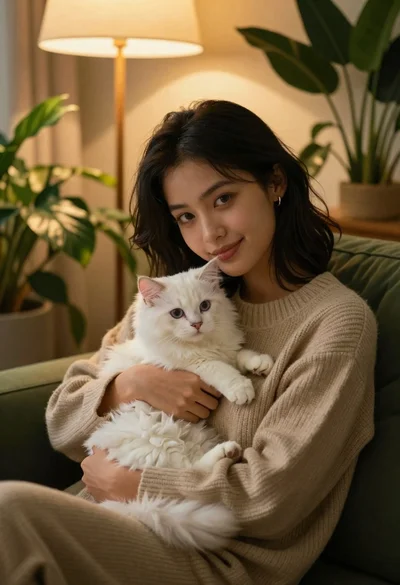
Young woman with dark hair holding fluffy white kitten in cozy room
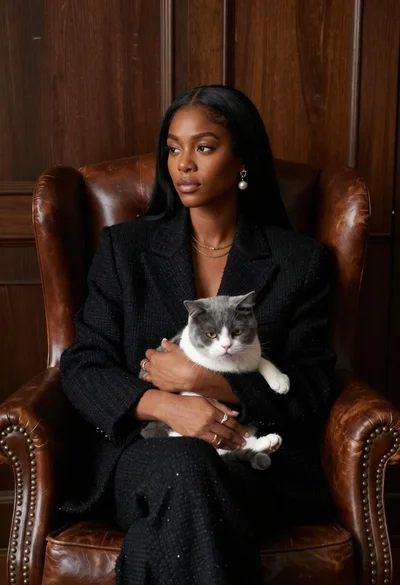
Woman in black blazer holding grey and white cat on leather armchair
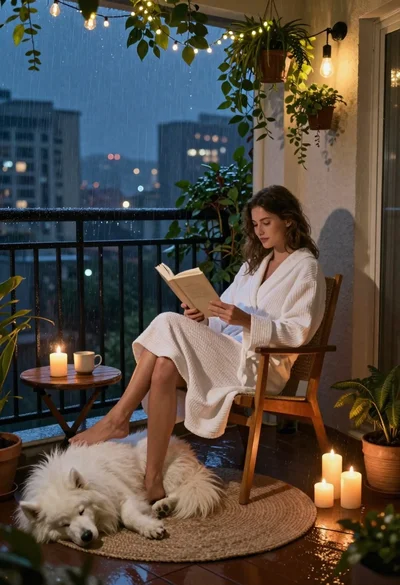
Woman reading to sleeping dog on rainy balcony at night
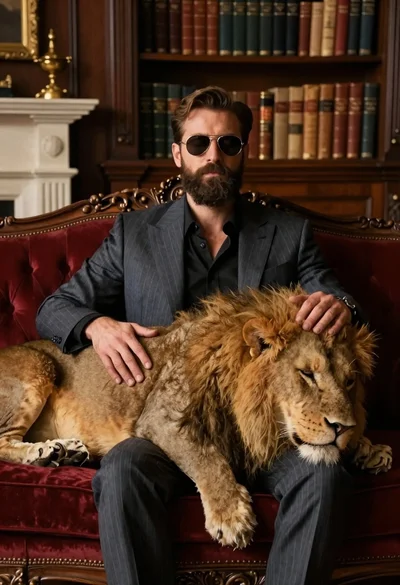
Man in suit resting with lion on red velvet couch
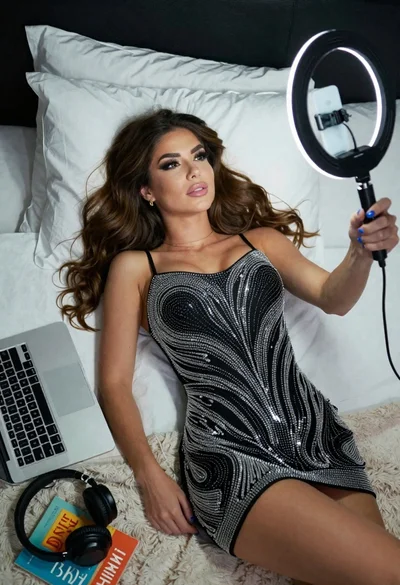
Woman taking a selfie in bed with ring light and patterned black