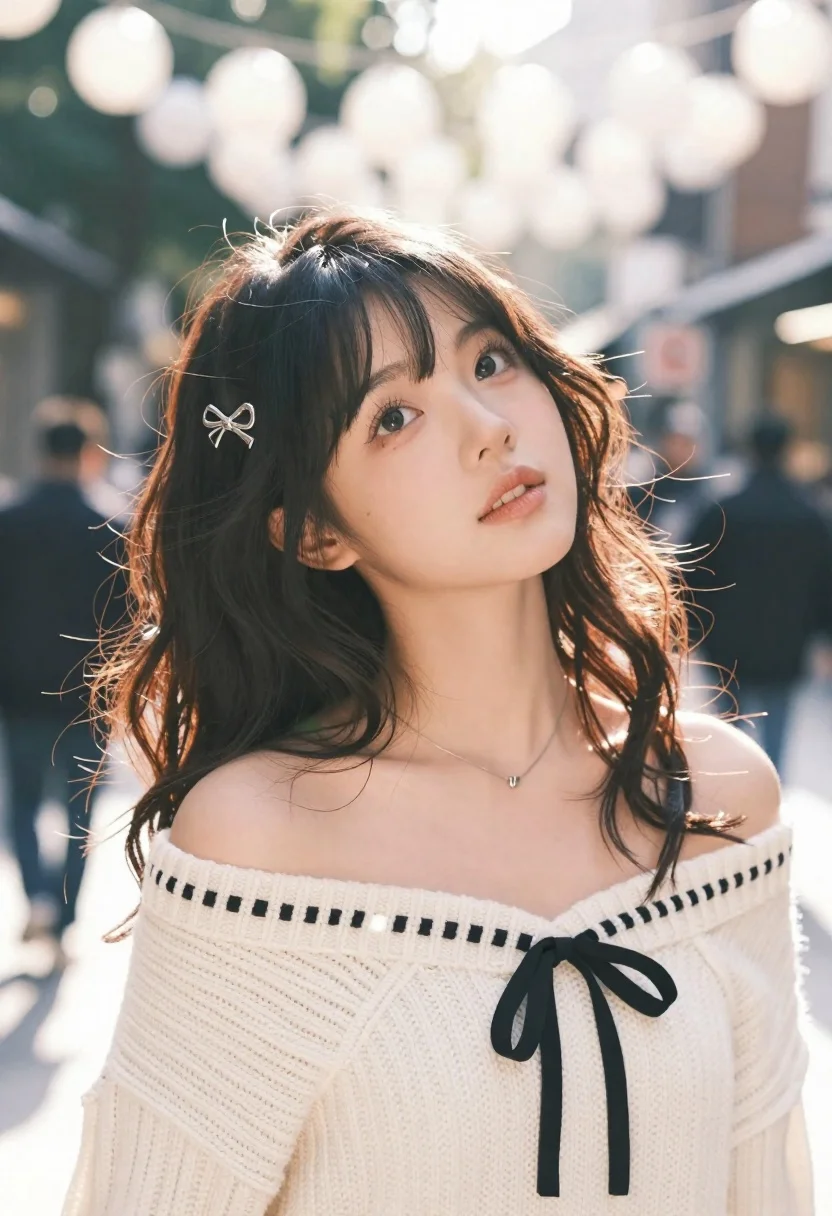
Young woman with dark wavy hair looking up at camera in urban
Prompt
A young woman with dark wavy hair and bangs looks up at the camera with a soft expression.

Subject: A young woman with dark wavy hair featuring wispy bangs, wearing silver bow-shaped hair clips on the left side of her head. She has fair skin and large expressive eyes looking directly upward.

Clothing: She wears an off-the-shoulder cream-colored knit sweater with black dashed stitching details along the neckline and a black ribbon tied into a bow at the front. A delicate silver necklace rests against her collarbone.

Action: The subject tilts her head slightly to the side while gazing up, creating a gentle and engaging pose.

Environment: An outdoor urban setting with blurred figures in the background suggesting a busy street or plaza. Overhead, a large cluster of white spherical lights hangs from above, creating a bokeh effect.

Lighting: Bright natural sunlight filters through the scene, casting soft highlights on her hair and face while creating lens flares and rainbow artifacts near the edges. The lighting is warm and airy with high-key tones.

Camera: Shot with a shallow depth of field that keeps the subject in sharp focus while blurring the background and foreground elements. The angle is slightly low looking up at the subject, emphasizing her upward gaze.

Style Details: High-quality photography with a dreamy aesthetic, featuring soft color grading, visible lens flare, and a bokeh effect from the overhead lights.
Description
This prompt is useful for creating editorial portraiture, fashion lookbooks set in city environments, and lifestyle content emphasizing upward emotion. The combination of 'low angle' and 'overhead, a large cluster of white spherical lights' directs the viewer's eye up toward her gaze while the 'shallow depth of field' isolates her against the busy street background, preventing visual clutter.
Suggestions
- Change 'cream-colored knit sweater' to 'charcoal knit sweater' for more contrast.
- Swap 'white spherical lights' for 'amber string lights' to warm the overall tone.
- Adjust 'soft expression' to 'curious and thoughtful expression' to guide the mood.
Category
Tags
Casual WearDark SkinFair SkinFemaleLow AngleOutdoorsPortrait ShotStreetUrban
Date added
June 23, 2026
Added by
PromptDexter Team
Related Prompts
More prompts with similar categories and tags.

Young man in city street between glass skyscrapers

Young woman with dark hair at wooden table in open air setting

Blonde woman in purple polo shirt on an urban street setting

Woman in black shirt on urban street at sunset
Smiling young woman in maroon top standing outdoors with blurred background
Young woman with brown hair sitting outdoors at night with tropical dress
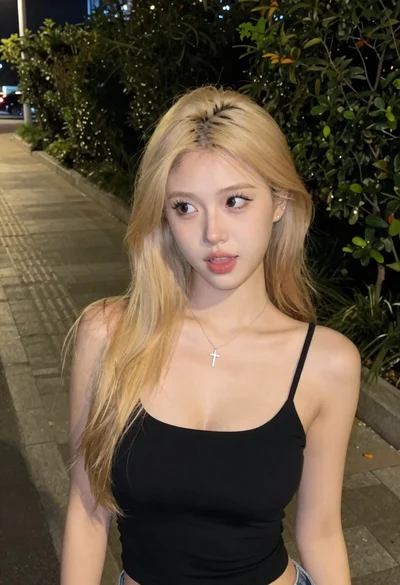
Young blonde woman on sidewalk at night looking sideways candidly

Young woman in black turtleneck looking over shoulder at street
