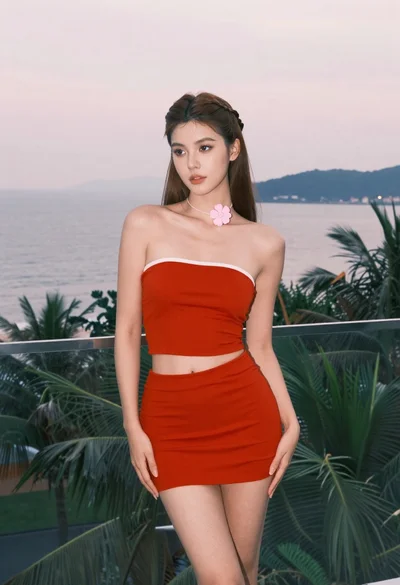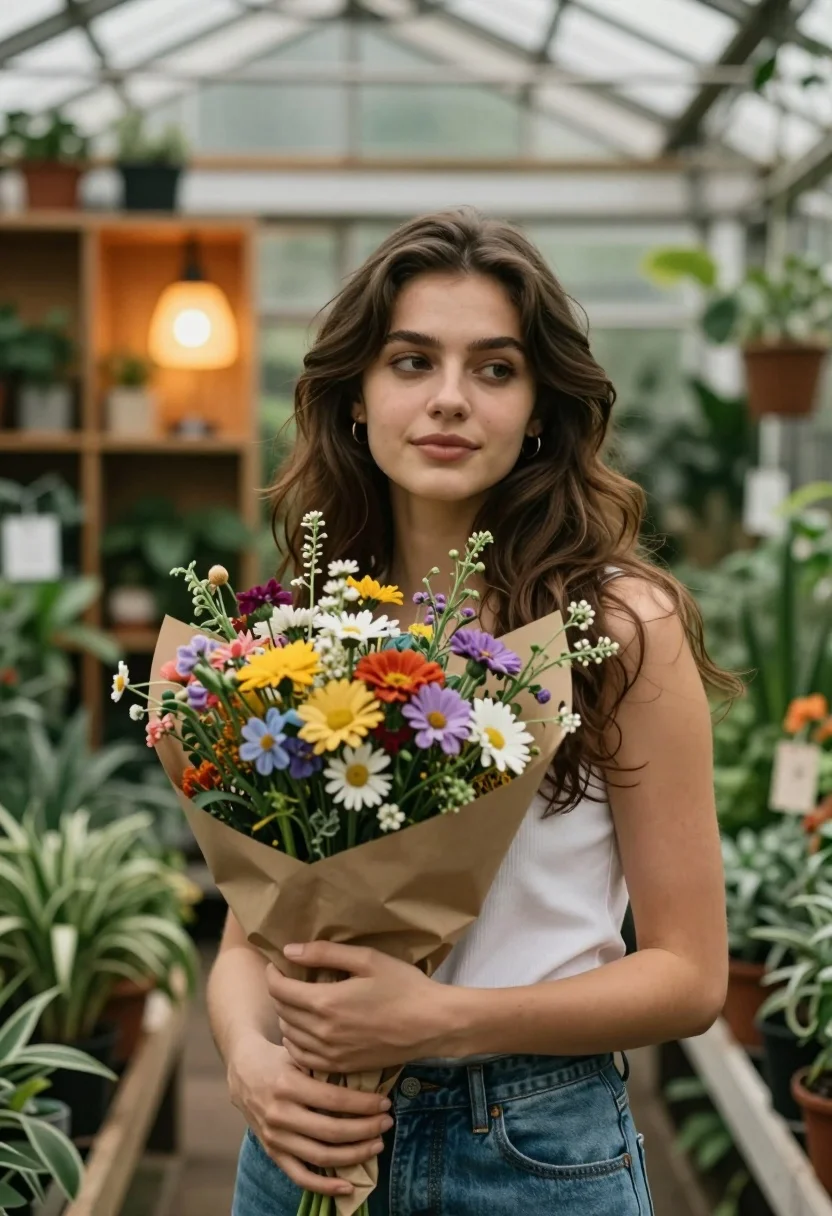
Young woman with wildflowers in a lush greenhouse setting
Prompt
A young woman with long wavy brown hair stands in a lush greenhouse holding a large bouquet of wildflowers wrapped in brown paper.

Subject: A young woman with fair skin and long, dark brown wavy hair that cascades over her shoulders. She has a soft, contemplative expression with a slight smile and is looking off to the side rather than at the camera. Her eyes are dark and expressive.

Clothing: She wears a simple white sleeveless top or camisole and blue denim jeans. A gold hoop earring is visible on her left ear.

Action: She holds a large, vibrant bouquet of mixed wildflowers with both hands close to her chest in a gentle embrace. Her posture is relaxed and she appears calm and thoughtful.

Environment: The setting is a greenhouse or plant nursery filled with rows of potted green plants and wooden shelving units. A warm glowing lamp with an orange shade sits on a shelf behind her, adding a cozy ambiance.

Lighting: The scene is lit by soft, diffused natural light filtering through the glass roof, creating a gentle glow on her face and hair. Warm artificial light from the background lamp adds depth and a golden hue to the atmosphere.

Camera: Shot with a medium close-up framing that focuses on the upper body, using a shallow depth of field to blur the surrounding plants and background softly while keeping the subject sharp.

Style Details: The image features a cinematic, photorealistic style with rich colors, soft focus in the background, and a warm, inviting color palette that emphasizes natural textures and organic tones.
Description
This prompt is useful for creating editorial lifestyle shots, botanical portraiture, and rustic mood boards for home goods or fashion editorials. The combination of 'soft, diffused natural light' with the 'warm artificial light from the background lamp' sculpts her features gently while preventing harsh shadows, allowing the 'lush greenhouse' setting to feel immersive rather than cluttered.
Suggestions
- Change 'blue denim jeans' to 'beige linen trousers' for a more cohesive palette.
- Swap 'wildflowers' for 'dried lavender bouquets' to shift the mood.
- Adjust 'medium close-up framing' to 'full body shot' to better incorporate the environment.
Category
Tags
Brown HairCasual WearFair SkinFemaleMedium ShotOutdoorsRealistic
Date added
August 5, 2026
Added by
PromptDexter Team
Related Prompts
More prompts with similar categories and tags.

Woman in gold sequin slip dress looking over shoulder in forest
Woman in black velvet jacket on stone balcony against green hills

Woman in black dress by window overlooking ocean at golden hour

Young woman sitting among colorful clothes in minimalist studio setting
Young woman in grey knit sweater sitting against red corrugated metal wall
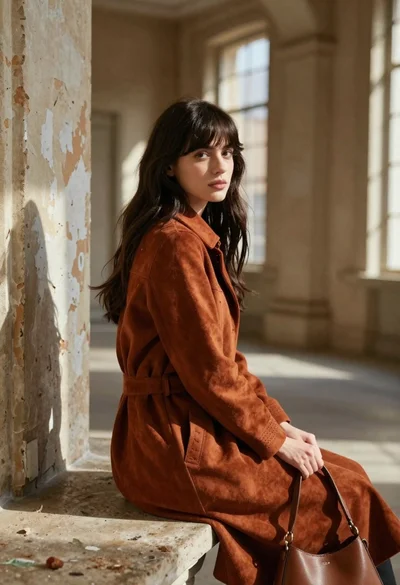
Young woman in rust suede coat seated in weathered architectural corridor
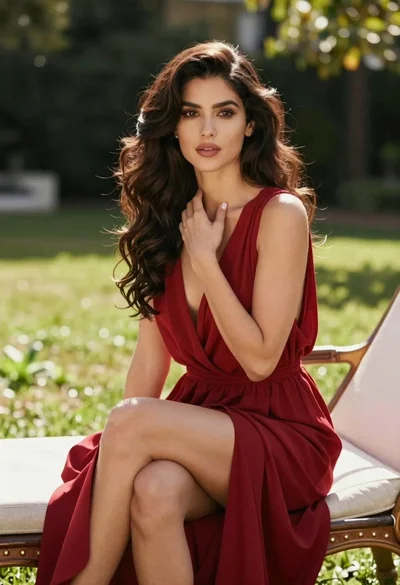
Woman in deep red dress seated elegantly outdoors on grassy lawn

Blonde woman reading at a cafe table with roses

Blonde woman in black dress leaning on stone pillar in garden setting
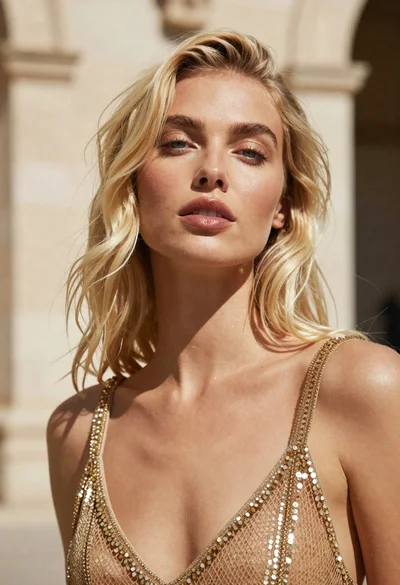
Close up portrait of blonde woman in gold beaded top against stone