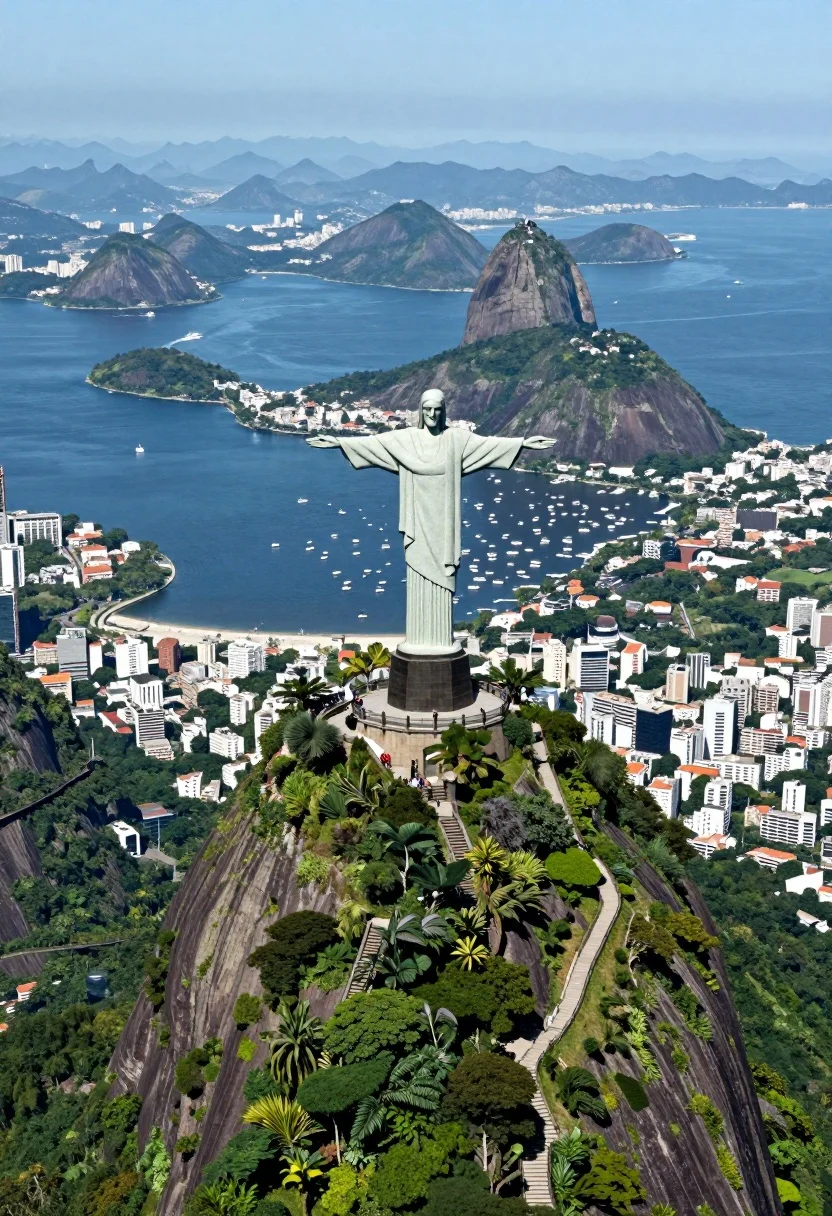
Aerial view of christ redeemer statue overlooking coastal city bay and mountains
Prompt
A breathtaking aerial view of the Christ the Redeemer statue standing atop Corcovado mountain with arms outstretched overlooking a sprawling coastal city and bay.

Subject: The colossal white Christ the Redeemer statue stands majestically at the summit of a lush, green mountain peak, surrounded by dense tropical vegetation and winding pathways leading up to its base.

Action: The scene is static, capturing a serene moment with no visible movement in the statue or surrounding landscape.

Environment: A vast urban metropolis fills the foreground and sides of the frame, while a deep blue bay stretches into the distance dotted with numerous white boats; iconic landmarks including Sugarloaf Mountain rise from the water on the right, and hazy blue mountains form the distant horizon under a clear sky.

Camera: High-angle aerial perspective looking down upon the mountain peak and cityscape, utilizing a wide-angle lens to capture the expansive geography and depth of the bay.

Lighting: Bright, natural daylight illuminates the scene from above, casting soft shadows that define the contours of the mountain and buildings while highlighting the vibrant green foliage and deep blue water.

Style Details: High-resolution photography with vivid color saturation, sharp focus on the foreground subject, and atmospheric haze in the distance creating a sense of scale and grandeur.
Description
This prompt is useful for creating travel magazine spreads, architectural concept visualizations, and panoramic landscape art prints. The combination of 'high-angle aerial perspective' with 'wide-angle lens' ensures that the vast geography—from the statue to the distant hazy blue mountains—is captured cohesively, while 'bright, natural daylight' prevents deep shadows from obscuring the details on both the foreground subject and the water.
Suggestions
- Change 'tropical vegetation' to 'lush rainforest canopy' for more texture.
- Swap 'deep blue bay' for 'turquoise bay' to brighten the water tones.
- Add 'shot on Hasselblad X1D II' for a specific photographic feel.
Category
Tags
High AngleOutdoorsRealisticRooftopUrbanWide Shot
Date added
August 5, 2026
Added by
PromptDexter Team
Related Prompts
More prompts with similar categories and tags.

Solitary white house by reflective water under vibrant sunset sky
Majestic medieval castle on rocky cliff overlooking vast valley landscape

High angle aerial view of st peters square in vatican city rome
High angle wide shot of burj khalifa dominating modern city skyline at
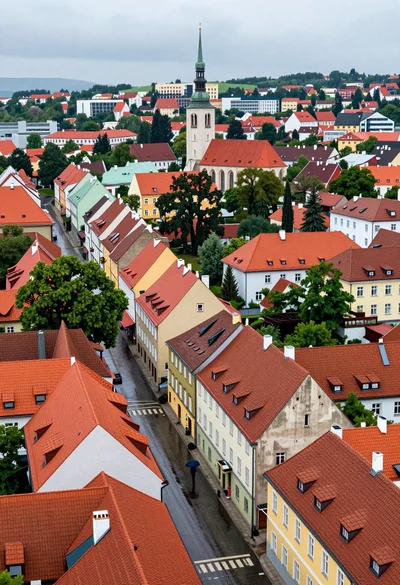
High angle aerial view of dense european town rooftops under overcast sky
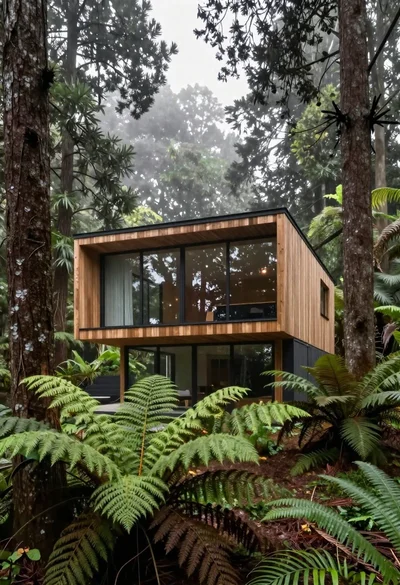
Modern wooden house in a dense forest setting

Traditional wooden windmill reflected in calm lake under vibrant sunset sky
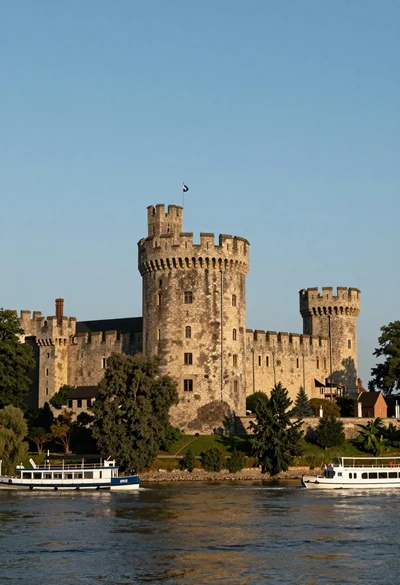
Majestic medieval stone castle overlooking wide river at golden hour
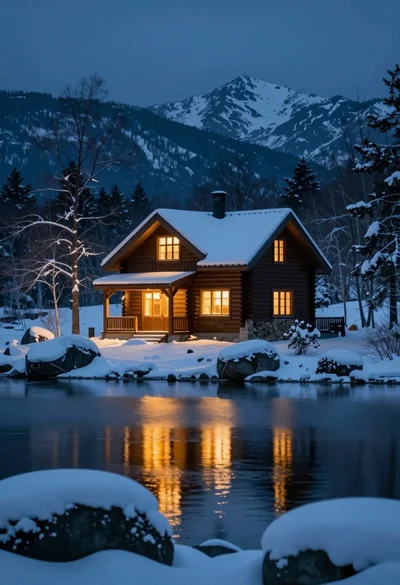
Rustic wooden cabin glowing beside calm lake under snowy winter night sky
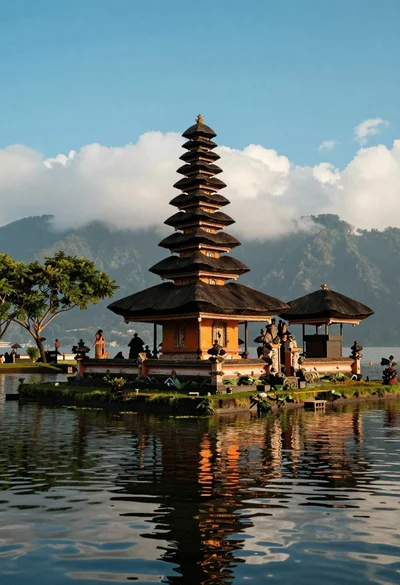
Majestic balinese style temple on grassy island in calm lake setting
