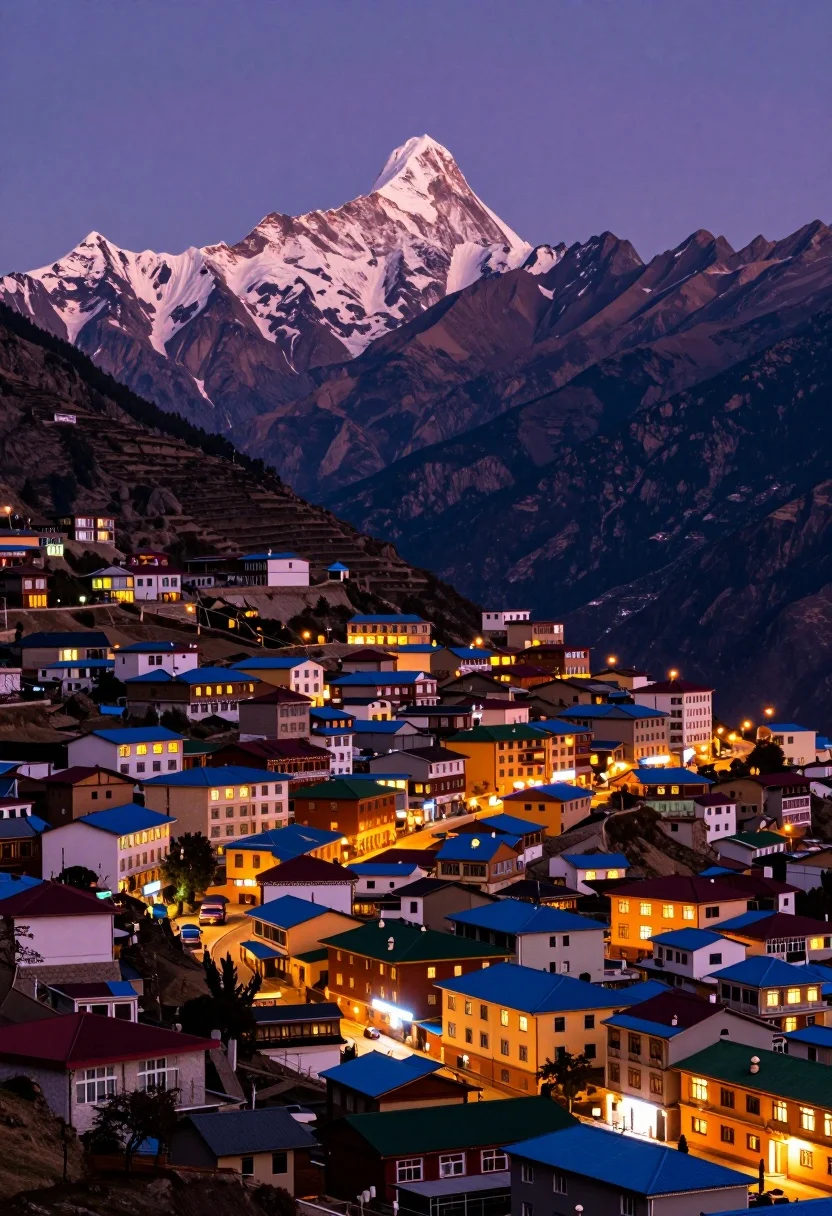
Panoramic view of colorful mountain town beneath majestic snow capped peak at
Prompt
A breathtaking panoramic view of a vibrant mountain town nestled at the foot of a majestic snow-capped peak under a deep twilight sky.

Subject: A sprawling hillside settlement featuring colorful multi-story buildings with illuminated windows and distinctive blue, green, and red roofs clustered together in a dense urban layout.

Action: The scene is static, capturing the stillness of the town at night with lights glowing warmly from within the structures.

Environment: The setting is a high-altitude valley dominated by a massive, rugged mountain range in the background; the foreground consists of terraced slopes and winding streets filled with hotels and lodges, while the sky transitions from deep indigo to purple near the horizon.

Camera: A wide-angle perspective captures the vast scale of the landscape, utilizing a slightly elevated viewpoint to encompass both the detailed town architecture and the towering mountain peak in a single composition.

Lighting: The scene is lit by the ambient glow of the alpenglow reflecting off the snowy mountain summit and the warm artificial light spilling from thousands of windows in the town below against the darkening sky.

Style Details: High-contrast, vibrant color saturation with rich purples and oranges, resembling a high-quality travel photography print or digital art rendering.
Description
This prompt is useful for creating destination marketing materials, concept art for fantasy settings, and dramatic landscape visualizations. The combination of 'deep twilight sky' contrasting with the 'warm artificial light spilling from thousands of windows' establishes a high-contrast visual narrative that emphasizes human habitation against overwhelming natural grandeur, which is key for both travel promotion and imaginative world-building.
Suggestions
- Change 'vibrant mountain town' to 'historic alpine village' for a more cohesive architectural feel.
- Add 'mist rolling through the valley floor' to enhance the sense of scale.
- Swap 'deep indigo to purple' for 'magenta to deep violet' to shift the twilight mood.
Category
Tags
NatureOutdoorsRealisticRooftopUrbanWide Shot
Date added
August 5, 2026
Added by
PromptDexter Team
Related Prompts
More prompts with similar categories and tags.

Solitary white house by reflective water under vibrant sunset sky

Traditional wooden windmill reflected in calm lake under vibrant sunset sky
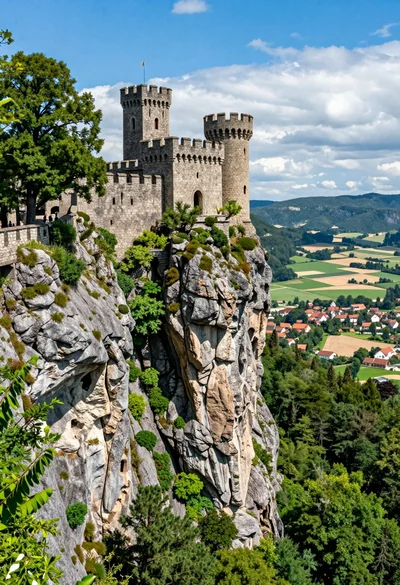
Majestic medieval castle on rocky cliff overlooking vast valley landscape
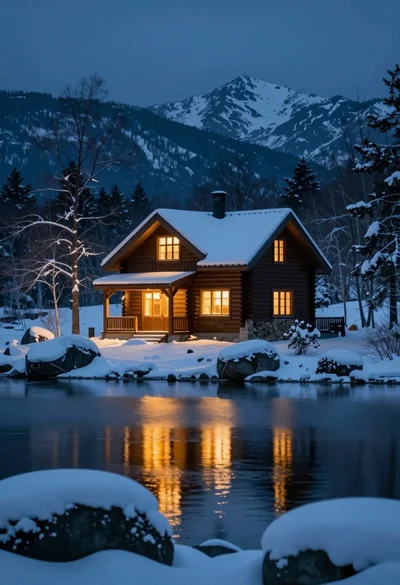
Rustic wooden cabin glowing beside calm lake under snowy winter night sky
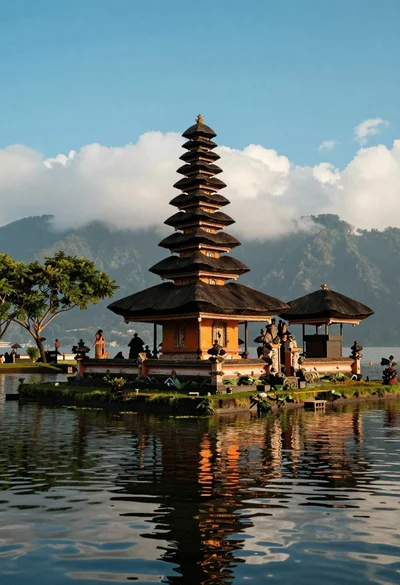
Majestic balinese style temple on grassy island in calm lake setting
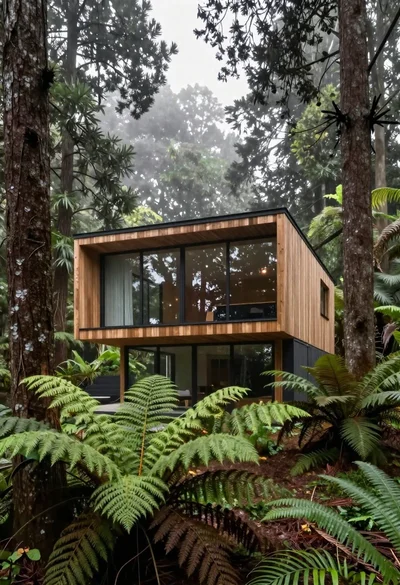
Modern wooden house in a dense forest setting
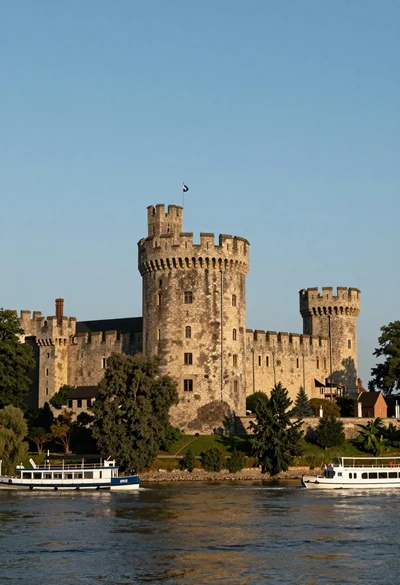
Majestic medieval stone castle overlooking wide river at golden hour

Silhouette of india gate monument at sunset viewed from a low angle
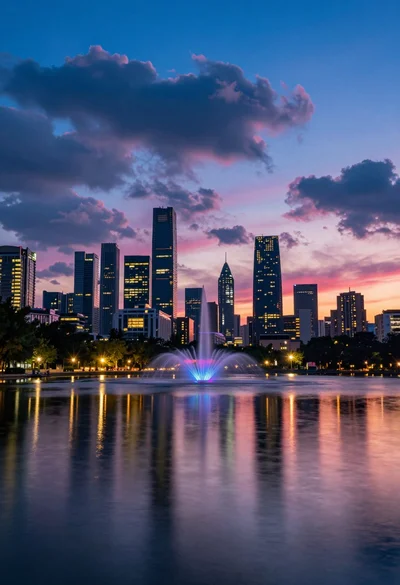
Vibrant city skyline reflection in calm water under dramatic twilight sky

High angle aerial view of st peters square in vatican city rome