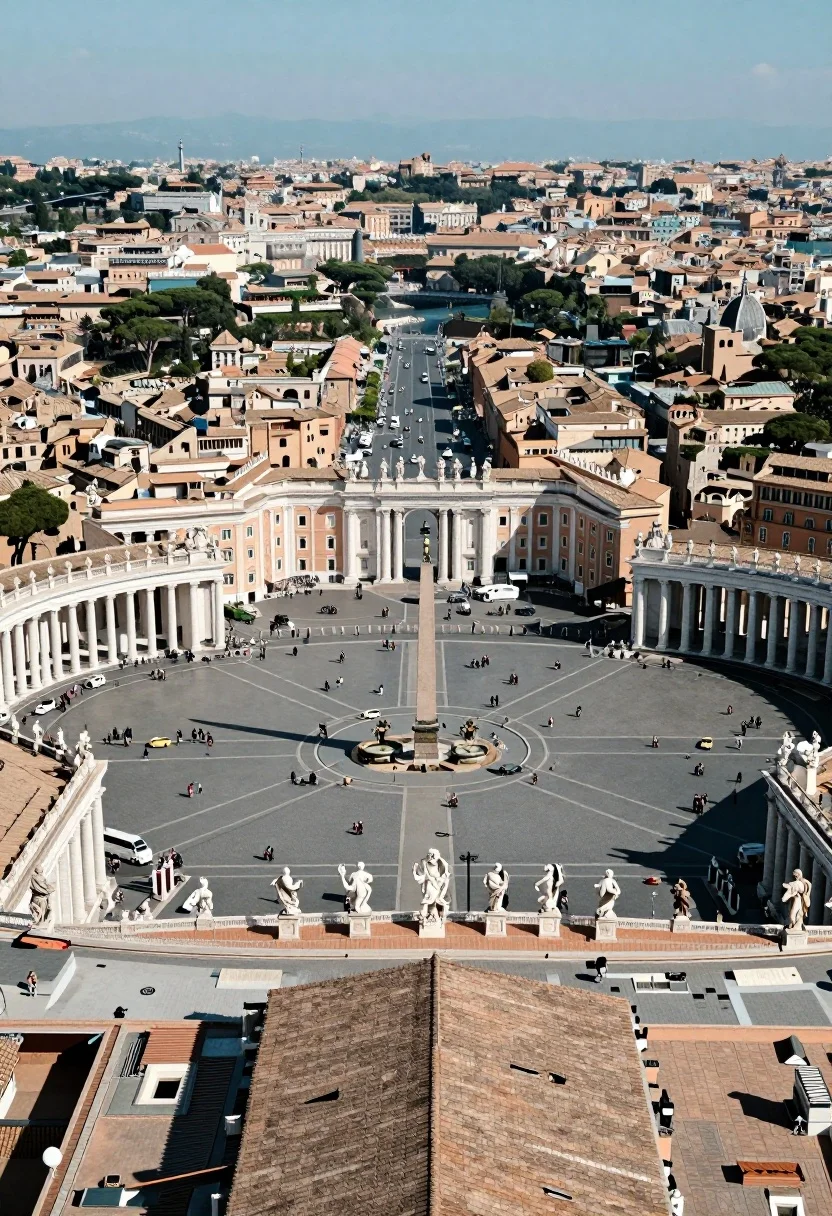
High angle aerial view of st peters square in vatican city rome
Prompt
A breathtaking high-angle aerial view of St. Peter's Square in Vatican City, looking down onto the massive elliptical plaza with its colonnades and central obelisk, framed by the terracotta rooftops of the Basilica in the immediate foreground.

Subject: The expansive St. Peter's Square featuring the iconic elliptical colonnade, a tall central Egyptian obelisk, two large fountains, and rows of white statues lining the balustrade in the foreground.

Action: Tiny figures of tourists and visitors are scattered across the vast paved plaza, while vehicles move along the wide avenue leading away from the square into the city.

Environment: The scene is set against a dense urban backdrop of Rome with tightly packed buildings featuring terracotta roofs, green trees, and a river visible in the distance under a clear blue sky.

Camera: High-angle aerial perspective looking down at the plaza, utilizing a wide-angle lens to capture the full scale of the architecture and the surrounding cityscape.

Lighting: Bright, harsh midday sunlight casting strong, distinct shadows from the statues and obelisk, creating high contrast between sunlit surfaces and shaded areas.

Style Details: Photorealistic architectural photography with sharp focus on the foreground details like the tiled roofs and statues, transitioning into a slightly softer focus for the distant city.
Description
This prompt is useful for creating architectural concept visualizations, historical documentary backdrops, and large-scale urban planning mockups. The combination of 'high-angle aerial perspective' with 'bright, harsh midday sunlight casting strong, distinct shadows' emphasizes the sheer scale and geometric precision of the plaza, which is crucial for conveying the monumental nature required in these contexts.
Suggestions
- Change 'terracotta rooftops' to 'slate grey roofs' for a more uniform historical feel.
- Add 'drone photography aesthetic' to reinforce the aerial viewpoint.
- Swap 'wide-angle lens' for 'ultra-wide lens' to exaggerate the plaza's breadth.
Category
Tags
High AngleOutdoorsRealisticRooftopUrbanWide Shot
Date added
August 5, 2026
Added by
PromptDexter Team
Related Prompts
More prompts with similar categories and tags.
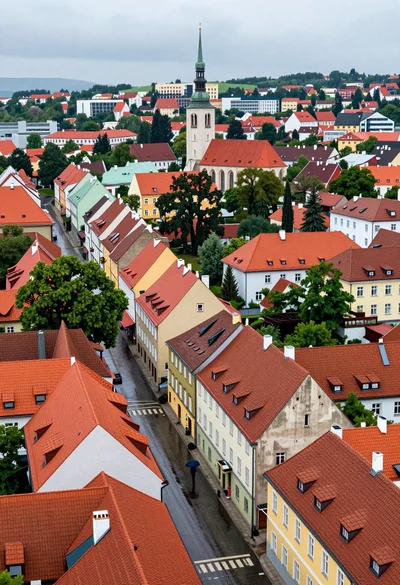
High angle aerial view of dense european town rooftops under overcast sky
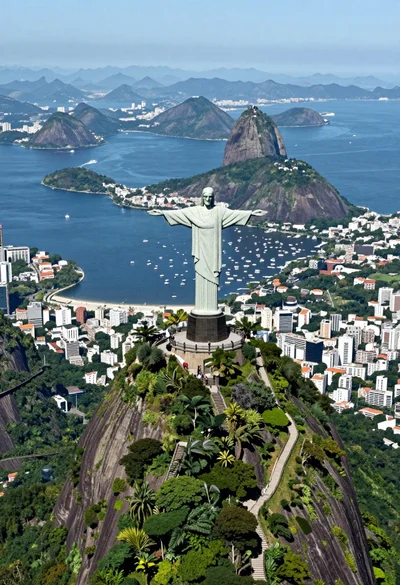
Aerial view of christ redeemer statue overlooking coastal city bay and mountains

Silhouette of india gate monument at sunset viewed from a low angle

Majestic golden domed palace overlooking sprawling cityscape at twilight

High angle aerial view of new york city skyline at twilight featuring
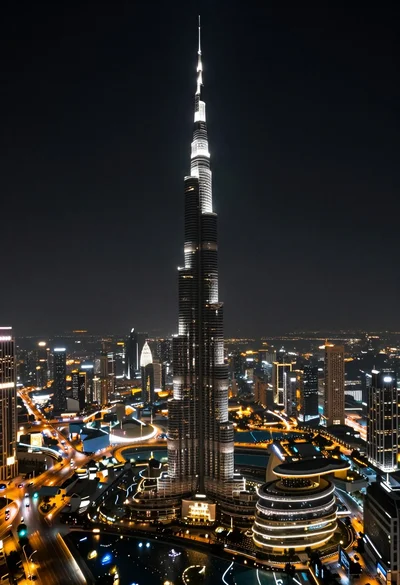
High angle aerial view of burj khalifa towering over illuminated cityscape at
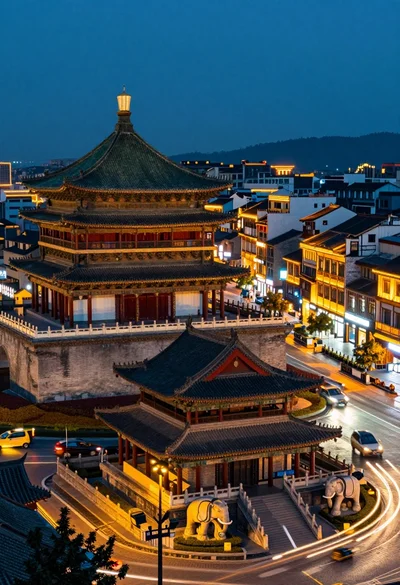
High angle view of historic city square pagoda temples at twilight
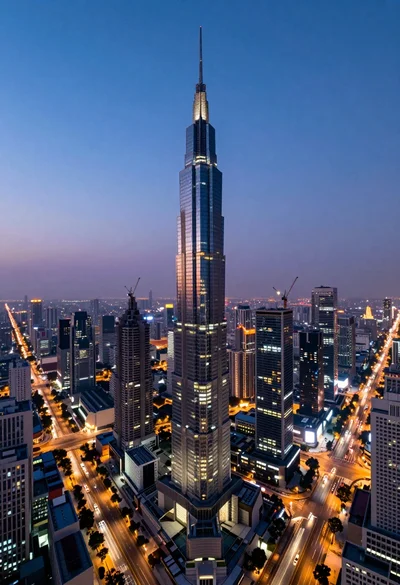
Panoramic view of futuristic metropolis dominated by tall spiraling skyscraper at dusk
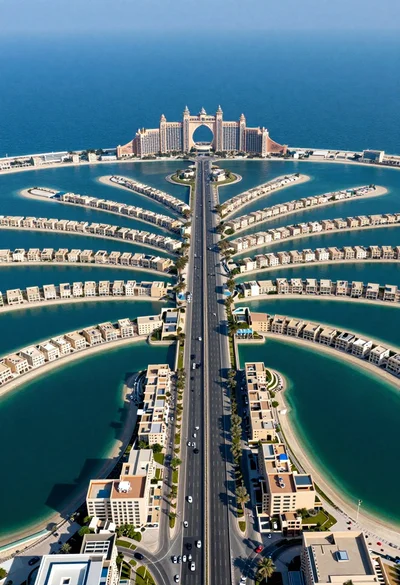
Aerial view of palm jumeirah artificial island dubai highway and resort
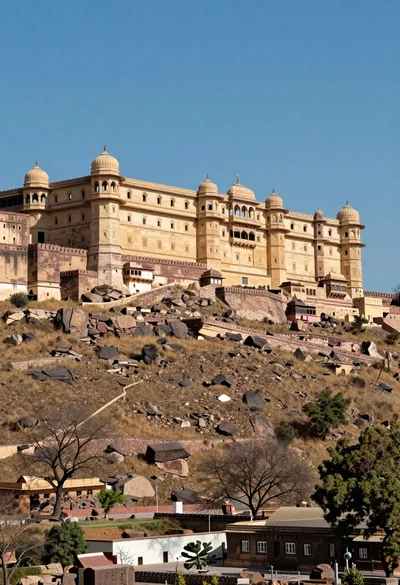
Majestic sandstone fortress complex atop a rugged arid hill under blue sky