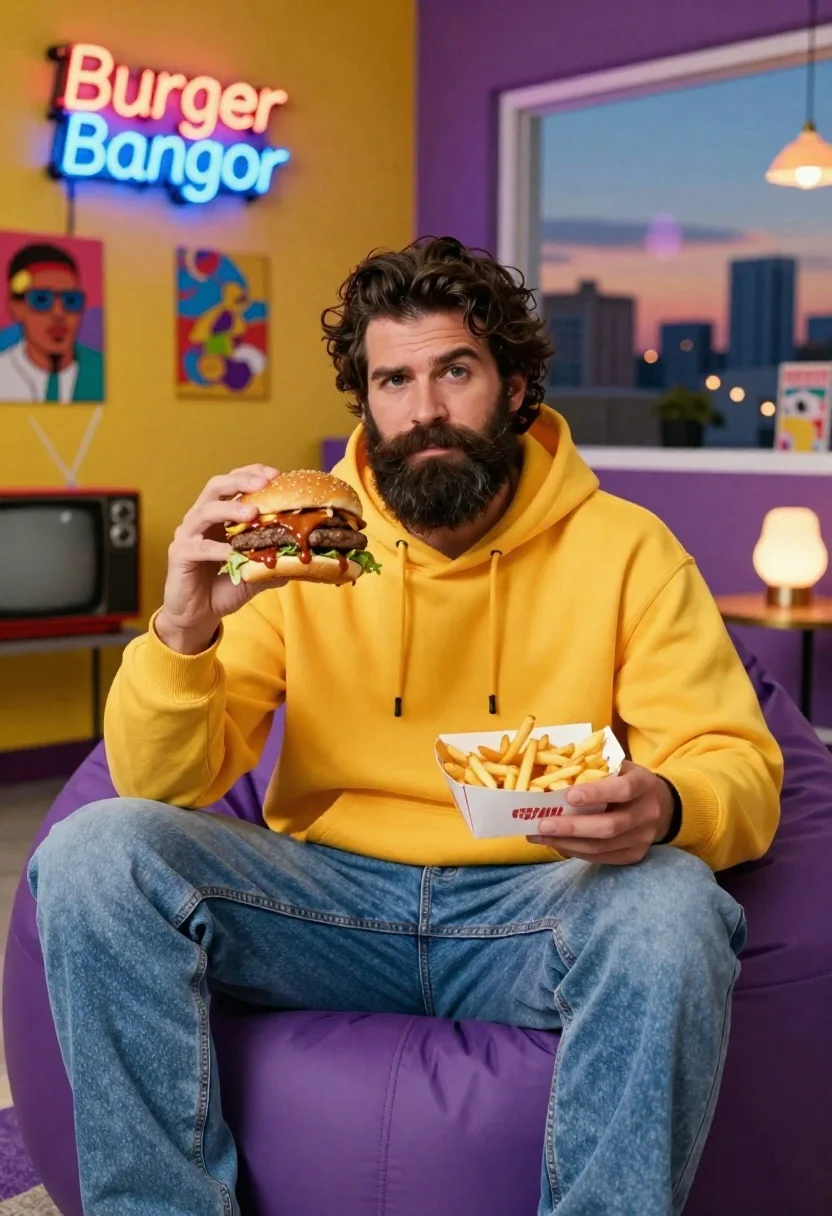
Bearded man in yellow hoodie holding burger and fries in retro room
Prompt
A man sits in a vibrant purple beanbag chair holding a large burger and a box of fries.

Subject: A bearded man with dark wavy hair wearing a bright yellow hoodie and blue jeans.

Clothing: He wears a yellow hooded sweatshirt with drawstrings and loose-fitting blue denim jeans.

Action: The man holds a massive multi-patty burger dripping with sauce in his right hand and a box of french fries in his left, looking directly at the camera with a confident expression.

Environment: The setting is a retro-themed room with yellow walls on the left and purple walls on the right, featuring a window overlooking a city skyline at dusk.

Objects: A neon sign reading "Burger Bangor" hangs above colorful pop-art posters on the wall, while a small vintage television and a glowing orange lamp sit on side tables.

Lighting: The scene is lit with warm ambient light from the neon signs and soft interior lighting that highlights the subject against the colorful background.

Camera: Shot at eye level with a medium framing that captures the subject from the knees up, emphasizing the food items in his hands.

Style Details: High-quality commercial photography with vibrant saturated colors, sharp focus on the subject, and a polished modern aesthetic.
Description
This prompt is useful for creating quirky restaurant advertising campaigns, themed product placements, and retro lifestyle editorials. The combination of 'vibrant saturated colors' and specific props like the 'neon sign reading "Burger Bangor"' grounds the image in a distinct commercial aesthetic, ensuring the food items are highlighted against the intentionally clashing purple and yellow walls.
Suggestions
- Change 'bright yellow hoodie' to 'mustard yellow hoodie' for a more muted retro feel.
- Swap 'city skyline at dusk' for 'tropical foliage view' to change the mood.
- Adjust 'medium framing that captures the subject from the knees up' to 'waist-up shot' to focus more on the face.
Category
Tags
Full BodyIndoorsMaleMedium ShotRealistic
Date added
June 26, 2026
Added by
PromptDexter Team
Related Prompts
More prompts with similar categories and tags.
Handsome bearded man eating spicy noodles in dimly lit room

Smiling woman in beige linen dress holding honey jar on rustic wooden
Smiling group enjoying dinner at a wooden table in a luxurious city

Two smiling children holding red kitkat bars against a blue sky

Joyful young woman in pink overalls jumping next to giant ice cream
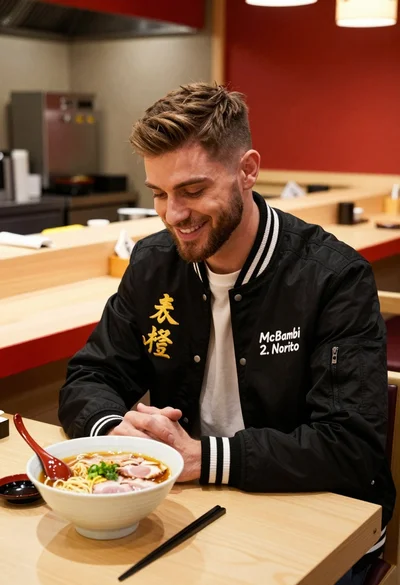
Young man smiling at ramen bowl in modern japanese restaurant setting
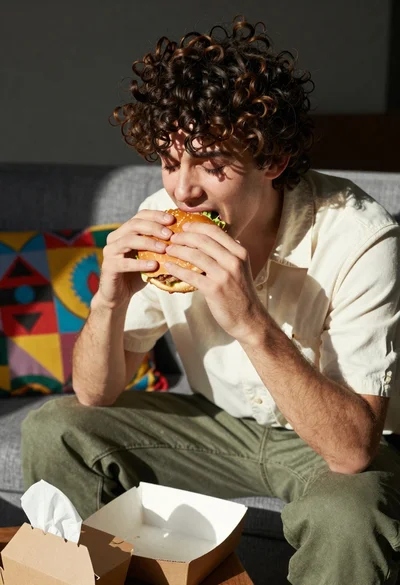
Young man eating burger on grey sofa in sunlight
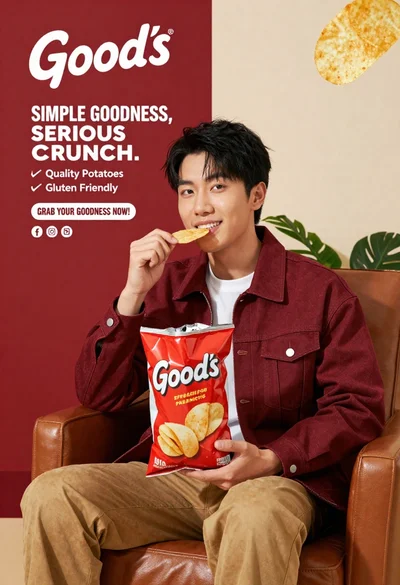
Young asian man eating goods potato chips in maroon jacket