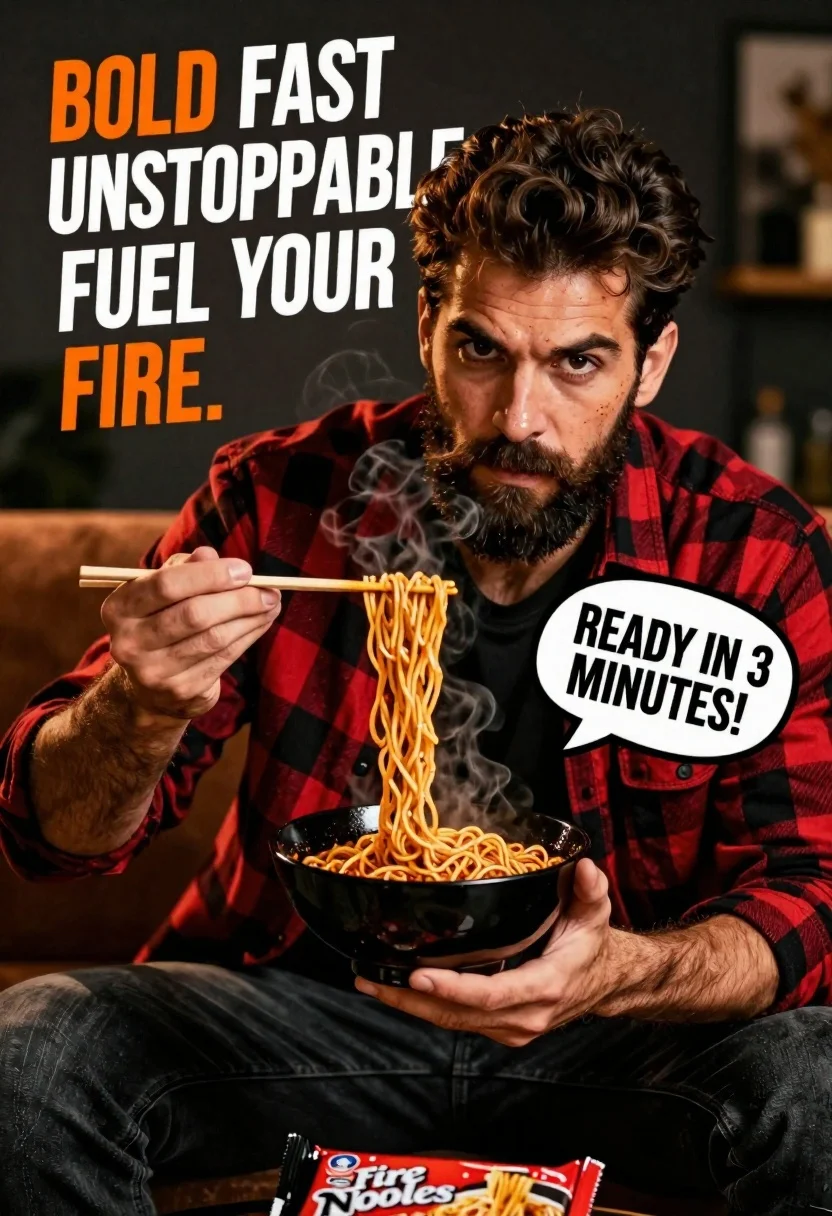
Handsome bearded man eating spicy noodles in dimly lit room
Prompt
A handsome man with a beard sits holding a bowl of steaming noodles while lifting a portion with chopsticks.

Subject: A rugged, attractive man with dark wavy hair and a full beard, looking directly at the camera with an intense gaze.

Clothing: He wears a red and black plaid flannel shirt over a black t-shirt, paired with dark trousers.

Action: The man holds a black bowl in his left hand and lifts a large portion of noodles with chopsticks in his right hand, steam rising from the food.

Environment: A dimly lit indoor setting with a blurred brown sofa visible behind him against a dark background.

Camera: Close-up shot focusing on the subject's face and hands, utilizing shallow depth of field to blur the background.

Lighting: Dramatic warm lighting highlights the man's features and the steam from the noodles, creating high contrast against the shadows.

Objects: A black bowl filled with spicy-looking noodles and a floating product package labeled "Instant Fire Noodles" in the foreground.

Text/Graphics: Large graphic text reading "BOLD FAST UNSTOPPABLE FUEL YOUR FIRE." in the top left corner and a speech bubble on the right stating "READY IN 3 MINUTES!".

Style Details: Commercial advertisement style with bold typography, vibrant colors, and a gritty texture overlay to emphasize heat and intensity.
Description
This prompt is useful for creating commercial food advertisements, spicy meal product launches, and intense lifestyle editorial spreads. The combination of 'dramatic warm lighting' highlighting the steam and the 'gritty texture overlay' achieves a high-contrast, visceral mood that perfectly matches the aggressive energy suggested by the bold typography and the 'spicy-looking noodles'.
Suggestions
- Change 'red and black plaid flannel shirt' to 'charcoal grey denim jacket' for a more subdued look.
- Replace 'Instant Fire Noodles' with a specific brand name for better product integration.
- Adjust the text graphic from 'BOLD FAST UNSTOPPABLE FUEL YOUR FIRE.
Category
Tags
Close UpIndoorsMaleOutdoorsRealistic
Date added
June 26, 2026
Added by
PromptDexter Team
Related Prompts
More prompts with similar categories and tags.
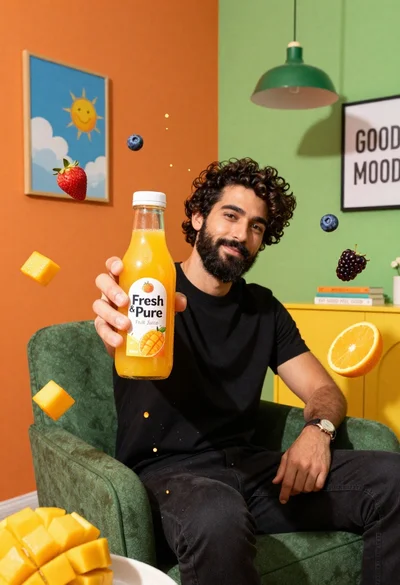
Bearded man in black tshirt holds orange juice bottle surrounded by splashing
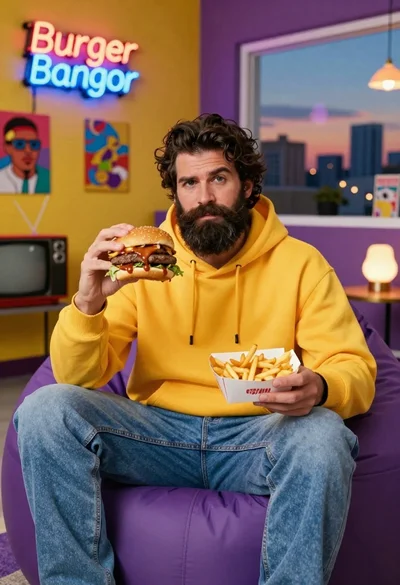
Bearded man in yellow hoodie holding burger and fries in retro room

Joyful young woman in pink overalls jumping next to giant ice cream
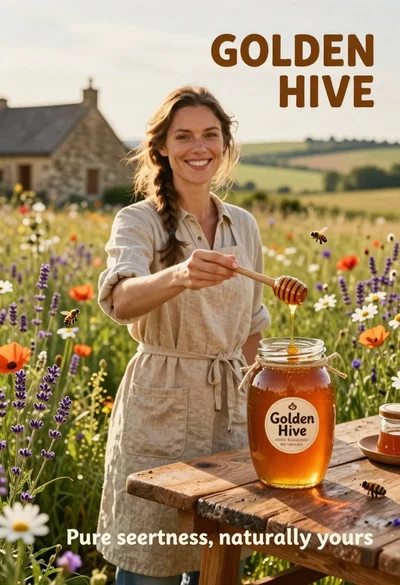
Smiling woman in beige linen dress holding honey jar on rustic wooden
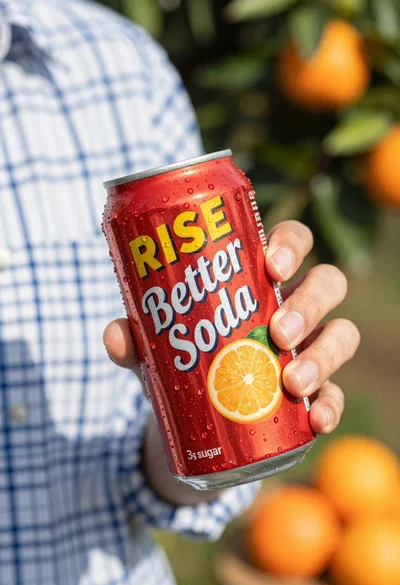
Closeup shot of hand holding red soda can with condensation droplets outdoors
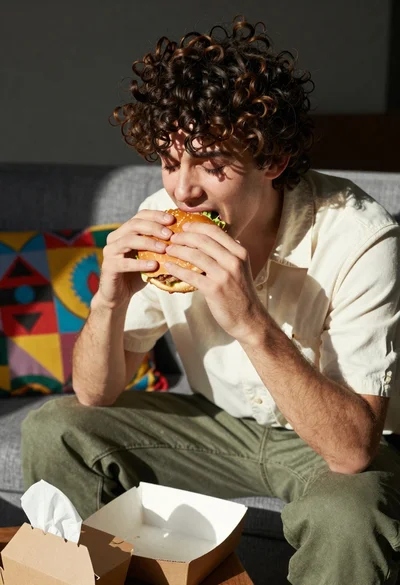
Young man eating burger on grey sofa in sunlight
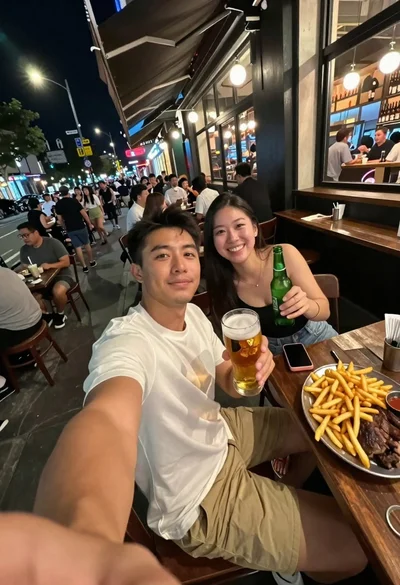
Man taking a selfie at a crowded outdoor night eatery

Woman in light green bathrobe holding cucumber face mask tube