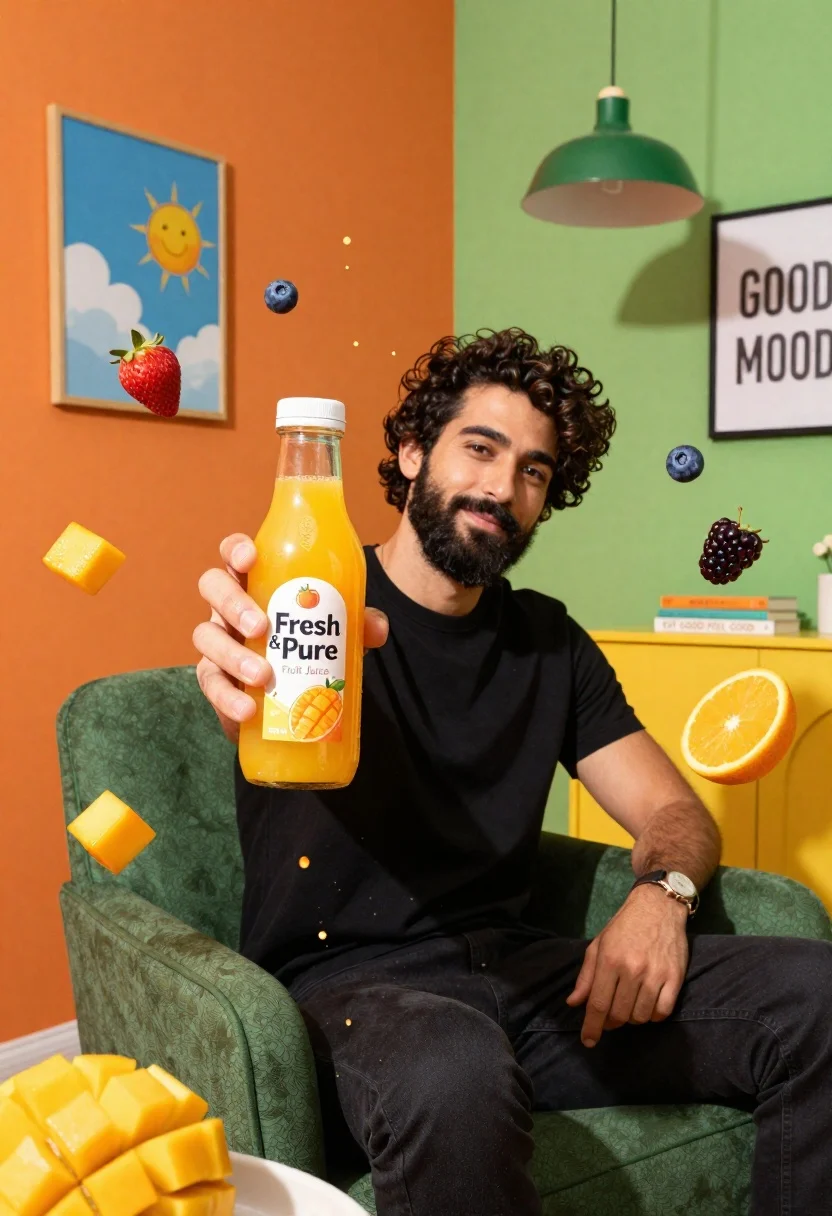
Bearded man in black tshirt holds orange juice bottle surrounded by splashing
Prompt
A man with dark curly hair and a beard sits in a green armchair holding a bottle of orange juice while surrounded by splashing fruit and juice.

Subject: A bearded man with dark curly hair looking directly at the camera with a slight smile.

Clothing: He wears a plain black t-shirt and dark pants, accessorized with a wristwatch on his left arm.

Action: The man holds a glass bottle of orange juice in his right hand extended toward the viewer while sitting comfortably.

Environment: A vibrant room with an orange wall on the left featuring a framed picture of a blue sky with clouds and a smiling sun, and a green wall on the right with a hanging green pendant lamp and a yellow cabinet.

Lighting: Bright, high-contrast lighting that emphasizes the vivid colors of the juice splashes and creates a cheerful, energetic mood.

Style Details: Hyper-realistic commercial photography style with dynamic motion blur on the fruit and liquid splashes, saturated colors, and a clean, polished aesthetic.

Objects: A glass bottle labeled "Fresh & Pure Fruit Juice" held in the foreground, floating mango cubes, strawberries, blueberries, orange slices, and blackberries suspended in mid-air around the subject.

Text/Graphics: The juice bottle displays a label reading "Fresh & Pure," "Fruit Juice," and "500 ml," while a framed poster on the right wall reads "GOOD MOOD" and books on a side table display the text "EAT GOOD FEEL GOOD."
Description
This prompt is useful for creating vibrant commercial advertising campaigns, juice brand lookbooks, and energetic lifestyle product shots. The combination of 'bright, high-contrast lighting' and 'dynamic motion blur on the fruit and liquid splashes' ensures that the product remains the focal point while conveying intense energy, which is crucial for selling fresh, exciting beverages.
Suggestions
- Change 'green armchair' to 'rustic wooden chair' for a warmer backdrop.
- Swap 'orange wall' for 'terracotta wall' to complement the juice color.
- Adjust 'hyper-realistic commercial photography style' to 'Kodak Ektachrome film look' for a vintage feel.
Category
Tags
Full BodyIndoorsMaleMedium ShotRealistic
Date added
June 26, 2026
Added by
PromptDexter Team
Related Prompts
More prompts with similar categories and tags.
Handsome bearded man eating spicy noodles in dimly lit room
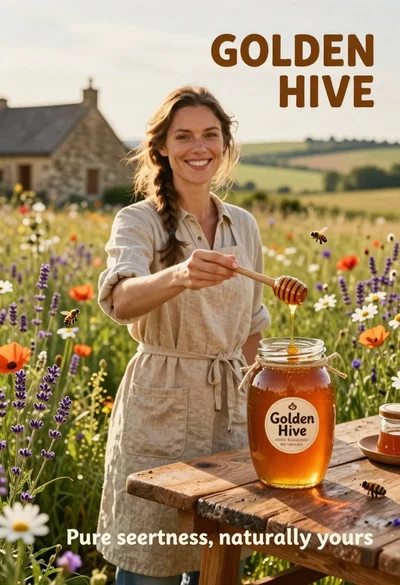
Smiling woman in beige linen dress holding honey jar on rustic wooden
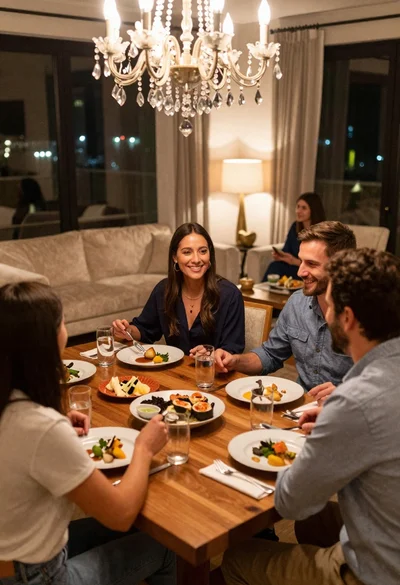
Smiling group enjoying dinner at a wooden table in a luxurious city

Two smiling children holding red kitkat bars against a blue sky
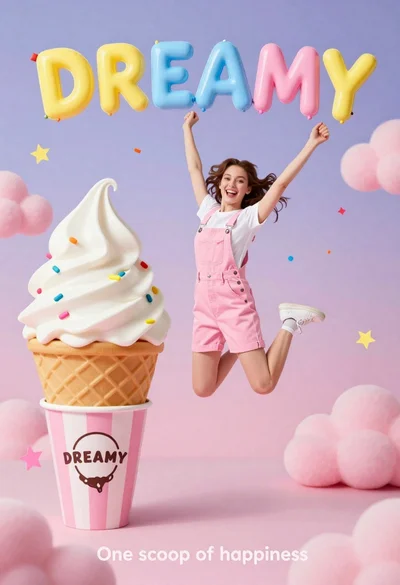
Joyful young woman in pink overalls jumping next to giant ice cream
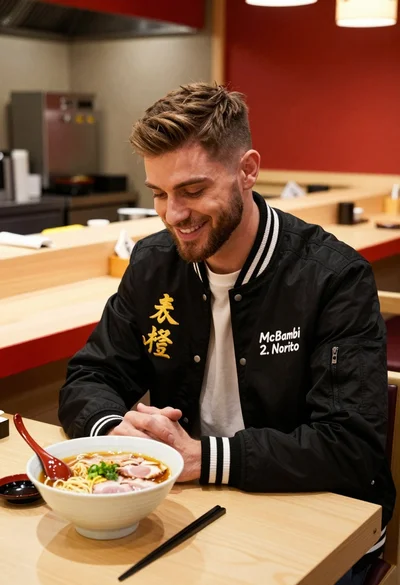
Young man smiling at ramen bowl in modern japanese restaurant setting
Young man eating burger on grey sofa in sunlight
Young asian man eating goods potato chips in maroon jacket