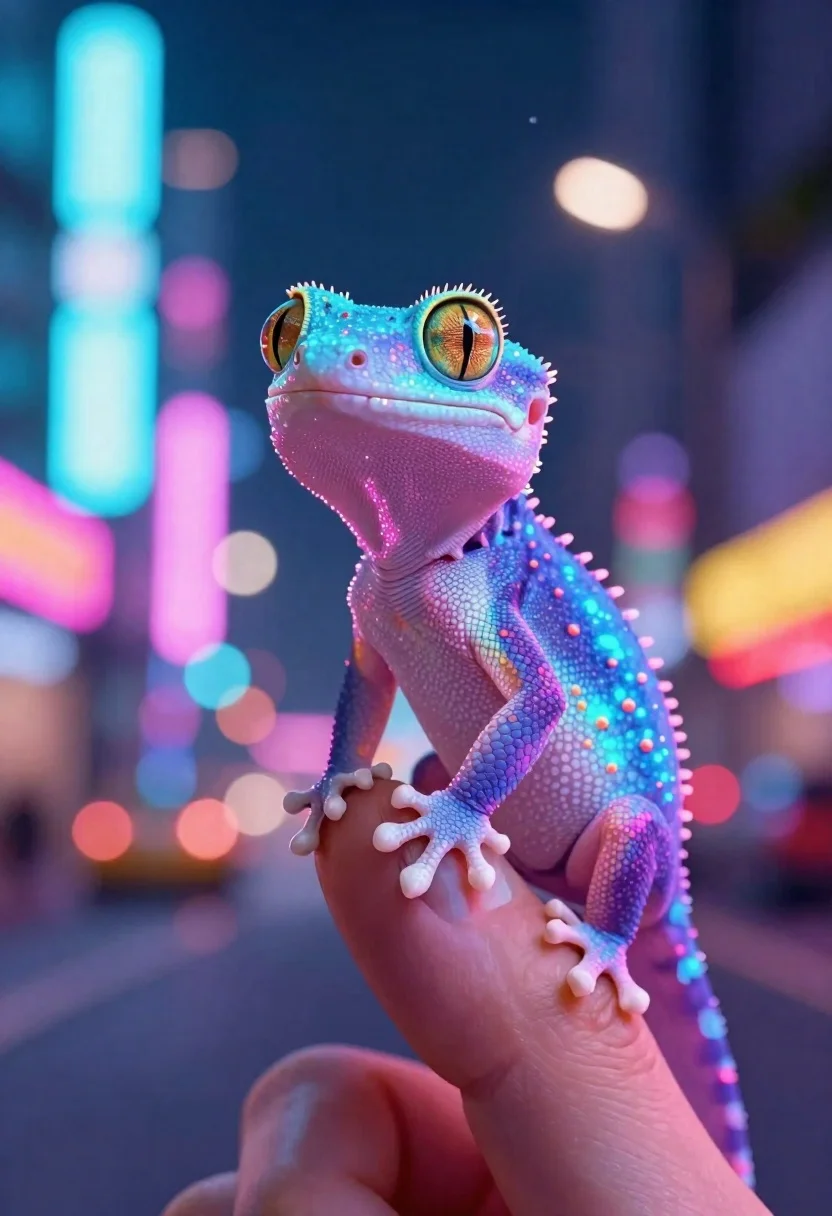
Bioluminescent lizard on finger against city night background
Prompt
A macro digital illustration of a tiny bioluminescent lizard perched on the tip of an index finger against a blurred city street at night.

Subject: A small gecko with glowing blue and pink skin, large expressive golden eyes, and delicate whiskers; its body is covered in subtle sparkles and faint orange spots along the neck and limbs.

Action: The gecko sits calmly on a human fingertip, gazing upward toward the viewer or slightly off-frame with curiosity; its tiny claws grip gently but firmly around the skin ridge where it rests.

Lighting: Vibrant bioluminescent glow emanates from within the creature's body, casting soft pink and blue reflections onto surrounding surfaces; background lights create bokeh highlights that enhance depth and mood without overpowering the subject.

Environment: A vibrant urban nightscape with streaks of neon signs in cyan, magenta, yellow, and red forming a colorful backdrop; distant buildings are softly blurred to emphasize foreground focus while suggesting motion or traffic below.

Camera: Close-up framing capturing fine details like skin texture and eye reflection; shallow depth of field isolates the gecko from its bustling surroundings for intimate storytelling impact.

Style Details: Highly stylized digital art with smooth gradients, glowing particle effects around edges, and a dreamy bokeh aesthetic blending fantasy elements into realistic textures for an otherworldly yet grounded feel.
Description
This prompt is useful for creating concept art for sci-fi narratives, character close-ups in fantasy games, or editorial pieces depicting magical realism. The combination of 'vibrant bioluminescent glow' and the 'shallow depth of field' ensures the gecko remains the undeniable focal point, allowing the 'bokeh highlights' to suggest a complex environment without competing with the creature's internal light source.
Suggestions
- Change 'glowing blue and pink skin' to 'iridescent turquoise and violet skin' for a different color palette.
- Add 'macro lens, 100mm' to specify the focal length.
- Swap 'dreamy bokeh aesthetic' for 'anamorphic lens flare' to alter the background light quality.
Category
Tags
AnimalsClose UpDigital ArtMacro ShotUrban
Date added
June 19, 2026
Added by
PromptDexter Team
Related Prompts
More prompts with similar categories and tags.
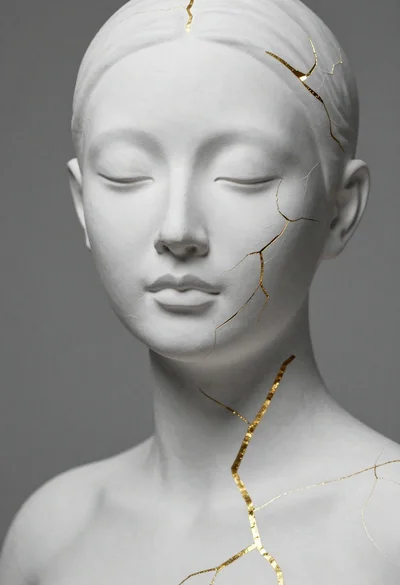
Close up portrait of serene bust with gold kintsugi cracks
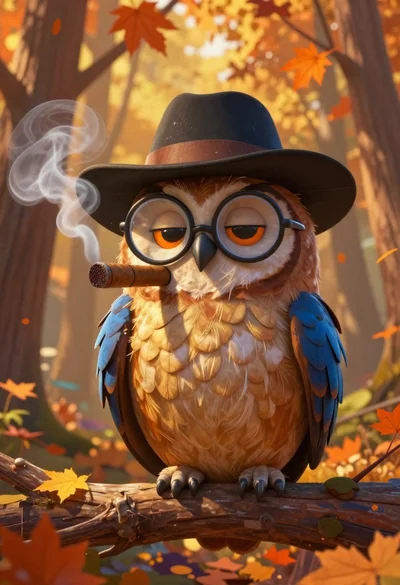
Cartoon owl wearing a hat in autumn forest
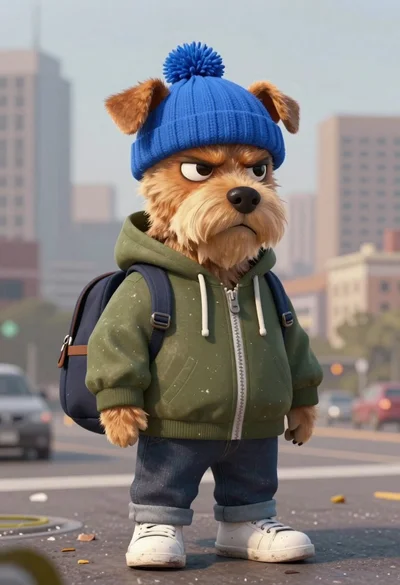
Grumpy dog in blue hat against city skyline
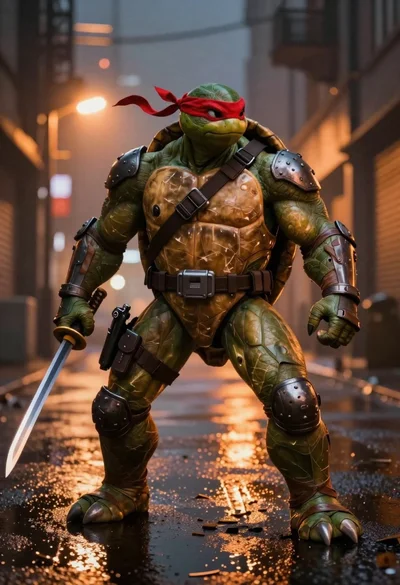
Muscular turtle in combat gear on wet city pavement

Cartoon bunny head portrait with large black eyes
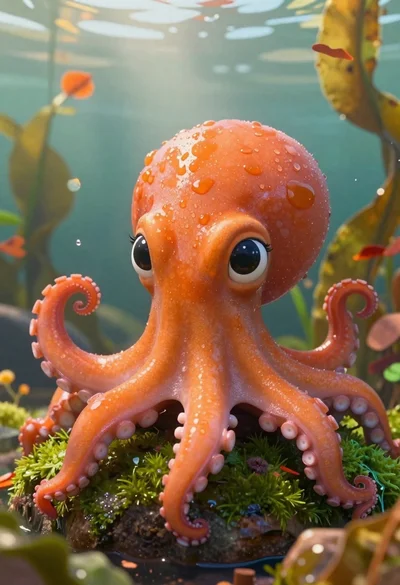
Cartoon octopus portrait on mossy rock in shallow water
Crystalline scorpion suspended in deep space dust

Futuristic android woman in metallic corridor