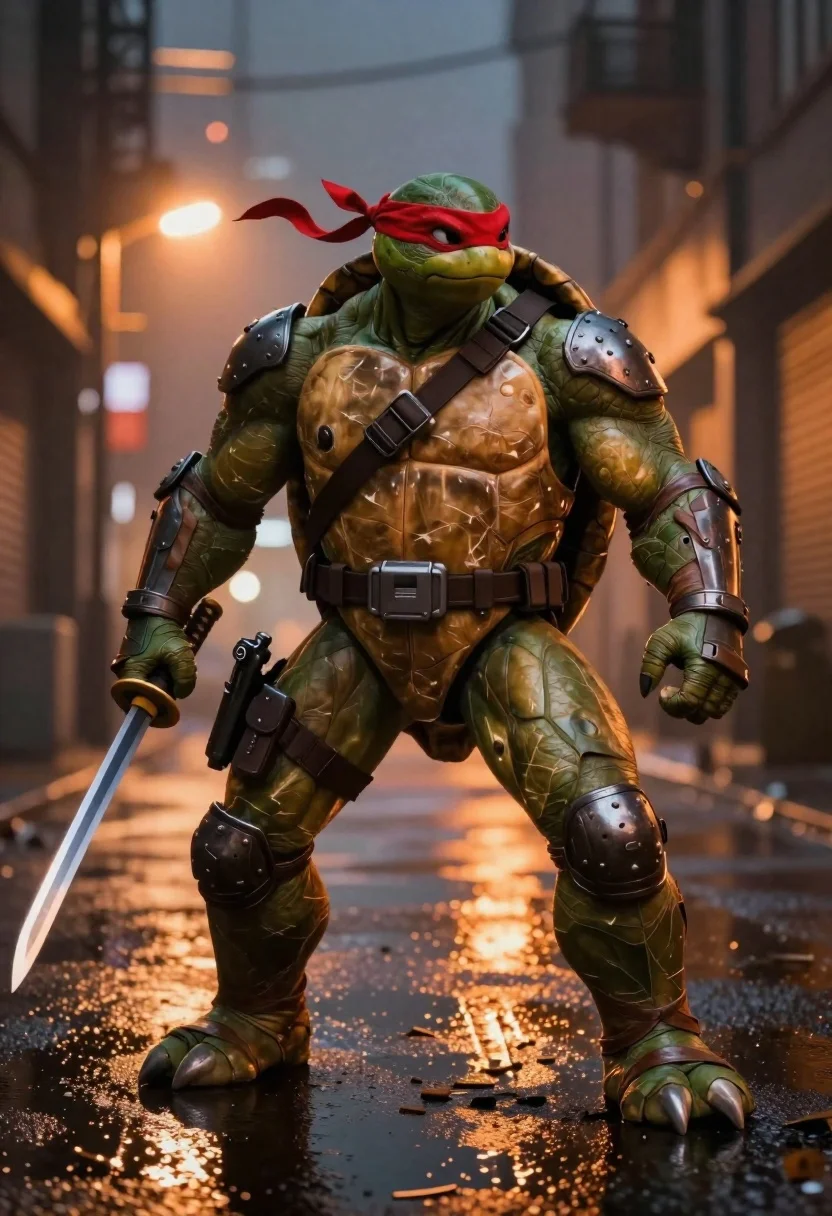
Muscular turtle in combat gear on wet city pavement
Prompt
Digital illustration of a muscular anthropomorphic turtle in full combat gear standing on wet city pavement at night

Subject: large green-skinned humanoid turtle with textured shell plating and thick, clawed limbs wearing heavy tactical armor straps across the chest and shoulders; red bandana tied around head with flowing fabric strands behind neck

Clothing: dark armored shoulder pads, utility belt pouches, knee guards, torn leather-like leg wraps, fingerless gloves gripping weapons; metallic textures on gear contrast with organic skin tones.

Action: standing in wide combat stance holding katana hilt in right hand and pistol holstered at hip, head slightly tilted forward, gaze directed ahead with focused intensity

Environment: dimly lit urban alleyway with blurred background buildings glowing warm orange from ambient city lights reflecting off puddled ground surface scattered debris around feet.

Camera: low-angle full-body shot capturing towering presence, shallow depth of field blurring distant structures to emphasize subject foreground dominance; soft bokeh highlights suggest lens flare effect near horizon line

Lighting: dramatic backlighting casting silhouette edges with warm golden glow illuminating shell plates and wet floor reflections creating high-contrast moodiness.
Description
This prompt is useful for creating concept art for action video games, gritty comic book covers, and character profile illustrations for sci-fi narratives. The combination of 'dramatic backlighting' casting silhouette edges with a 'warm golden glow' against the 'wet city pavement' maximizes contrast, which is essential for making the subject's 'towering presence' feel imposing and cinematic rather than flatly lit.
Suggestions
- Change 'dark armored shoulder pads' to 'weathered bronze pauldrons' for an aged look.
- Add 'smoke plumes rising from debris' to enhance the atmosphere.
- Swap 'katana hilt' for 'plasma rifle' to update the weaponry.
Category
Tags
AlleyAnimalsArmorCreatureDigital ArtFull BodyLow AngleStreetwearUrbanWide Shot
Date added
June 19, 2026
Added by
PromptDexter Team
Related Prompts
More prompts with similar categories and tags.
Young man flanked by fox and rabbit at snowy train platform
Batman standing in ruined flooded city at night

Futuristic soldier in heavy snowfall on an urban street
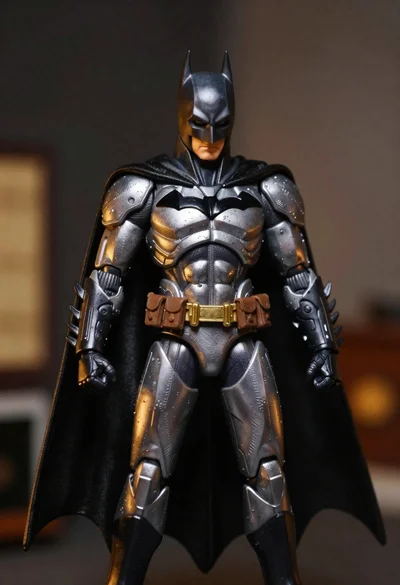
Batman action figure in silver and gold armor
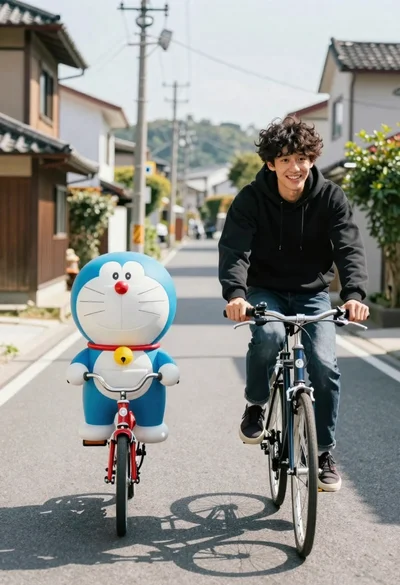
Young man and blue robotic cat riding bicycles down a sunny street
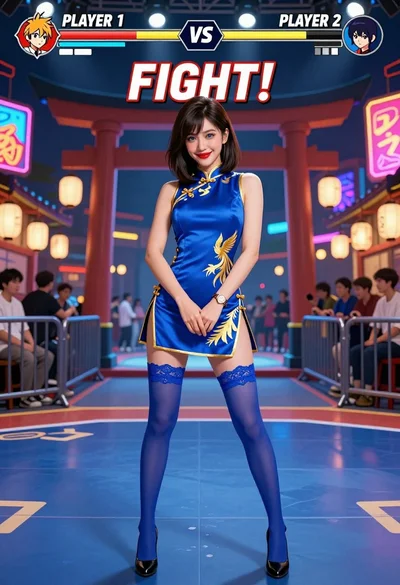
Woman in blue qipao standing in neon lit fighting game arena
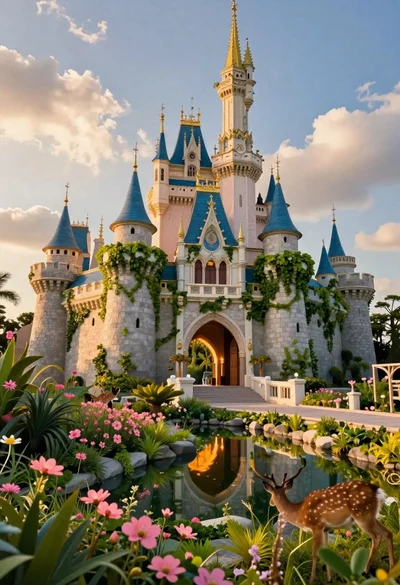
Majestic fairytale castle in a vibrant fantasy garden

Futuristic android woman in metallic corridor