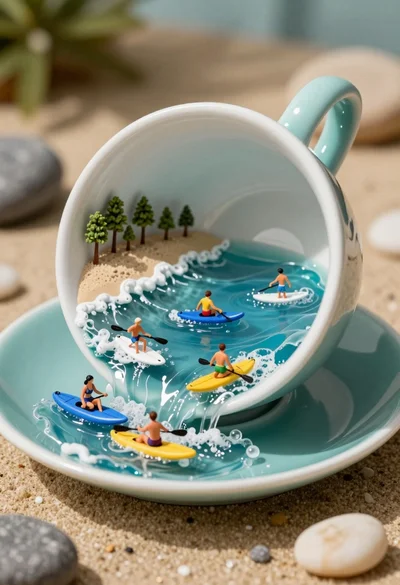
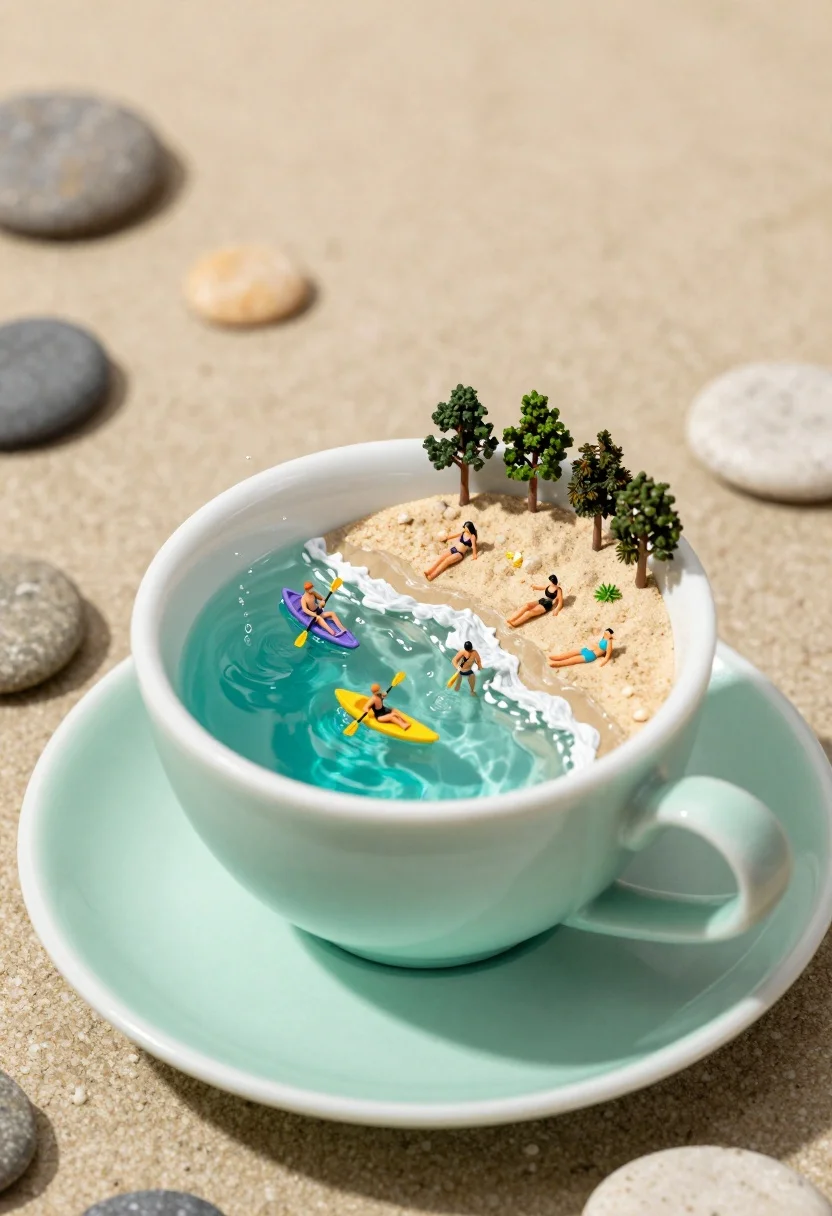
Macro photograph of tiny beach scene inside tipped teacup with cascading water
Prompt
A miniature beach scene inside a tipped-over mint green teacup with water cascading onto the saucer like a waterfall.

Subject: Tiny human figures relaxing on a sandy beach and kayaking in the turquoise water inside the cup, along with small trees lining the shore.

Clothing: Miniature swimwear worn by the tiny people on the beach and in the water.

Action: People are sunbathing, wading in the surf, paddling yellow and purple kayaks, and swimming in the miniature ocean.

Environment: The scene is set inside a tipped-over mint green teacup resting on its matching saucer, surrounded by smooth pebbles and rocks on a sandy surface.

Camera: Close-up macro shot with a shallow depth of field that blurs the background while keeping the cup and miniature figures in sharp focus.

Lighting: Bright natural sunlight illuminating the scene from above, creating soft shadows inside the cup and highlighting the texture of the water and sand.

Style Details: Macro photography style with hyper-realistic textures, vibrant colors, and a whimsical miniature aesthetic.
Description
This prompt is useful for creating surreal tabletop vignettes, whimsical product advertisements, and detailed concept art for fantasy settings. The combination of 'macro photograph style' with 'shallow depth of field' ensures that the focus remains tightly on the contained action within the teacup, while the specified 'bright natural sunlight' prevents the miniature elements from looking flat against the surrounding pebbles.
Suggestions
- Change 'mint green teacup' to 'celadon ceramic cup' for a more muted tone.
- Add 'bokeh effect' to emphasize the background blur further.
- Swap 'yellow and purple kayaks' for 'natural wood kayaks' to ground the scene.
Category
Tags
3dBeachClose UpDigital ArtMacro ShotOutdoors
Date added
July 3, 2026
Added by
PromptDexter Team
Related Prompts
More prompts with similar categories and tags.
Close up portrait of serene bust with gold kintsugi cracks
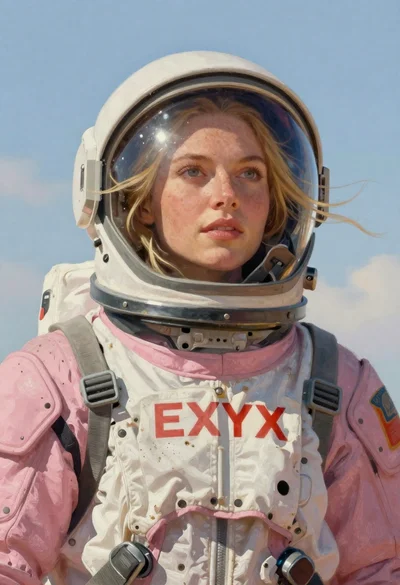
Astronaut portrait against pale blue sky background
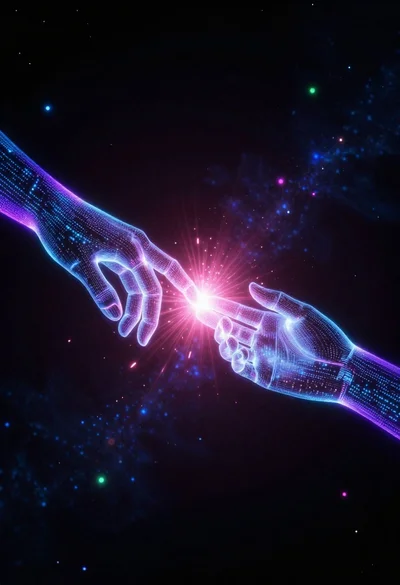
Glowing pixel hands touching in a cosmic void
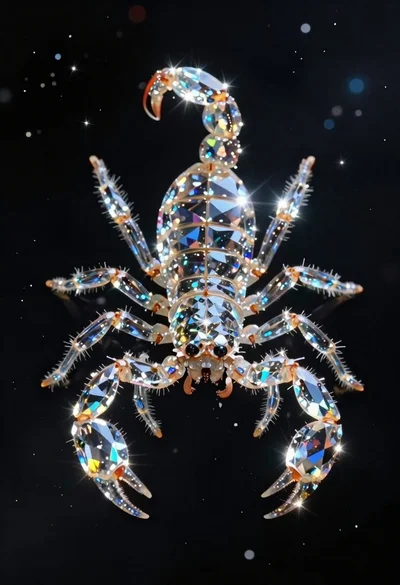
Crystalline scorpion suspended in deep space dust
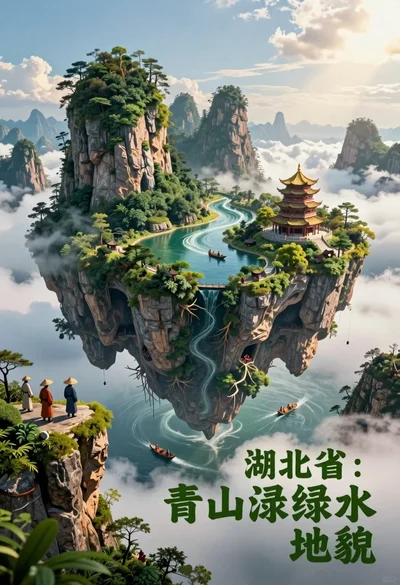
Majestic floating island landscape with pagoda rivers and misty clouds
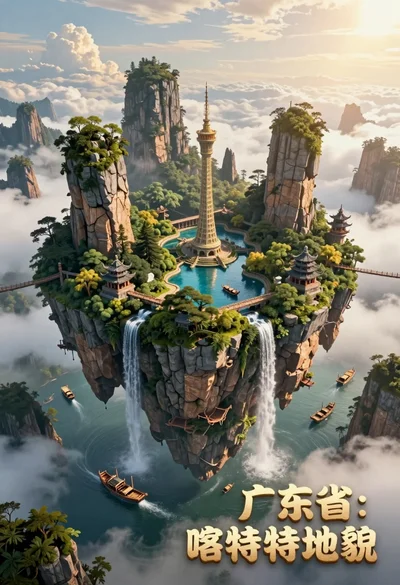
High angle view of floating island with karst formations and ancient architecture
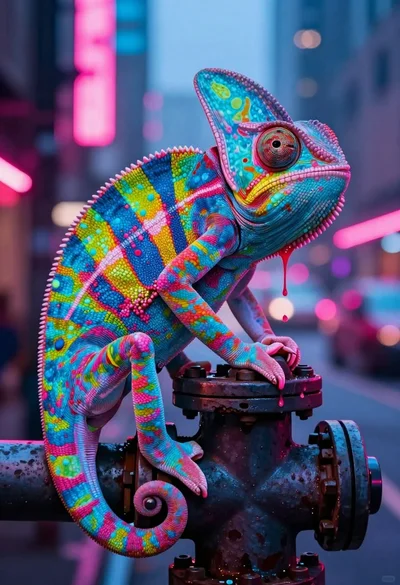
Vivid chameleon on dark pipe in neon lit futuristic city street

Futuristic soldier in heavy snowfall on an urban street

Obsidian humanoid in neon cube holding glowing heart
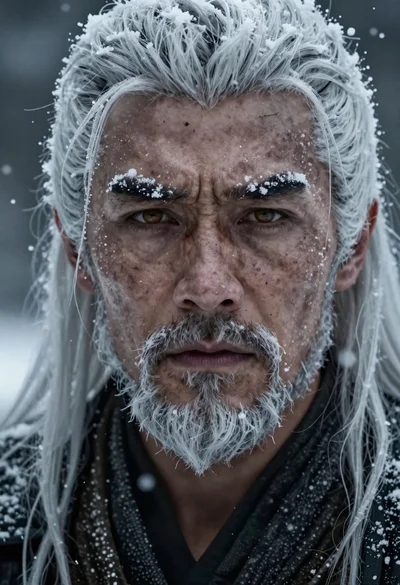
Hyperrealistic portrait of a warrior in falling snow