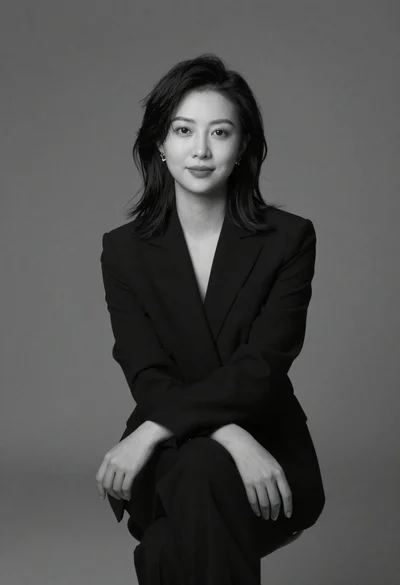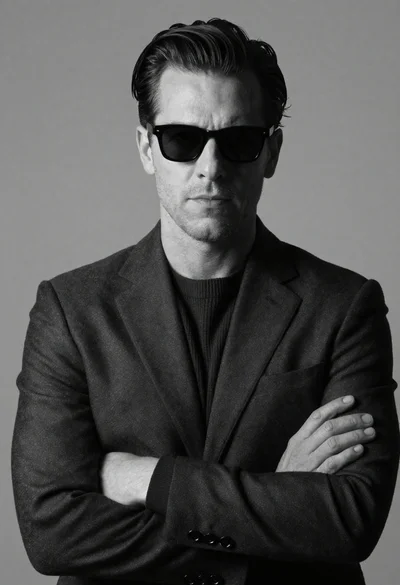
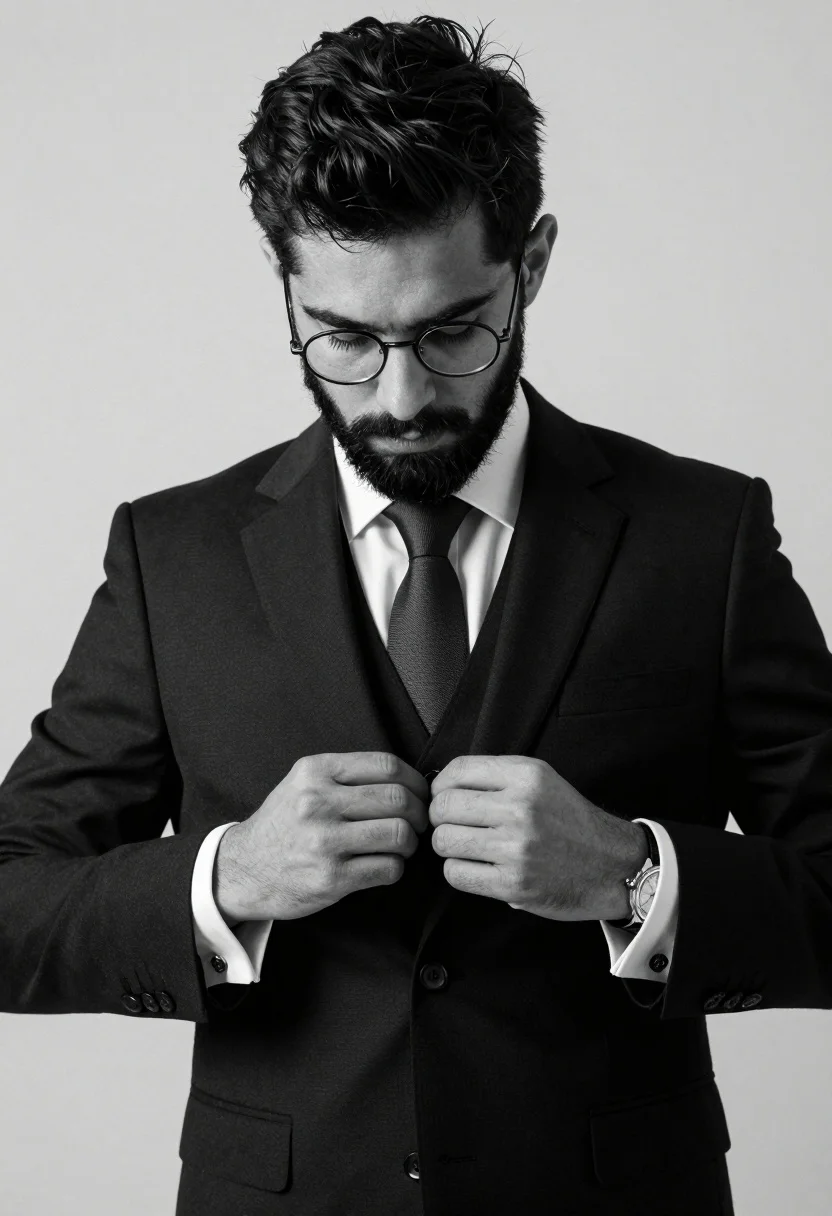
Black and white studio portrait of man adjusting suit jacket buttons
Prompt
A black and white studio portrait of a handsome man with dark hair and a beard adjusting his suit jacket buttons.

Subject: A well-groomed man with short dark hair, a full beard, and round wire-rimmed glasses looking down at his hands.

Clothing: He wears a formal three-piece suit consisting of a black jacket, matching vest, white dress shirt, and a dark tie. The cuffs are visible with cufflinks.

Action: His hands are positioned in the center of the frame, carefully buttoning the front of his waistcoat.

Environment: A plain, seamless light grey background that provides a neutral backdrop for the subject.

Camera: Medium close-up shot focusing on the upper torso and face, utilizing a shallow depth of field to keep the subject sharp while softening the edges.

Lighting: Soft studio lighting creates gentle shadows that define the facial features and the folds in the suit fabric without harsh contrast.

Objects: A large metal wristwatch is visible on his left wrist.

Style Details: High-contrast black and white photography with a grainy texture reminiscent of film, emphasizing textures like the fabric weave and skin pores.
Description
This prompt is useful for creating sophisticated editorial portraits, character studies for film noir concepts, and high-end menswear advertising campaigns. The combination of 'soft studio lighting' with a 'grainy texture reminiscent of film' ensures that the subtle definition in the suit fabric folds and facial features remains visible without being overwhelmed by harsh contrast, which is crucial for detailed portraiture.
Suggestions
- Change 'plain, seamless light grey background' to 'dark charcoal backdrop' for more dramatic impact.
- Swap 'large metal wristwatch' for 'vintage pocket watch chain' to enhance the period feel.
- Adjust 'Medium close-up shot' to 'head and shoulders shot' if you want less focus on the waistcoat.
Category
Tags
B&wFormal WearMalePortrait ShotRealisticStudio
Date added
July 12, 2026
Added by
PromptDexter Team
Related Prompts
More prompts with similar categories and tags.
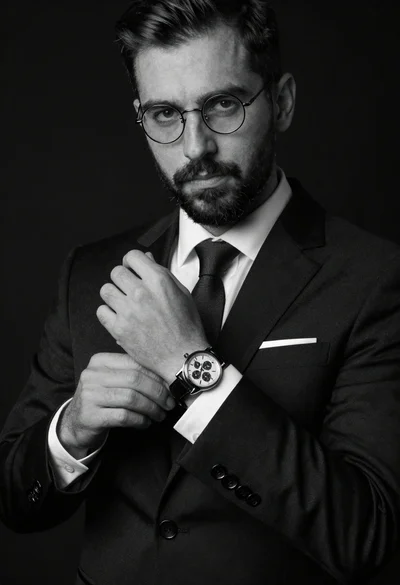
Monochrome portrait of man adjusting wristwatch on black background
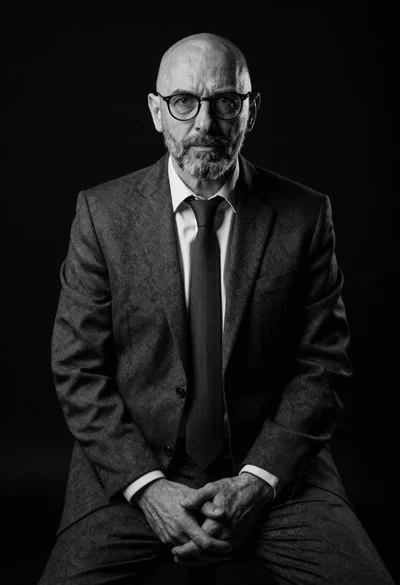
Black and white portrait of mature bald man in suit
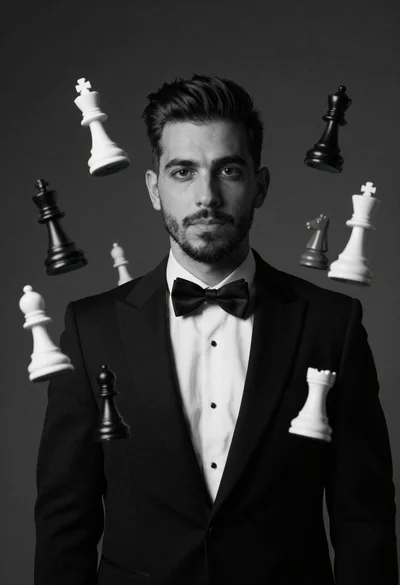
Monochrome portrait of man with floating chess pieces
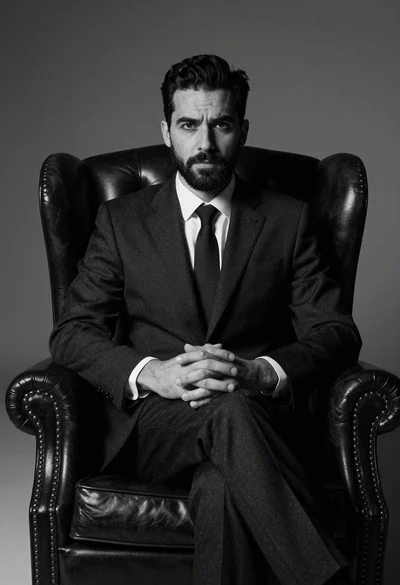
Medium shot of man in dark suit sitting in leather armchair studio
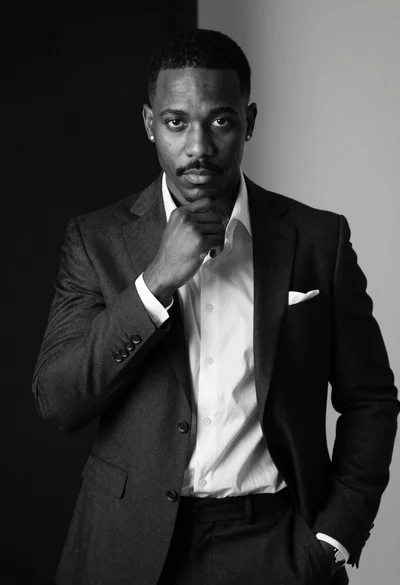
Black and white portrait of man in formal suit looking directly at
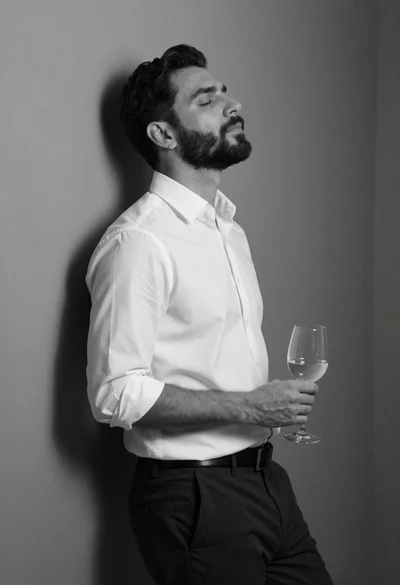
Black and white portrait of man leaning against corner wall
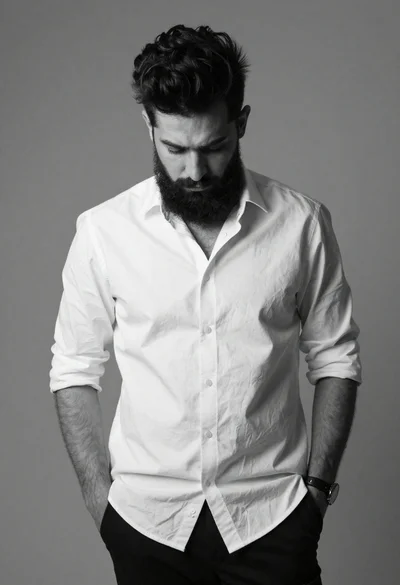
Black and white portrait of man with beard studio shot
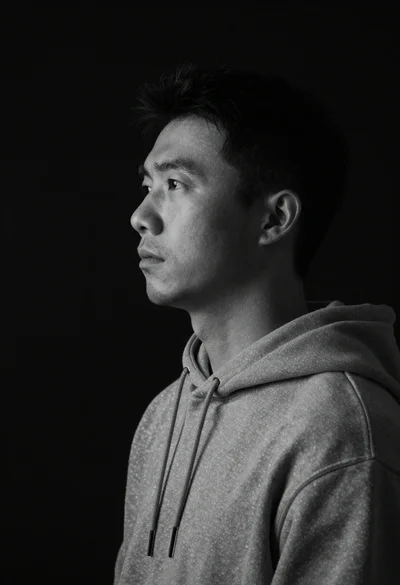
Monochrome portrait of asian man in profile
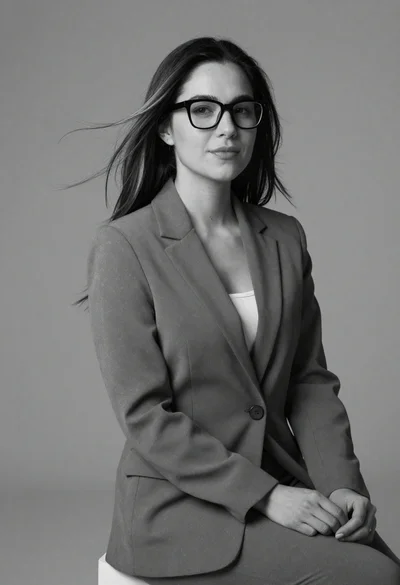
Black and white portrait of woman in business attire
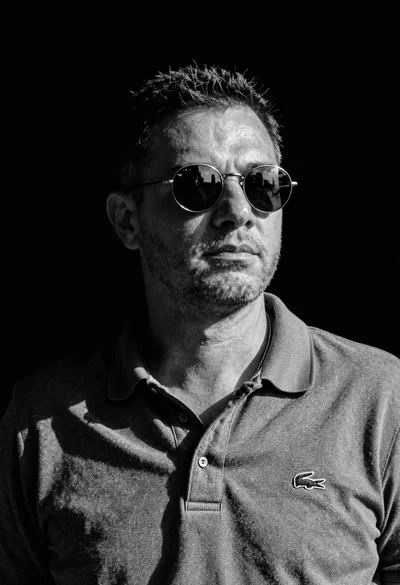
Black and white portrait of man in polo shirt