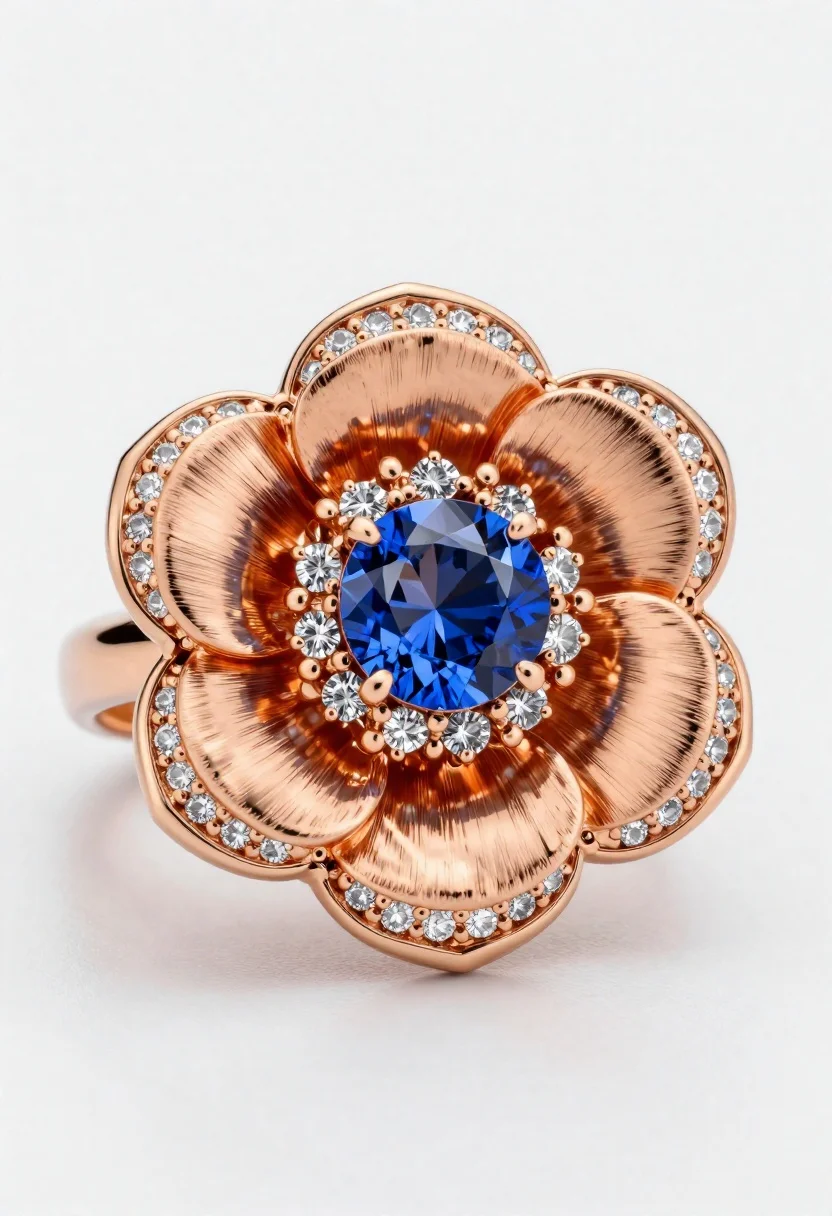
Macro shot of a floral ring with blue sapphire
Prompt
A close-up macro shot of an exquisite flower-shaped ring on a soft white surface with subtle shadowing

Subject: An elegant floral design featuring rose gold petals and band

Clothing: The metallic rose gold has a brushed finish with polished edges, adorned with rows of small sparkling diamonds along the petal margins

Objects: A large round brilliant-cut blue sapphire sits at the center, surrounded by smaller greyish-blue stones forming an inner flower core

Lighting: Soft studio lighting creates gentle highlights on the gemstones and metallic surfaces, emphasizing depth and texture without harsh contrast

Style Details: Hyper-realistic 3D rendering with high detail in material reflections and precise stone faceting.
Description
This prompt is useful for creating jewelry catalog images, luxury e-commerce listings, and fine art product photography displays. The combination of 'soft studio lighting' and 'hyper-realistic 3D rendering' ensures that the subtle reflections on the 'brushed finish' rose gold are visible without harsh contrast, which is crucial for accurately showcasing both the metal texture and the precise faceting of the blue sapphire.
Suggestions
- Change 'blue sapphire' to 'emerald cut sapphire' for a different stone shape.
- Add 'bokeh background' to soften the surrounding surface.
- Swap 'soft studio lighting' for 'dramatic side lighting' to emphasize facets.
Category
Tags
3dMacro ShotStudio
Date added
June 19, 2026
Added by
PromptDexter Team
Related Prompts
More prompts with similar categories and tags.
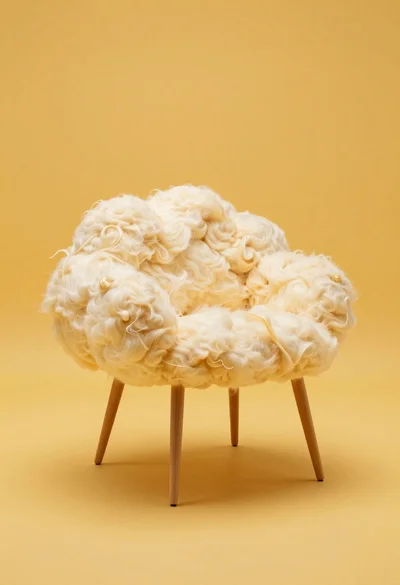
Cloud shaped chair on a yellow background

Black perfume bottle on driftwood surrounded by pink cosmos flowers in purple
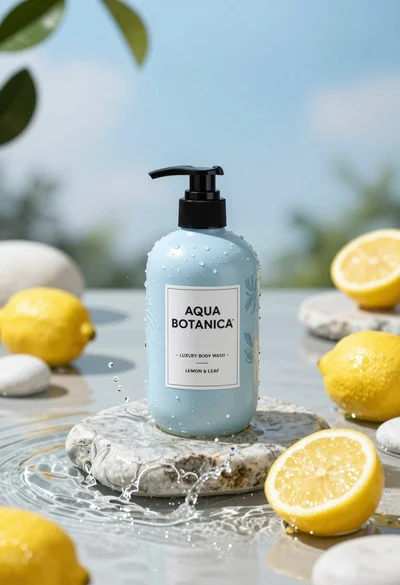
Product shot of light blue body wash bottle with lemons on wet
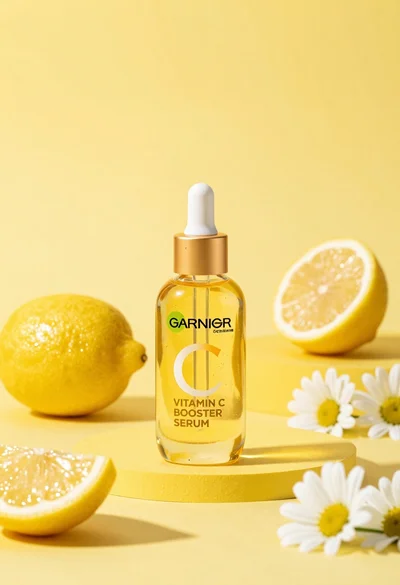
Studio product shot of vitamin c serum bottle with lemons and daisies

High angle shot of lemon soda mojito can splashing water with lime

Three open bags of colorful potato chips exploding against a warm brown

Macro shot of pink soda can with peaches and ice cubes studio
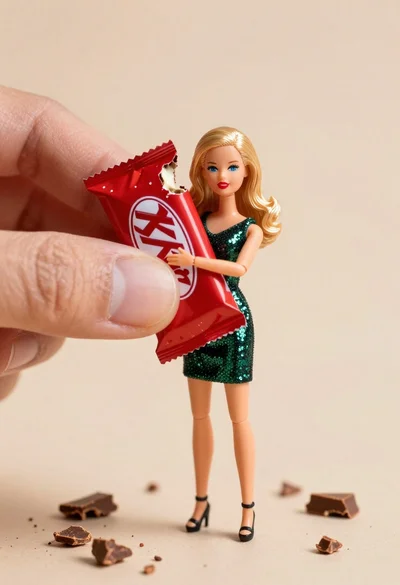
Miniature blonde doll hugging kitkat bar held by giant thumb