
Blonde woman in devil costume standing confidently amidst fiery inferno
Prompt
A confident woman stands in the center of a fiery inferno, surrounded by tall flames and floating embers.

Subject: A blonde woman with an athletic build, wearing red devil horns on her head and a small red tail extending from her lower back. Her expression is serious and direct as she gazes forward.

Clothing: She wears a black leather bustier top with studded straps, a short red tartan plaid skirt held up by garter straps, black fishnet stockings, and bright red high-heeled shoes. A thin black choker sits around her neck.

Action: She stands with her hands resting near the waistband of her skirt, maintaining a poised and confident posture.

Environment: The setting is a dark, hellish landscape engulfed in intense orange and yellow flames that rise on both sides of her. The ground appears to be black ash or charred earth.

Lighting: Dramatic warm lighting emanates from the surrounding fire, casting bright highlights on her skin and clothing while leaving deep shadows behind.

Camera: Medium full-body shot with a shallow depth of field that keeps the subject sharp while slightly blurring the intense flames in the background.

Style Details: Cinematic composition with high contrast, vibrant color grading emphasizing reds and oranges, and a polished digital rendering quality.
Description
This prompt is useful for creating dark fantasy character portraits, dramatic album art, and cinematic concept visualizations of infernal settings. The combination of 'dramatic warm lighting' casting bright highlights against the deep shadows, coupled with the 'shallow depth of field,' ensures the subject remains sharply focused while allowing the surrounding 'intense orange and yellow flames' to provide a visually chaotic yet controlled backdrop.
Suggestions
- Change 'red tartan plaid skirt' to 'black velvet skirt' for a more gothic feel.
- Add 'smoke tendrils' to the environment description for added atmosphere.
- Swap 'high-heeled shoes' for 'combat boots' to ground the character more.
Category
Tags
BlondeFemaleFull BodyMedium ShotOutdoorsRealistic
Date added
July 3, 2026
Added by
PromptDexter Team
Related Prompts
More prompts with similar categories and tags.
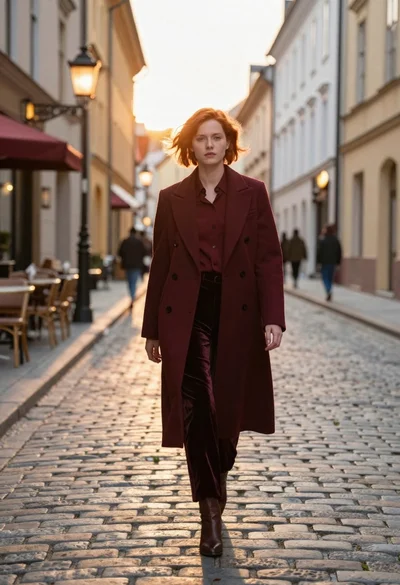
Woman in burgundy coat walking down historic european cobblestone street
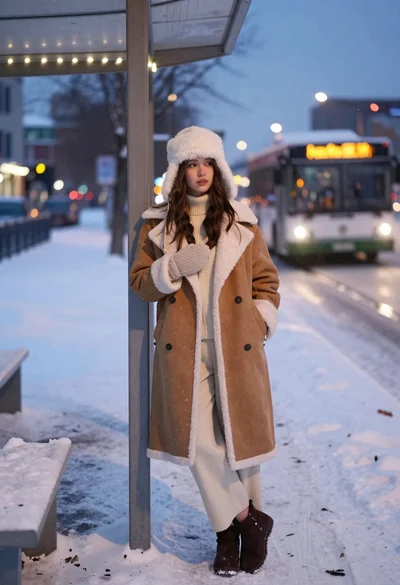
Young woman in shearling coat at snowy bus stop during twilight
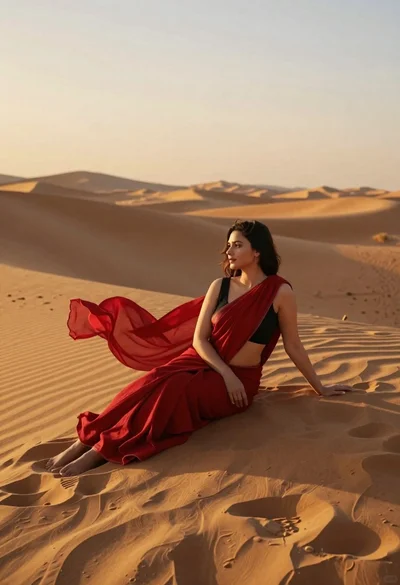
Young woman in red sari sitting on sand dunes at golden hour
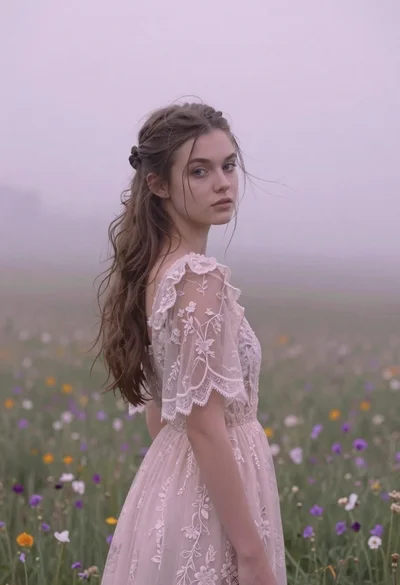
Young woman in pink lace gown standing in misty wildflower field
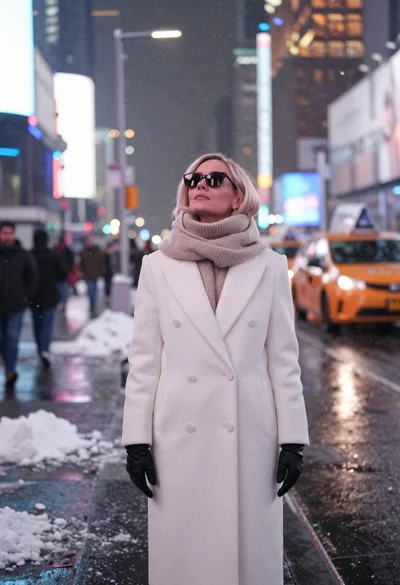
Fair skinned woman in white coat stands in snowy city street at
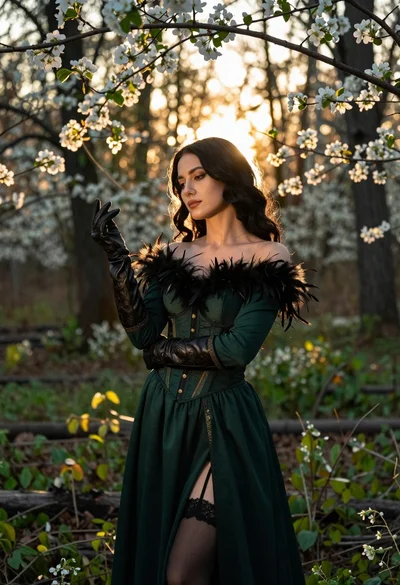
Woman in green gown stands in sunlit forest with blooming trees
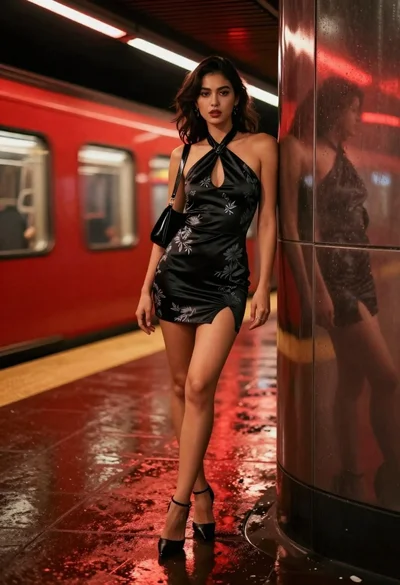
Stylish woman in black halter dress on wet subway platform at night

Graceful woman in teal chinese gown by moonlit waterfront architecture at night
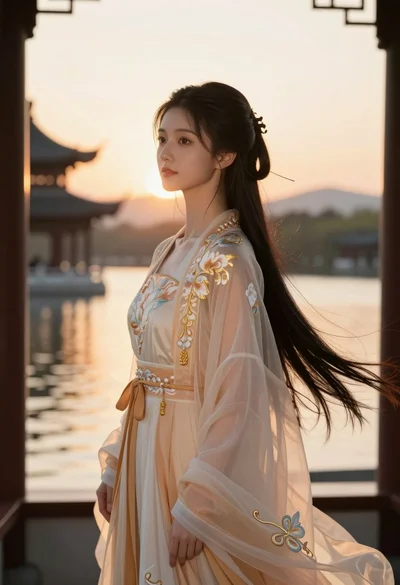
Young woman in traditional chinese gown on balcony at golden hour sunset
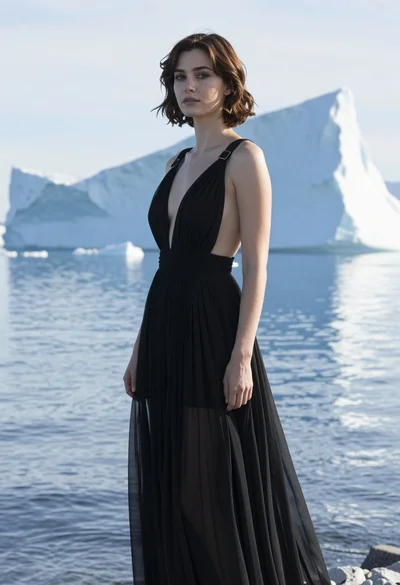
Woman in black sheer gown standing by arctic icebergs and blue water
