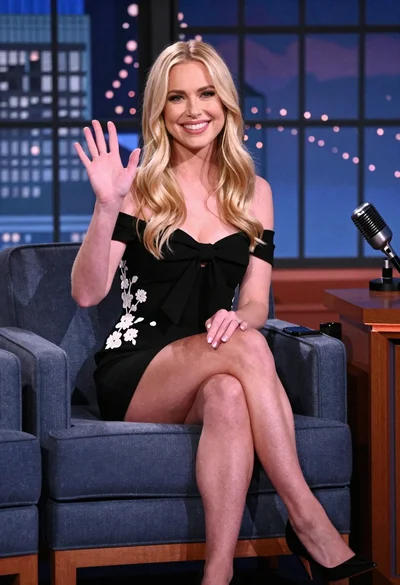

Blonde woman in silver dress seated on talk show set overlooking city
Prompt
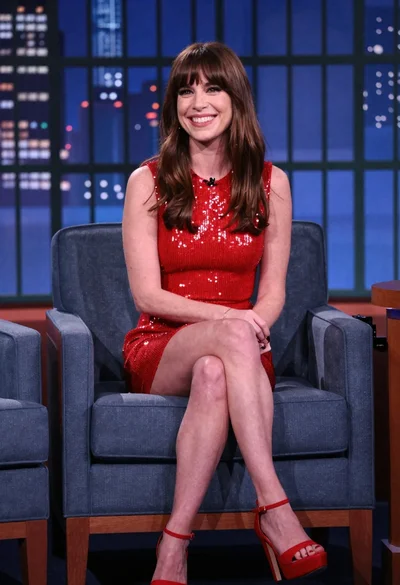
A woman with long blonde hair sits elegantly in a blue armchair on a television talk show set.

Subject: A fair-skinned woman with long, wavy blonde hair and a warm smile looking directly at the camera.

Clothing: She wears a shimmering, dark silver sequined dress with long sleeves and a knee-length hemline, paired with black peep-toe high heels.

Action: She is seated in a relaxed pose with her legs crossed at the ankles, hands resting gently on her lap.

Environment: The setting is a professional studio featuring a large window backdrop displaying a blurred city skyline at night with blue and white lights.

Objects: A vintage-style silver microphone stands on a wooden desk to the right of the frame.

Lighting: Studio lighting illuminates the subject from the front, highlighting the sparkle of her dress while casting soft shadows behind her.

Camera: The shot is a medium-full length view taken at eye level with a shallow depth of field that keeps the subject sharp and blurs the background city lights.

Style Details: High-definition television broadcast quality with vibrant colors and a polished, glossy finish.
Description
This prompt is useful for creating promotional headshots for talk show appearances, virtual reality character concept art, and high-end commercial advertisements. The combination of 'shimmering, dark silver sequined dress' against the 'blurred city skyline at night with blue and white lights' establishes a glamorous contrast that keeps focus on the subject while suggesting an upscale, metropolitan context.
Suggestions
- Change 'blue armchair' to 'velvet chaise lounge' for more luxury.
- Add 'bokeh effect' to enhance the background blur.
- Swap 'vintage-style silver microphone' for 'modern broadcast microphone' for a contemporary feel.
Category
Tags
BlondeFair SkinFemaleIndoorsMedium ShotRealisticStudio
Date added
June 19, 2026
Added by
PromptDexter Team
Related Prompts
More prompts with similar categories and tags.

Blonde woman in red hat seated in studio overlooking city skyline
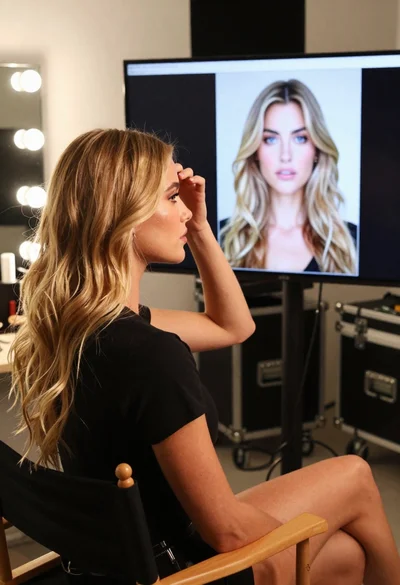
Young blonde woman in black tshirt sitting in makeup chair looking at
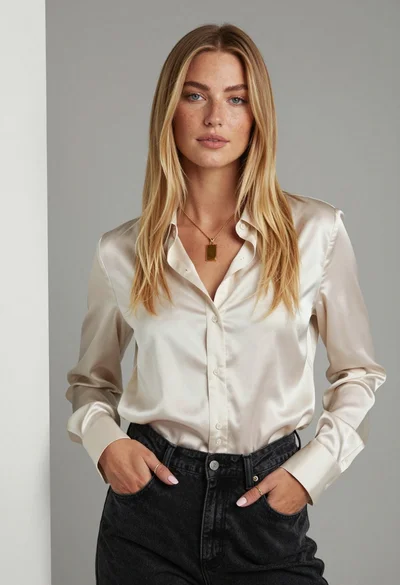
Fair skinned woman with blonde hair in cream satin shirt studio portrait
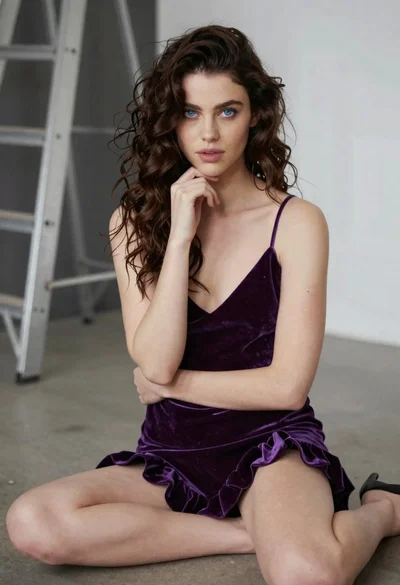
Young woman in purple velvet slip dress seated thoughtfully in studio
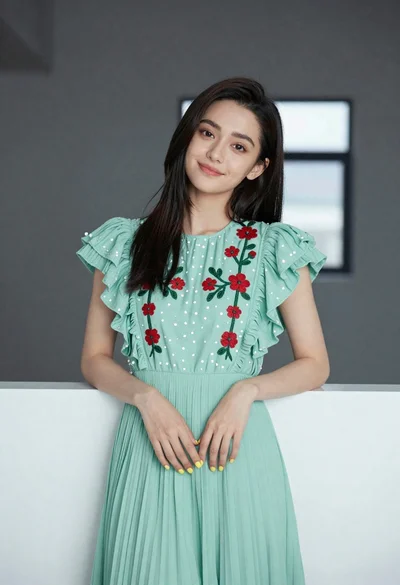
Young woman in light green embroidered dress leaning indoors
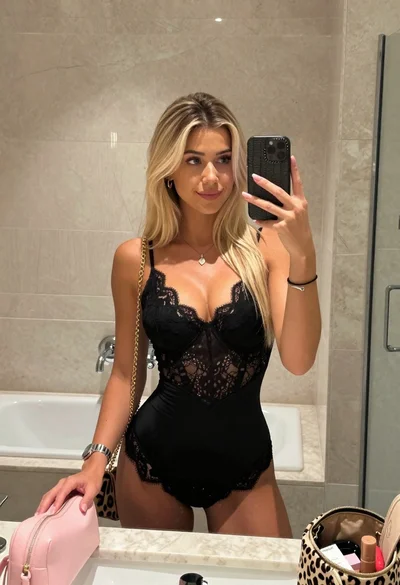
Blonde woman mirror selfie in upscale bathroom with lace bodysuit
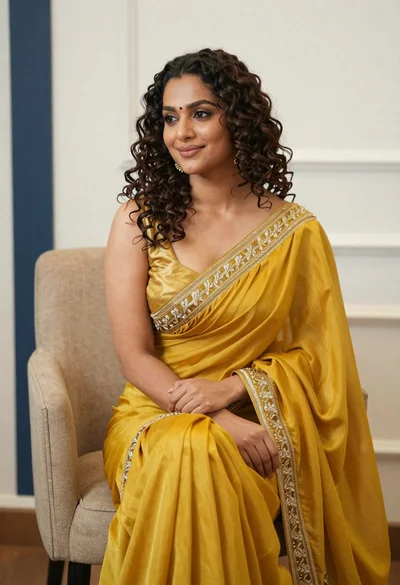
Portrait of woman in yellow embroidered saree seated indoors

Blonde woman at a bar counter in dimly lit pub
Young woman in navy embroidered traditional dress indoors medium shot
Woman in red sequined dress seated on blue chair studio backdrop