
Blonde woman in tailored suit standing indoors by large glass doors
Prompt
A full-length shot of a woman standing confidently in a modern interior space with large glass doors behind her.

Subject: A blonde woman with wavy hair swept to one side, wearing a tailored black blazer over a white button-down shirt and matching black shorts, accessorized with a long beaded necklace and high heels.

Clothing: She wears a structured black suit jacket with the sleeves pushed up slightly, revealing a white collared shirt underneath that is unbuttoned at the top, paired with short black trousers and pointed-toe stiletto heels.

Action: The woman stands with her hands tucked into the front pockets of her shorts, looking off to the side with a serious expression.

Environment: She is positioned on a tiled floor in front of a large sliding glass door that reveals a blurred outdoor view of trees and a bright sky.

Camera: The image is captured from a straight-on, full-body angle with a vertical composition that emphasizes the subject's height.

Lighting: The scene is lit by strong natural light coming from behind the subject through the glass doors, creating a high-contrast silhouette effect against the bright background.

Style Details: The image is presented in black and white with a grainy texture, giving it a classic, editorial fashion photography aesthetic.
Description
This prompt is useful for creating sophisticated magazine editorials, minimalist architectural showcases, and high-contrast character portraits. The combination of 'strong natural light coming from behind' to create a 'high-contrast silhouette effect' against the bright background dramatically frames the subject, while specifying 'black and white with a grainy texture' immediately grounds the image in classic fashion photography history rather than modern digital clarity.
Suggestions
- Change 'tiled floor' to 'polished concrete floor' for a more industrial feel.
- Swap 'long beaded necklace' for 'architectural silver choker' to update the accessory.
- Adjust 'serious expression' to 'slight, knowing smirk' for more character.
Category
Tags
BlondeFemaleFull BodyOutdoorsRealistic
Date added
June 19, 2026
Added by
PromptDexter Team
Related Prompts
More prompts with similar categories and tags.
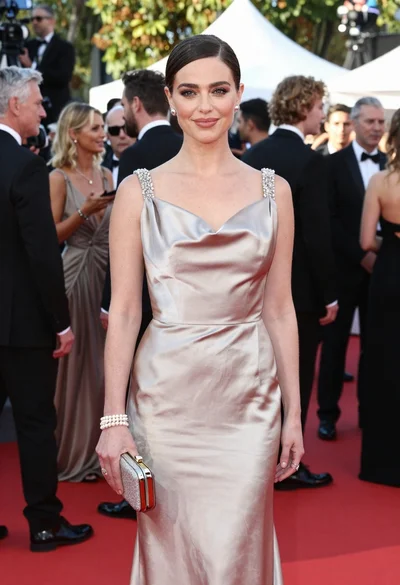
Glamorous woman in champagne gown posing at a bright outdoor event
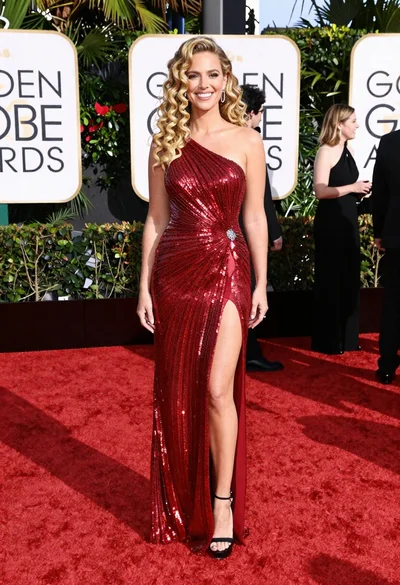
Glamorous blonde woman in red gown on awards ceremony red carpet
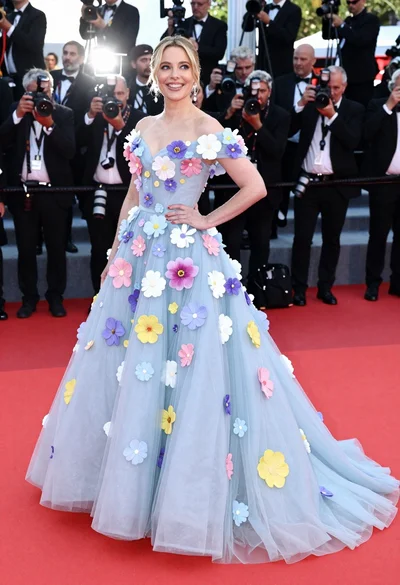
Blonde woman in voluminous blue floral gown on red carpet
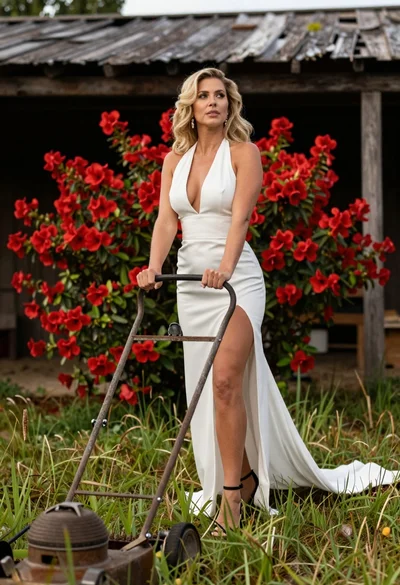
Blonde woman in white dress holding lawn mower in grassy field
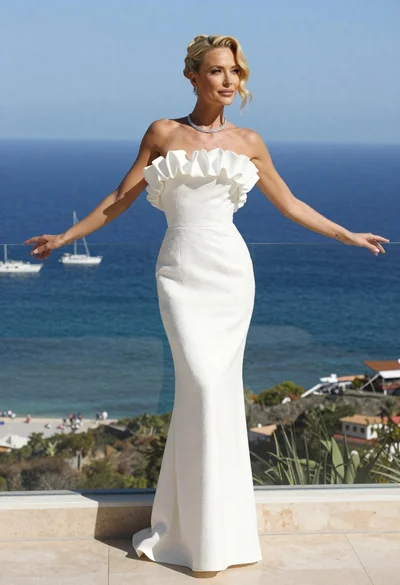
Blonde woman in white gown standing on terrace overlooking blue ocean
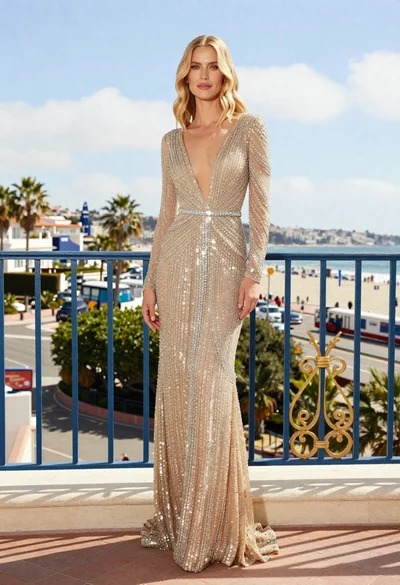
Blonde woman in gold sequined gown on a sunny coastal balcony
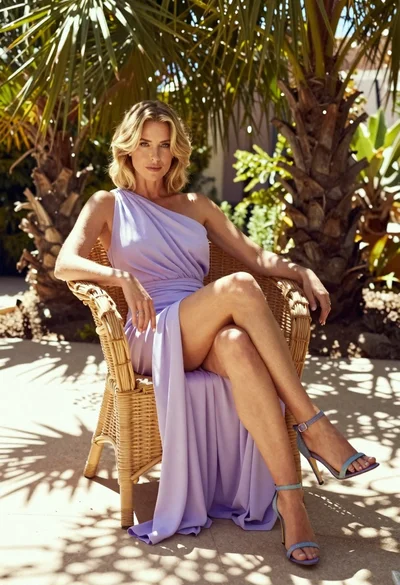
Blonde woman in lavender gown seated on wicker chair in sunlit garden
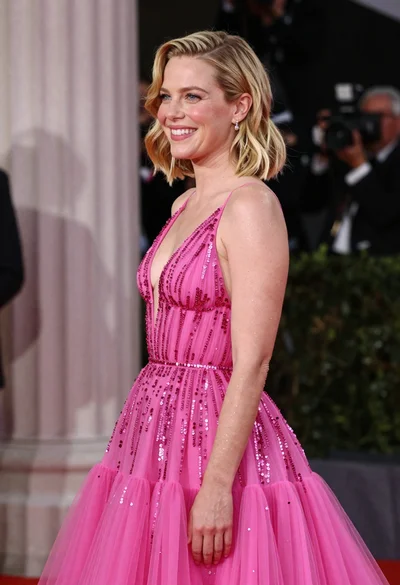
Smiling blonde woman in pink gown at an elegant outdoor evening event
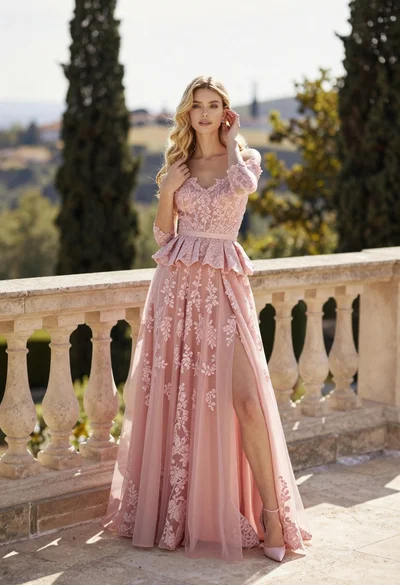
Fair skinned woman in pink ballgown on stone terrace outdoors
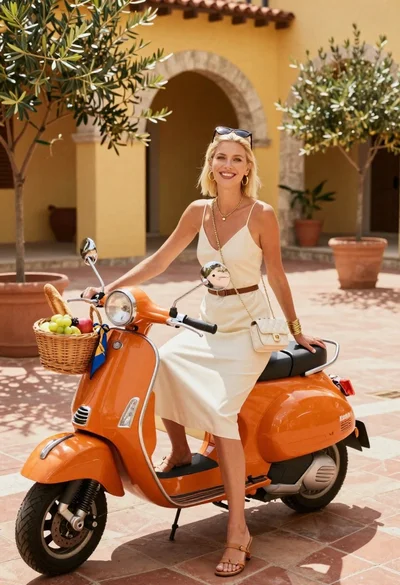
Smiling blonde woman in cream slip dress sitting on vintage orange scooter