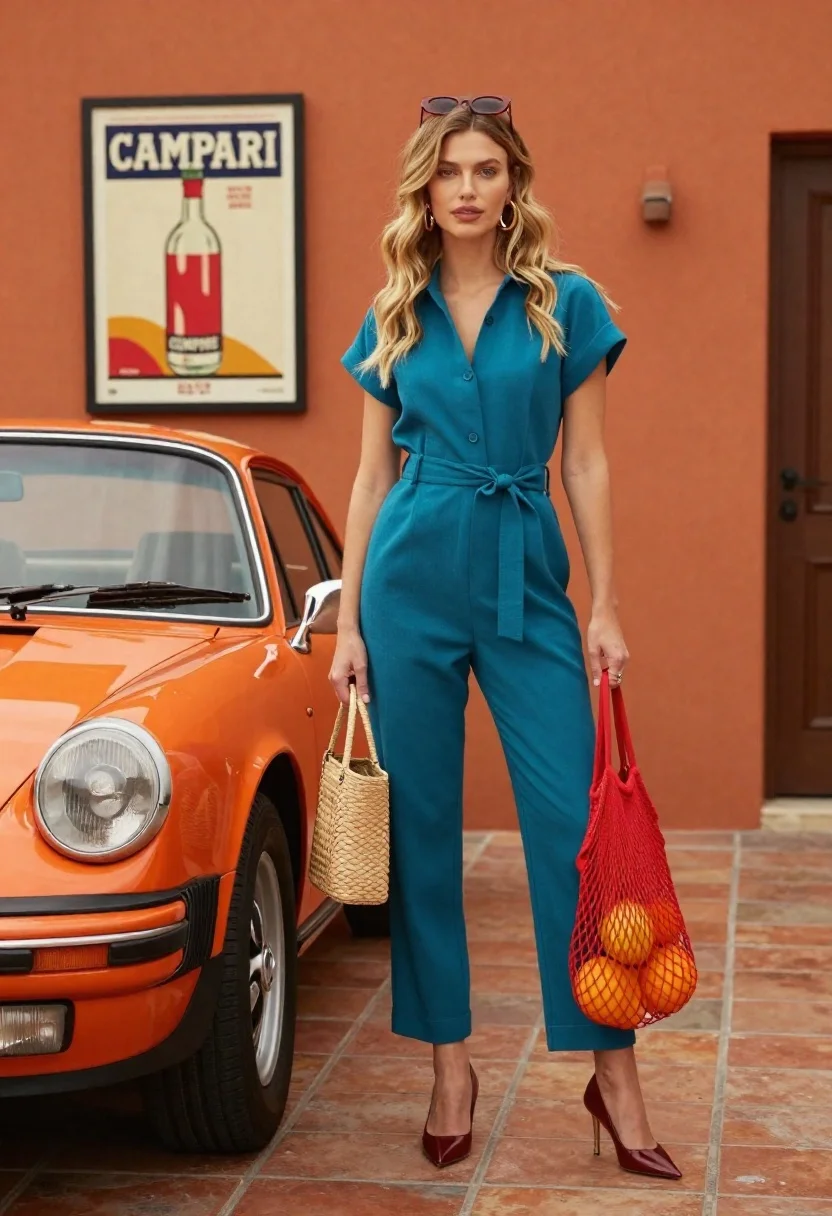
Stylish blonde woman in teal jumpsuit stands next to vintage orange porsche
Prompt
A stylish woman stands confidently beside a vintage orange Porsche in front of a warm terracotta wall.

Subject: A young woman with long wavy blonde hair and sunglasses perched on her head, wearing a sophisticated teal blue belted jumpsuit and dark red pointed heels.

Clothing: She wears a tailored teal short-sleeved jumpsuit with a V-neckline and gold hoop earrings.

Action: She stands in a relaxed pose holding a woven straw handbag in one hand and a red mesh grocery bag filled with citrus fruits in the other, looking directly at the camera.

Environment: The scene is set against a textured orange stucco wall featuring a framed vintage Campari poster, next to a classic orange Porsche sports car on a terracotta tiled floor.

Camera: Shot from a medium-full body angle with a shallow depth of field that keeps the subject sharp while softly blurring the background details.

Lighting: Bright natural daylight illuminates the scene evenly, creating soft shadows and highlighting the glossy finish of the car and the vibrant colors of the outfit.

Objects: A vintage orange Porsche sports car, a woven straw handbag, a red mesh bag containing oranges and grapefruits, and a framed Campari poster on the wall.

Text/Graphics: The word CAMPARI is visible in bold white letters on the framed poster hanging on the wall.

Style Details: High-fashion editorial photography with warm color grading, rich textures, and a retro-modern aesthetic.
Description
This prompt is useful for creating high-end automotive lifestyle editorials, vintage-inspired fashion spreads, and magazine feature photography. The combination of 'bright natural daylight' ensuring even illumination across the 'glossy finish of the car' while the 'shallow depth of field' keeps the subject sharp against the textured background perfectly captures a retro-modern aesthetic suitable for luxury advertising.
Suggestions
- Change 'teal blue belted jumpsuit' to 'emerald green tailored jumpsuit' for a richer jewel tone.
- Swap 'vintage orange Porsche sports car' for '1965 bright yellow Porsche 356' to alter the color palette.
- Adjust 'warm terracotta wall' to 'deep navy brick wall' for a more dramatic contrast.
Category
Tags
BlondeCasual WearFemaleFull BodyMedium ShotOutdoorsRealisticStreetwearVehicle
Date added
June 26, 2026
Added by
PromptDexter Team
Related Prompts
More prompts with similar categories and tags.
Young woman in black bomber jacket leaning against a black sedan at
Stylish woman in grey coat by vintage car on cobblestone street
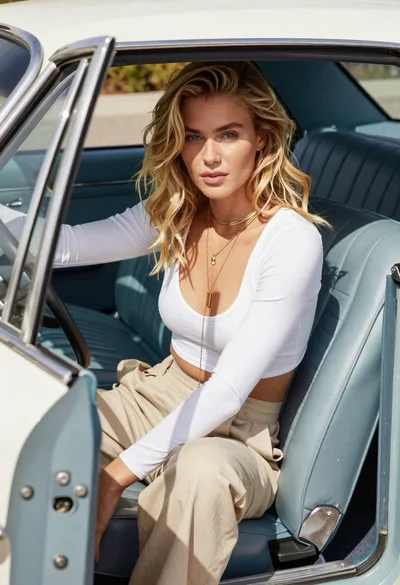
Blonde woman sitting inside vintage open top car outdoors during day
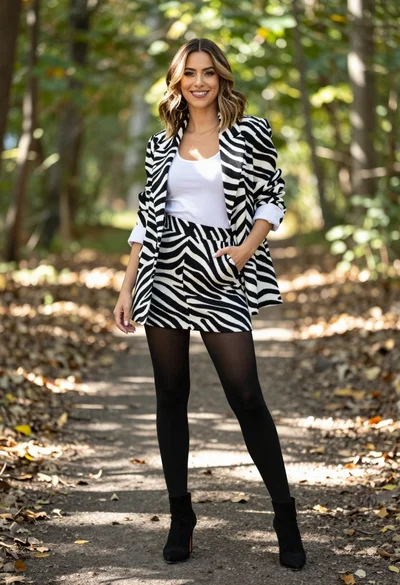
Stylish woman in zebra print suit standing on sun dappled forest path

Man in pinstripe suit on vintage green sedan outdoors
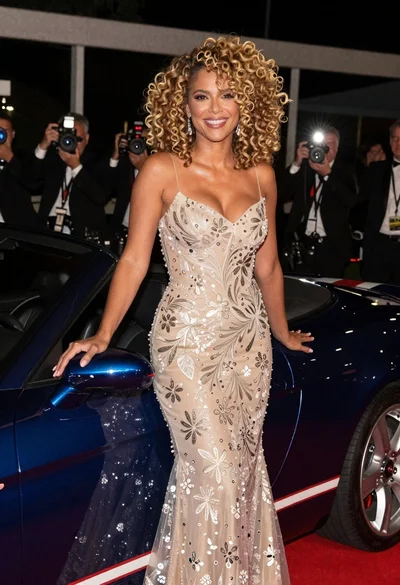
Glamorous blonde woman by blue convertible at nighttime event
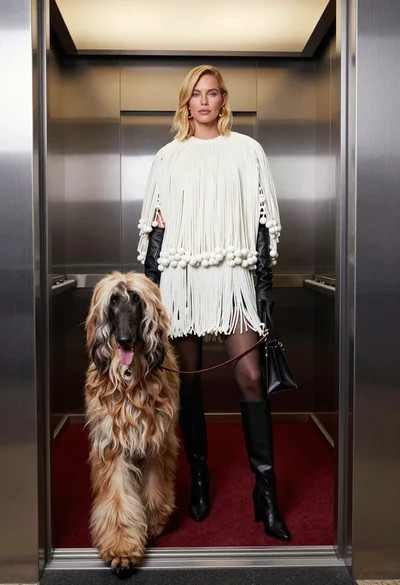
High fashion editorial shot of blonde woman and afghan hound in modern
Blonde woman in black striped dress reclines in luxury car cabin