

Blonde woman in white slip dress looking back over shoulder indoors
Prompt
A young woman with wavy blonde hair stands in a room, looking back over her shoulder at the camera.

Subject: A fair-skinned woman with long, wavy blonde hair and blue eyes. She is wearing a white satin slip dress featuring thin spaghetti straps, an open back with crisscross detailing, and a high side slit revealing her leg.

Clothing: The outfit consists of a white silk or satin mini-dress with a fitted bodice and a flowing skirt that has a deep thigh-high slit on the left side. She wears a simple black bracelet on her right wrist.

Action: She is standing in a three-quarter pose, facing away from the camera but turning her head to look directly at the viewer. Her right hand rests gently on her hip near the slit of the dress.

Environment: The setting appears to be a dressing room or boutique with light-colored walls and a dark concrete floor. To the left is a large, ornate gold-framed mirror reflecting a shelving unit. To the right stands a white clothing rack holding several white garments.

Camera: The shot is taken from a medium distance at eye level, capturing the subject from the mid-thigh up with a slight over-the-shoulder perspective.

Lighting: Soft, diffused indoor lighting illuminates the scene evenly, creating gentle highlights on the satin fabric and soft shadows that define her form without harsh contrast.

Style Details: The image has a clean, high-resolution photographic quality with natural skin tones and a focus on fashion photography aesthetics.
Description
This prompt is useful for creating editorial lingerie campaigns, bridal lookbooks, and intimate portraiture featuring delicate fabrics. The combination of 'white satin slip dress' against the backdrop of an ornate gold-framed mirror ensures that the fabric catches soft highlights while the 'soft, diffused indoor lighting' prevents harsh shadows from obscuring the details of the crisscross detailing.
Suggestions
- Change 'white satin slip dress' to 'ivory charmeuse slip dress' for a warmer tone.
- Add 'bokeh background' to soften the concrete floor and mirror reflections.
- Modify 'medium distance at eye level' to 'close-up portrait' for more focus on the face.
Category
Tags
BlondeFair SkinFemaleIndoorsMedium ShotOver The ShoulderPortrait ShotRealistic
Date added
June 19, 2026
Added by
PromptDexter Team
Related Prompts
More prompts with similar categories and tags.

Blonde woman in striped swimsuit seated on sofa indoors studio shot

Young woman looking back over shoulder in champagne knit top indoors

Two women in red mini dresses posing indoors at an opulent setting
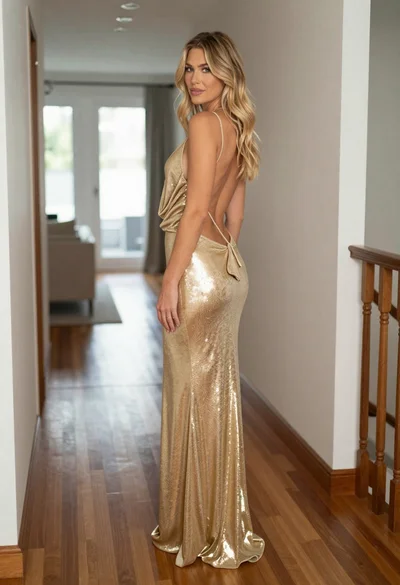
Blonde woman in shimmering gold gown standing in an elegant hallway
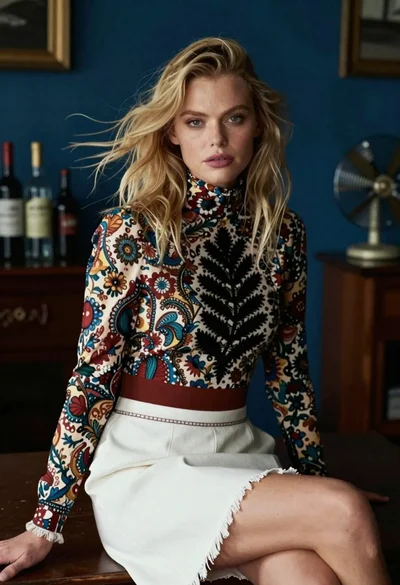
Blonde woman in floral blouse seated in moody blue interior setting

Blonde woman in cream sweater sitting on beige couch

Fair skinned woman in black blazer against white studio wall

Blonde woman in suede jacket lingerie against warm beige wall

Woman in white corset top standing by grey wall and large window
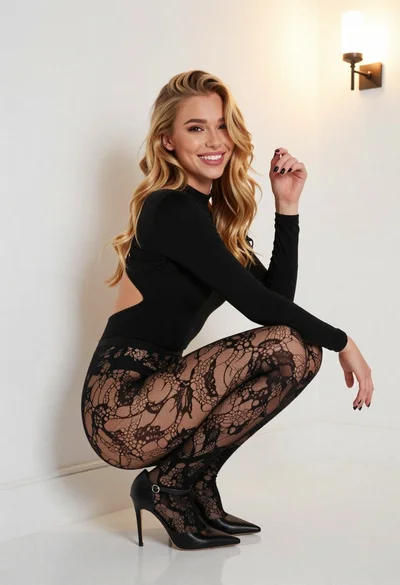
Young blonde woman crouching in black bodysuit against white wall
