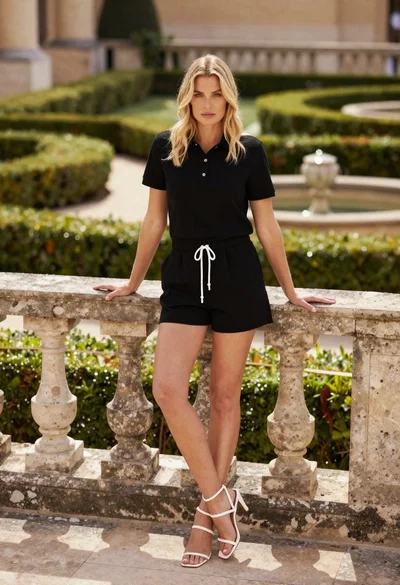

Blonde woman kneeling on green lawn before large white mansion architecture
Prompt
A woman with blonde wavy hair kneeling on a lush green lawn in front of a large white mansion.

Subject: A smiling woman with long, wavy blonde hair and dark eyes.

Clothing: She wears a black satin strapless bustier top, black fishnet stockings, tall black leather boots, a white collar with a black bow tie, and white wrist cuffs. She also wears a headband with large black satin bunny ears.

Action: Kneeling on the grass with her hands resting near her knees, looking directly at the camera with a confident smile.

Environment: A manicured green lawn in front of a large, luxurious white house with columns and palm trees visible in the background under a bright sky.

Camera: Medium shot capturing the subject from the thighs up, framed to include the background architecture.

Lighting: Bright natural sunlight casting soft shadows on the grass and highlighting the satin texture of her outfit.

Style Details: High-resolution photorealistic image with smooth skin textures and vibrant colors.
Description
This prompt is useful for creating high-end editorial fashion spreads, conceptual portraiture featuring architectural backdrops, and luxury catalog imagery. The combination of 'black satin strapless bustier top' against the 'lush green lawn' ensures that the dark, glossy material catches highlights from the 'bright natural sunlight,' preventing it from looking flat while contrasting sharply with the bright white mansion.
Suggestions
- Change 'black satin strapless bustier top' to 'ivory lace corset' for a softer contrast.
- Add 'bokeh background' to soften the visible columns and palm trees.
- Swap 'medium shot capturing the subject from the thighs up' to 'full body shot' to better display the boots.
Category
Tags
Black HairBlondeCasual WearFemaleFull BodyMedium ShotOutdoorsRealistic
Date added
July 3, 2026
Added by
PromptDexter Team
Related Prompts
More prompts with similar categories and tags.

Blonde woman seated sideways in black mini dress by window
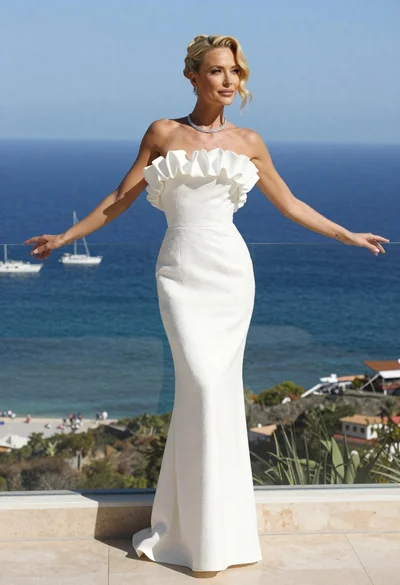
Blonde woman in white gown standing on terrace overlooking blue ocean
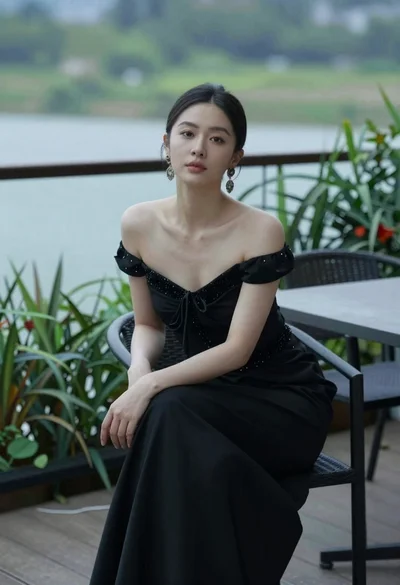
Woman seated on chair outdoors with blurred green water background

Blonde woman in black leather bodysuit on a bright pink red carpet
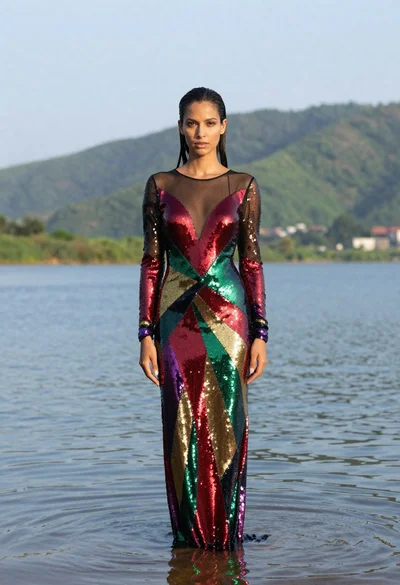
Woman in sequined gown standing waist deep in calm water outdoors
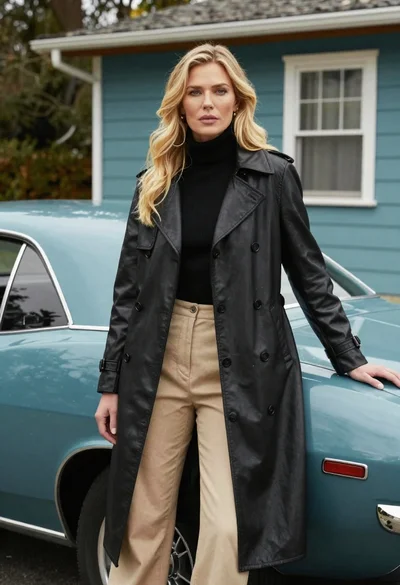
Blonde woman in black trench coat leaning on vintage teal muscle car

Smiling woman in white floral dress standing next to bicycle on cobblestone
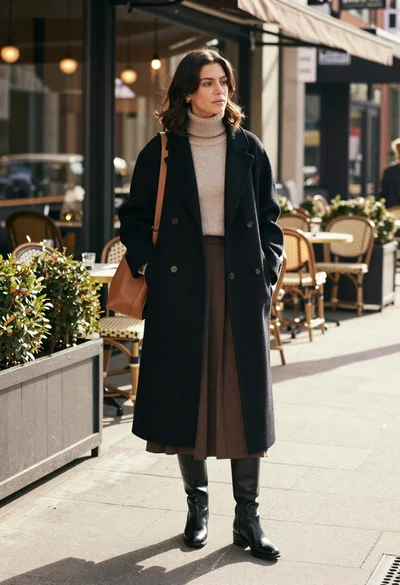
Stylish woman in black coat stands on city sidewalk near cafe
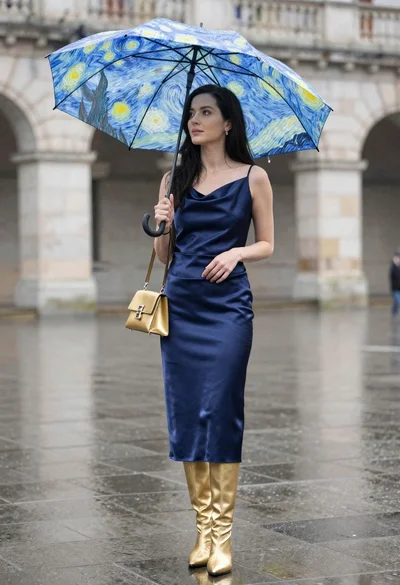
Woman in navy satin dress holding umbrella in rain on wet plaza
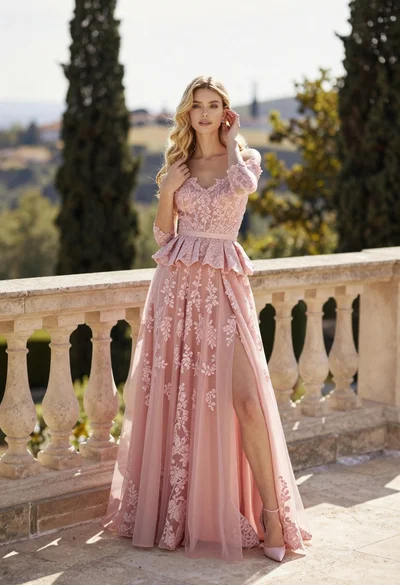
Fair skinned woman in pink ballgown on stone terrace outdoors