
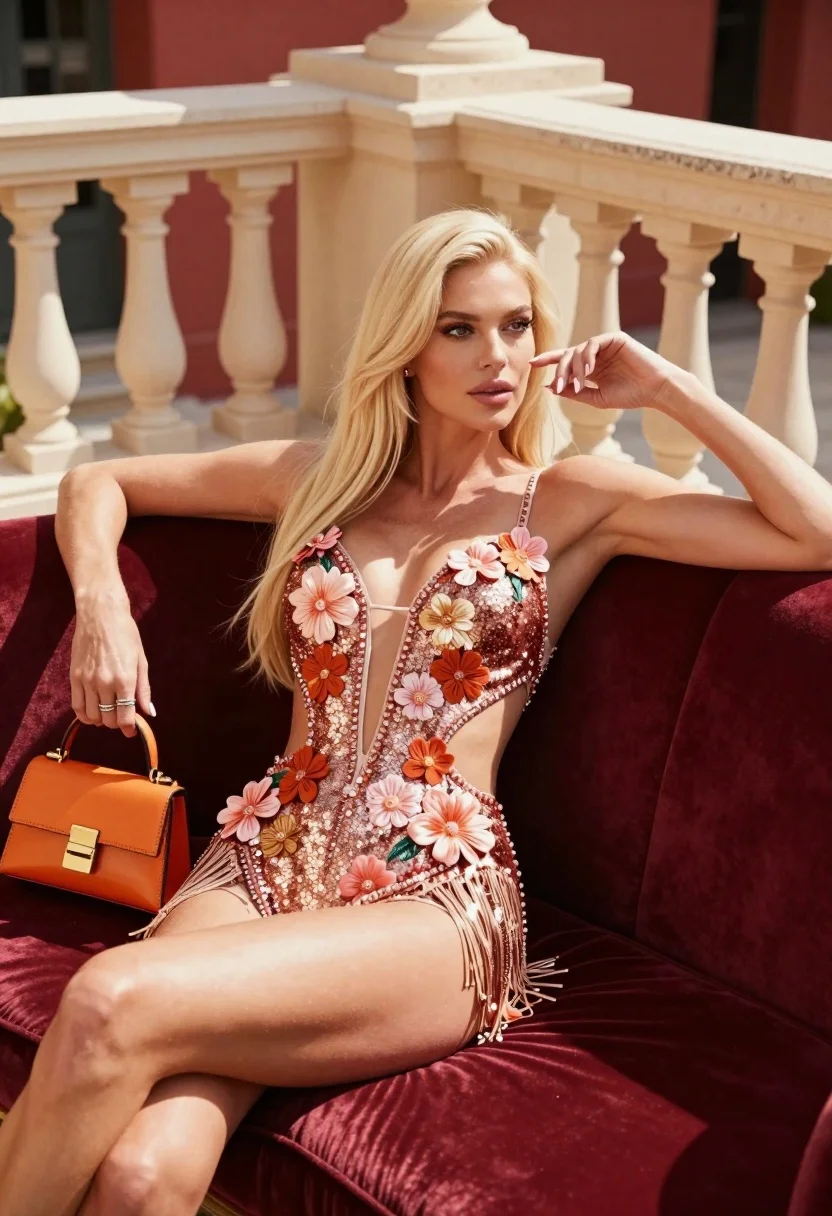
Blonde woman lounging on burgundy velvet sofa on an elegant outdoor terrace
Prompt
A glamorous blonde woman lounges confidently on a plush burgundy velvet sofa outdoors.

Subject: A fair-skinned woman with long straight platinum blonde hair and striking dark eyes, featuring a slender athletic build.

Clothing: She wears a shimmering rose-gold sequined one-piece swimsuit or bodysuit adorned with 3D floral appliqués in shades of pink and orange, featuring a deep plunging neckline, side cutouts, and a fringe hemline.

Action: She reclines with her left arm resting along the back of the sofa and her right hand raised near her face, displaying manicured nails and rings on both hands.

Environment: The setting is an elegant outdoor terrace or balcony featuring a cream-colored stone balustrade with decorative urns and a warm red wall in the background.

Objects: She holds a small structured orange handbag in her left hand while resting her right arm near her face.

Lighting: Bright natural sunlight casts sharp, defined shadows across the scene, highlighting the texture of the sequins and creating a high-contrast, warm atmosphere.

Camera: The shot is framed from a low angle looking up at the subject, emphasizing her posture and the architectural details of the terrace.

Style Details: High-fashion editorial aesthetic with vibrant color grading, sharp focus on the model, and a polished commercial photography finish.
Description
This prompt is useful for creating high-end swimwear lookbooks, luxury resort advertising campaigns, and fashion editorials emphasizing dramatic posing. The combination of 'low angle looking up at the subject' with 'bright natural sunlight casts sharp, defined shadows' sculpts the figure against the rich 'burgundy velvet sofa,' ensuring the sequined details catch the light dramatically rather than appearing flat.
Suggestions
- Change 'shimmering rose-gold sequined one-piece swimsuit' to 'matte terracotta bodysuit' for a more subdued look.
- Swap 'cream-colored stone balustrade' for 'black wrought iron railing' to increase contrast.
- Adjust 'bright natural sunlight' to 'soft diffused daylight' if you want less harsh shadow definition.
Category
Tags
BlondeCasual WearFair SkinFemaleFull BodyLow AnglePortrait ShotRealisticRooftopSwimwear
Date added
August 5, 2026
Added by
PromptDexter Team
Related Prompts
More prompts with similar categories and tags.
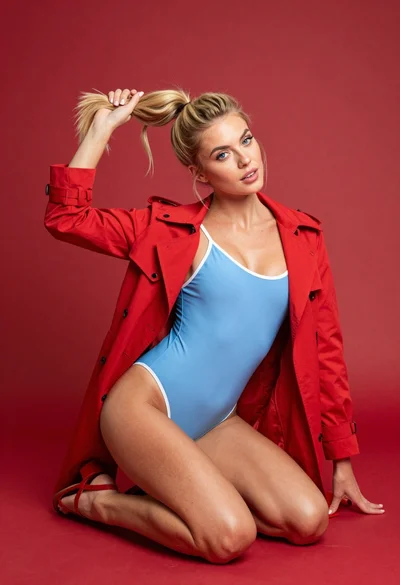
Blonde woman kneeling in blue swimsuit against solid red studio background
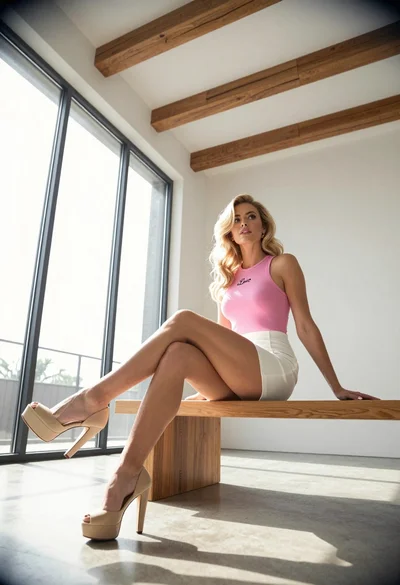
Blonde woman sitting on wooden bench in bright modern minimalist interior space
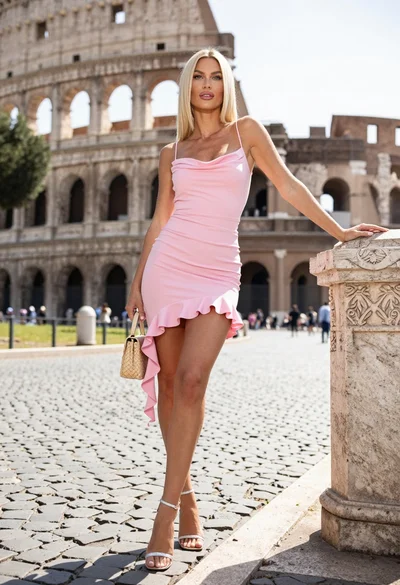
Blonde woman in pink dress leaning on pillar before colosseum in rome

Woman in rust dress looking back over shoulder on stone staircase at
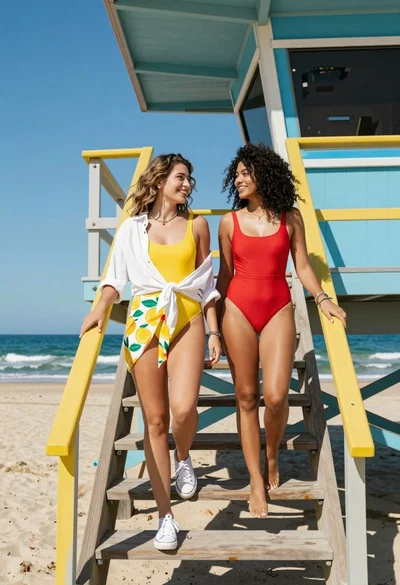
Two women descending colorful wooden stairs from a lifeguard tower at beach
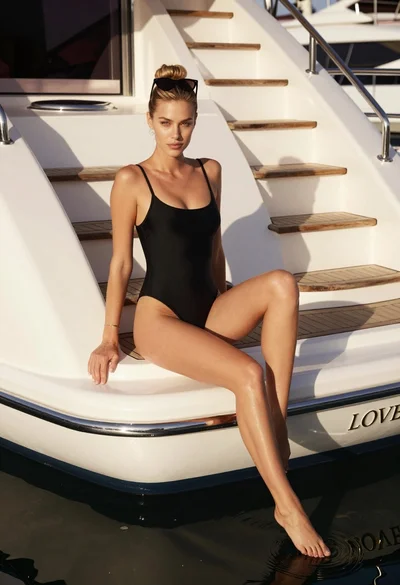
Blonde woman in black swimsuit on luxury yacht deck at golden hour
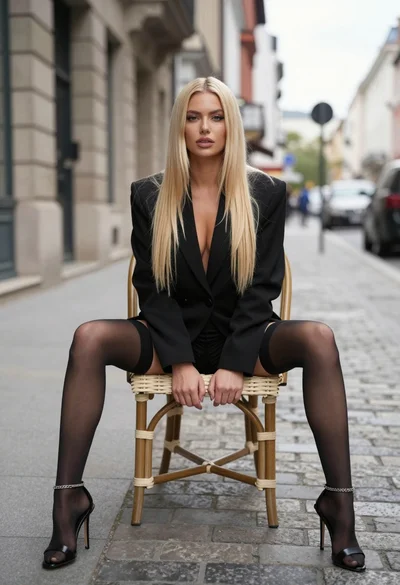
Blonde woman sitting on wicker chair in european cobblestone street setting

Young woman leaning against white wall with beige handbag under bright sunlight

Blonde woman in racing uniform holding umbrella at sunny pit lane
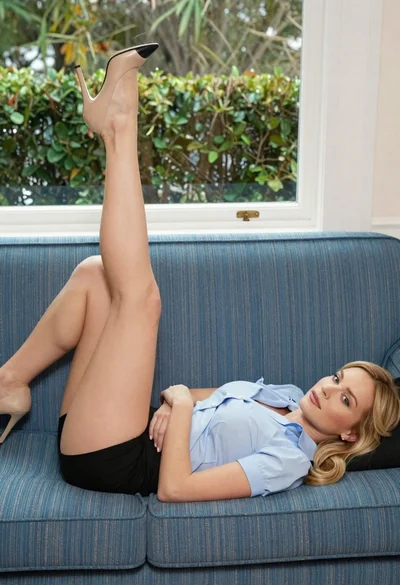
Blonde woman reclining on blue sofa indoors by large window
