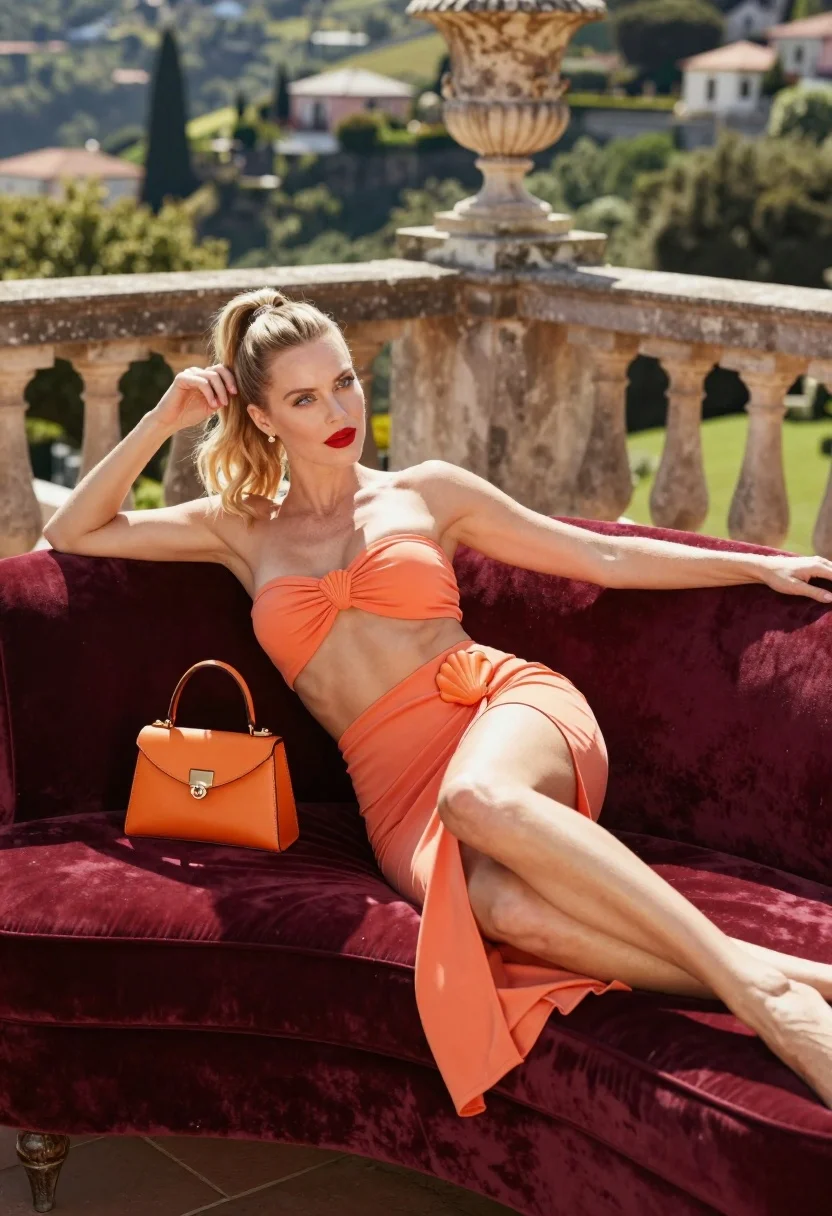
Blonde woman lounging on velvet sofa overlooking green hillside terrace
Prompt
A woman lounges elegantly on a plush burgundy velvet sofa on an outdoor terrace.

Subject: A fair-skinned woman with blonde hair pulled back into a high ponytail, featuring blue eyes and red lipstick.

Clothing: She wears a matching coral-orange two-piece set consisting of a strapless bandeau top with a central shell-shaped knot and a long skirt with a high slit and a similar shell detail at the hip.

Action: She reclines on the sofa with her left arm resting behind her head and her right hand gently touching her ponytail, while her legs are extended forward.

Environment: The setting is a sunlit terrace featuring a stone balustrade with decorative columns, overlooking a lush green hillside dotted with buildings in the distance.

Objects: An orange leather handbag rests on the sofa behind her arm, and a large ornate urn sits on a pedestal in the background.

Lighting: Bright natural sunlight illuminates the scene from the side, casting soft shadows and highlighting the texture of the velvet furniture and the woman's skin.

Camera: The shot is framed at eye level with a medium composition that captures the full length of the subject against the architectural backdrop.

Style Details: The image has a high-fashion editorial aesthetic with vibrant colors, smooth textures, and a polished, commercial photography quality.
Description
This prompt is useful for creating luxury resort advertising campaigns, magazine feature spreads on summer fashion, and aspirational lifestyle mood boards. The combination of 'plush burgundy velvet' against the 'lush green hillside' grounds the high-fashion aesthetic while the 'bright natural sunlight' ensures that both the rich textile texture and the subject's 'fair skin' are illuminated with defined yet soft shadows.
Suggestions
- Change 'burgundy velvet' to 'emerald velvet' for a deeper color contrast.
- Swap 'coral-orange two-piece set' for 'terracotta silk set' to match the warmth of the stone.
- Adjust 'medium composition' to 'full body shot' to better capture the extended legs.
Category
Tags
BlondeCasual WearFair SkinFemaleFull BodyMedium ShotOutdoorsRooftop
Date added
August 5, 2026
Added by
PromptDexter Team
Related Prompts
More prompts with similar categories and tags.
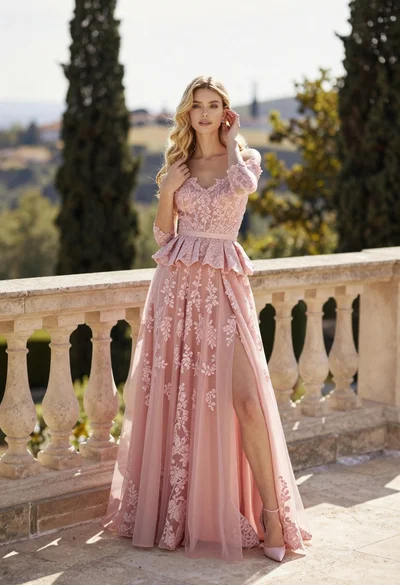
Fair skinned woman in pink ballgown on stone terrace outdoors
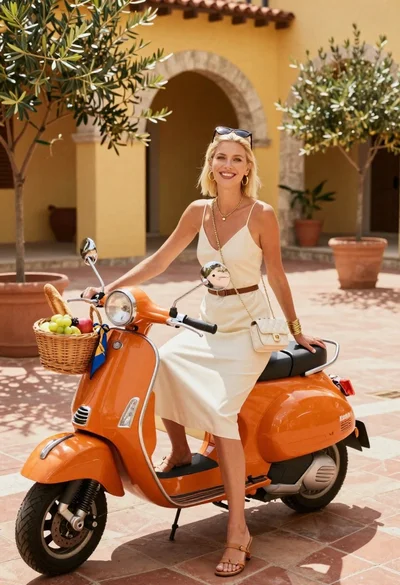
Smiling blonde woman in cream slip dress sitting on vintage orange scooter

Stylish woman in zebra print suit standing on sun dappled forest path

Fair blonde woman in slip dress seated in minimalist studio setting
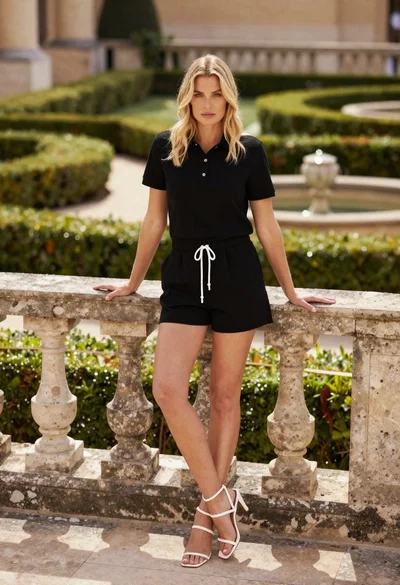
Blonde woman leaning on stone balustrade in manicured garden setting

Young woman sitting among colorful clothes in minimalist studio setting
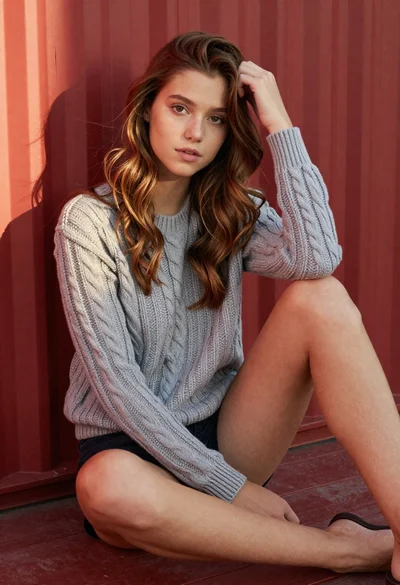
Young woman in grey knit sweater sitting against red corrugated metal wall

Smiling blonde woman in boutique wearing navy blouse and black skirt

Blonde woman reading at a cafe table with roses
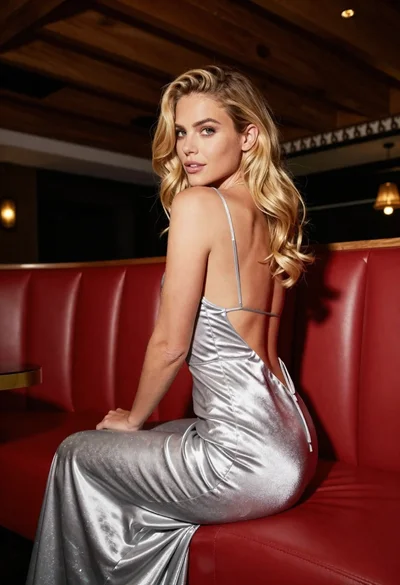
Blonde woman in silver gown seated on red booth looking back