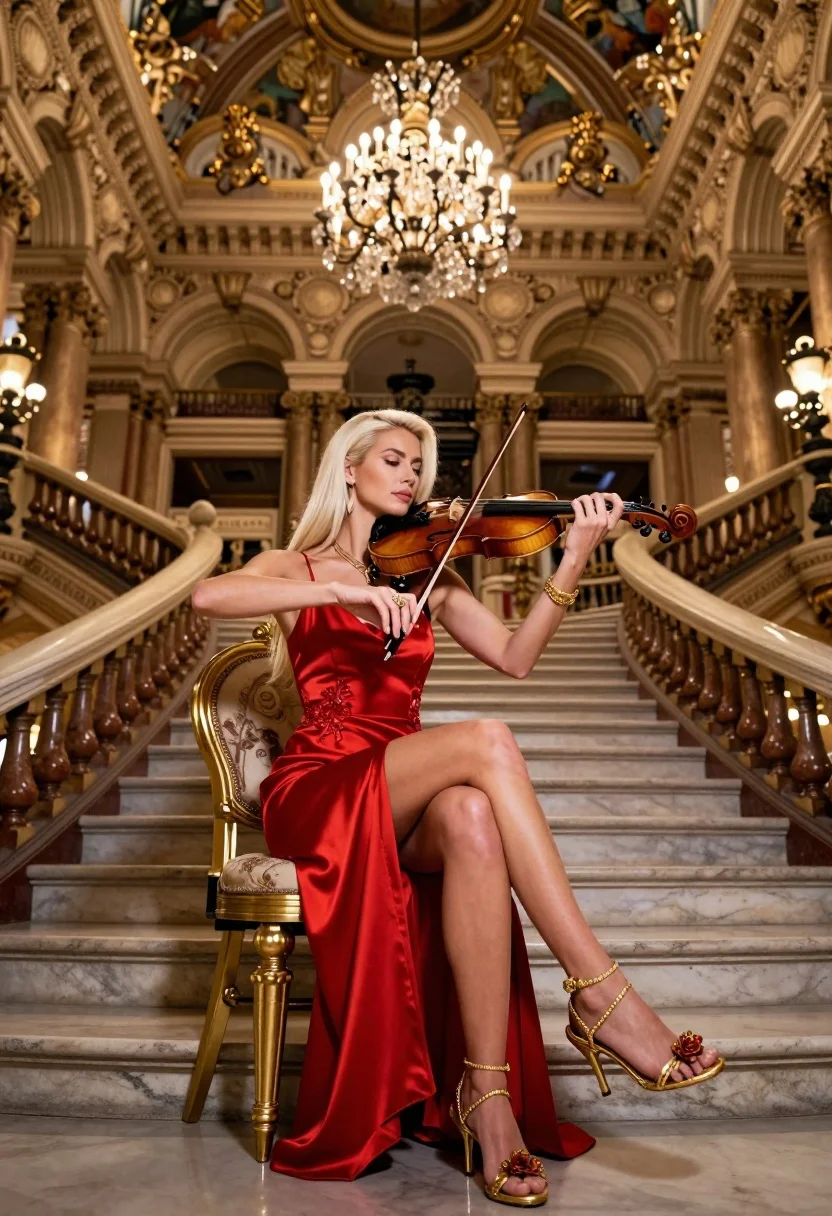
Blonde woman playing violin in opulent grand hall with crystal chandelier
Prompt
A glamorous blonde woman in a red dress sits on a golden chair playing the violin in an opulent grand hall.

Subject: A fair-skinned woman with long straight platinum blonde hair, wearing elegant gold jewelry including bracelets and rings.

Clothing: She wears a vibrant red satin slip dress featuring a high slit and delicate floral embroidery, paired with ornate gold strappy heels adorned with flower motifs.

Action: The woman sits gracefully on a golden chair, holding a violin under her chin and drawing the bow across the strings with focused concentration.

Environment: A magnificent interior hall resembling the Palais Garnier, characterized by sweeping marble staircases, towering columns, intricate balustrades, and a high ceiling adorned with classical frescoes.

Lighting: The scene is illuminated by a massive crystal chandelier hanging from the center of the room, casting a warm golden glow that highlights the subject against the ambient light.

Camera: A low-angle perspective looking up at the seated violinist to emphasize her elegance and the height of the grand staircase behind her.

Objects: A large ornate crystal chandelier hangs above, while a wooden violin and bow are held by the subject; marble steps and golden chair legs frame the foreground.

Text/Graphics: The background walls feature decorative plaques with inscriptions including "PALAIS GARNIER" and "LOVE".

Style Details: High-end cinematic photography with rich color grading, sharp focus on the subject, and a luxurious, elegant atmosphere reminiscent of high-fashion editorial work.
Description
This prompt is useful for creating dramatic concert hall promotional materials, luxury brand advertisements featuring artistry, and highly stylized character portraits. The combination of 'low-angle perspective' and the 'massive crystal chandelier' ensures that the subject appears monumental against the architectural grandeur, while the 'vibrant red satin slip dress' provides a saturated focal point contrasting the cool marble tones.
Suggestions
- Change 'red satin slip dress' to 'deep emerald velvet gown' for a richer color contrast.
- Replace 'PALAIS GARNIER' with 'opera house marquee' for more immediate recognition.
- Adjust 'low-angle perspective' to 'eye-level medium shot' if you want the focus on her expression.
Category
Tags
BlondeFair SkinFemaleFormal WearLow AnglePortrait ShotRealistic
Date added
August 5, 2026
Added by
PromptDexter Team
Related Prompts
More prompts with similar categories and tags.
Blonde woman in black lace corset top against dark green wall

Fair skinned woman with platinum blonde hair in black coat at christmas
Woman in red ballgown spinning in elegant museum hall
Young woman in white gown sitting among fabric and roses lit by
Young woman at wooden counter in dimly lit japanese izakaya bar setting
Blonde woman in white coat dress seated in grand hotel lobby

Woman crawling on dusty hillside in black leather outfit low angle
Woman with reddish blonde curly hair in vintage dress garden setting
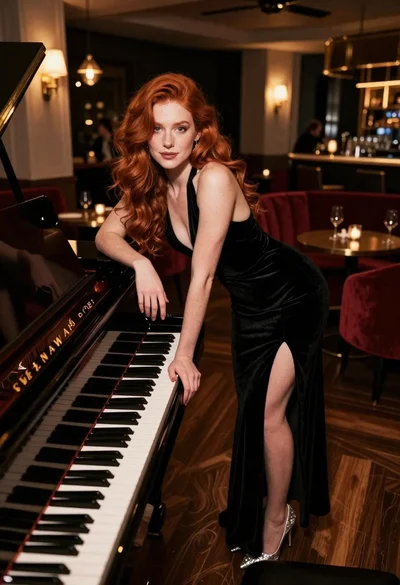
Woman with red hair leaning on black grand piano in upscale lounge
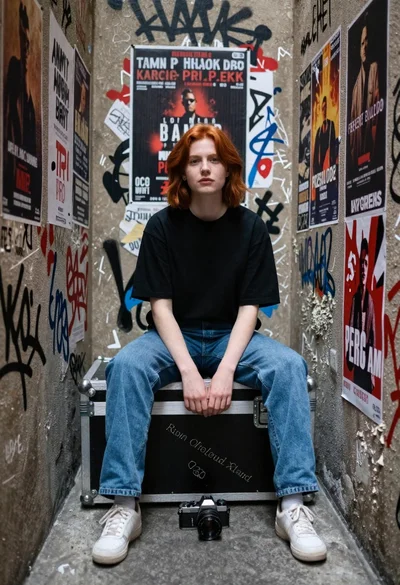
Young woman with red hair sitting in graffiti covered narrow alleyway