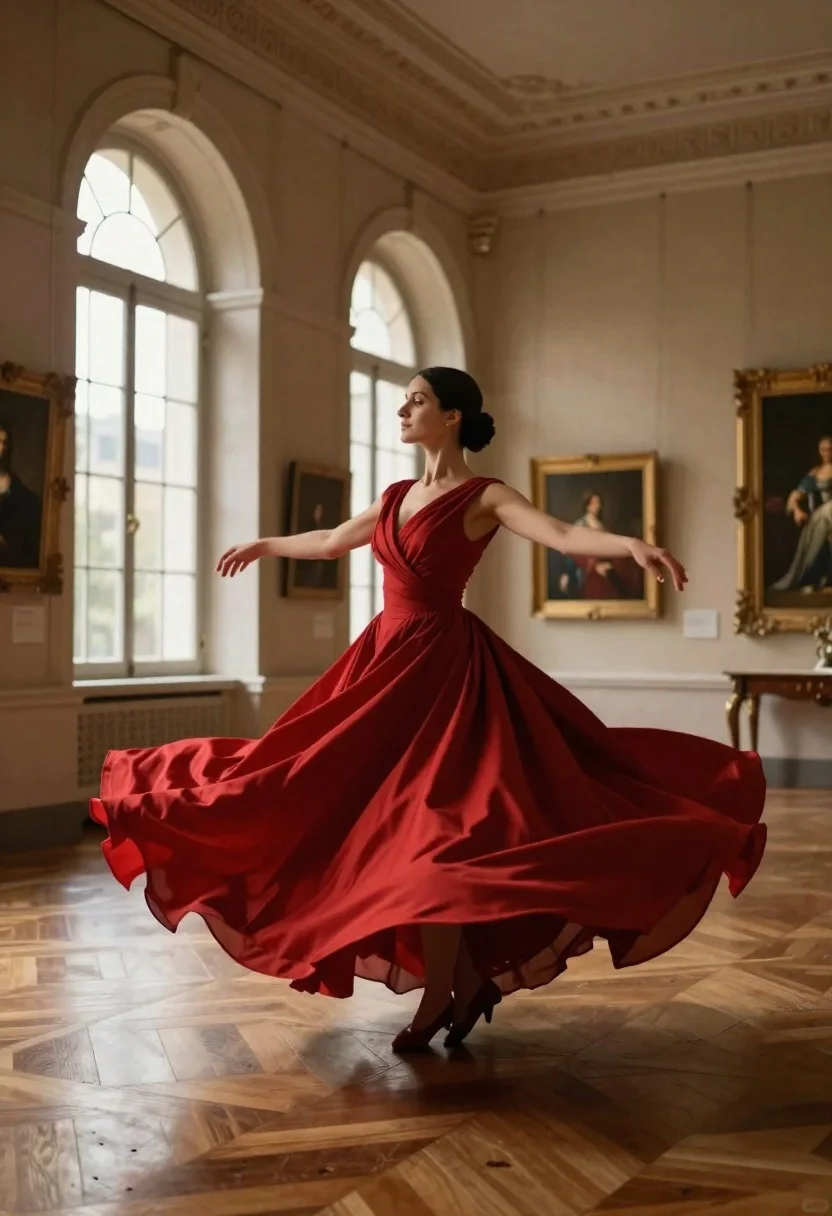
Woman in red ballgown spinning in elegant museum hall
Prompt
A woman in a flowing red gown spins gracefully in the center of an elegant museum hall.

Subject: A woman with dark hair styled in a neat bun, her face turned slightly to the side with a serene expression.

Clothing: She wears a striking, deep crimson ballgown featuring a draped bodice and a voluminous skirt that fans out dramatically around her legs as she moves.

Action: The woman is captured mid-twirl with her arms extended outward, causing the fabric of her dress to billow and swirl in a wide circle.

Environment: She stands on a polished wooden parquet floor inside a grand gallery with high ceilings, stone arches, and large windows letting in soft daylight.

Objects: Framed classical portraits hang on the cream-colored walls behind her, adding an artistic context to the scene.

Lighting: Soft, natural light filters through the tall arched windows on the left, illuminating the room and casting gentle highlights on the fabric of her dress.

Camera: The shot is taken from a low angle looking up at the subject, emphasizing the height of the room and the expansive spread of the gown.

Style Details: The image has a cinematic quality with rich, warm tones and smooth textures that highlight the elegance of the setting and the movement of the fabric.
Description
This prompt is useful for creating dramatic editorial fashion spreads, cinematic movie stills, and high-end architectural visualization pieces. The combination of a 'low angle looking up at the subject' with the 'voluminous skirt that fans out dramatically' exaggerates both the grandeur of the museum hall and the sweeping movement inherent in the spinning action, making the gown appear even more monumental against the backdrop of stone arches.
Suggestions
- Change 'deep crimson ballgown' to 'emerald velvet gown' for a different color pop.
- Add 'dramatic chiaroscuro lighting' to enhance the contrast on the fabric.
- Swap 'polished wooden parquet floor' for 'marble mosaic floor' to change the ground texture.
Category
Tags
FemaleFormal WearFull BodyIndoorsLow AnglePortrait ShotRealistic
Date added
June 23, 2026
Added by
PromptDexter Team
Related Prompts
More prompts with similar categories and tags.
Glamorous woman in black gold outfit posing in concrete subway tunnel

Blonde woman in black gown posing on city street near ritz london
Young woman at wooden counter in dimly lit japanese izakaya bar setting
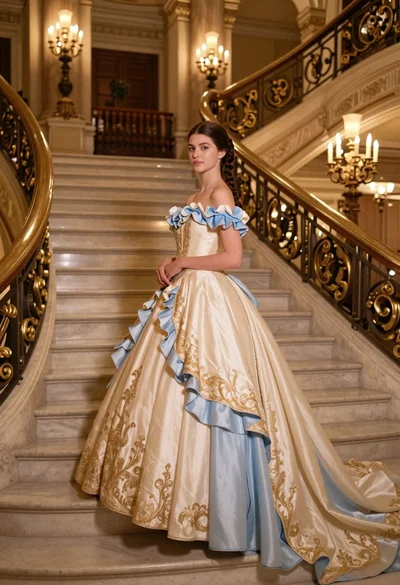
Young woman in elaborate ballgown on grand marble staircase interior
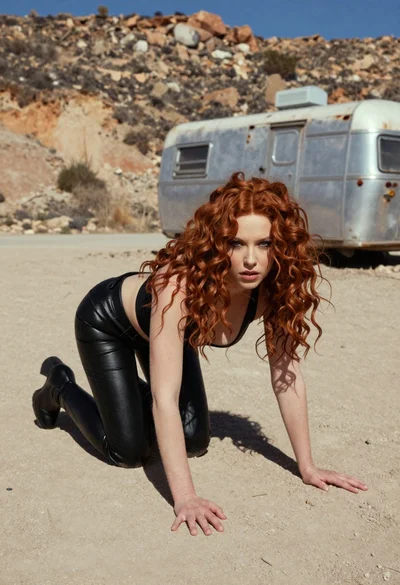
Woman crawling on dusty hillside in black leather outfit low angle
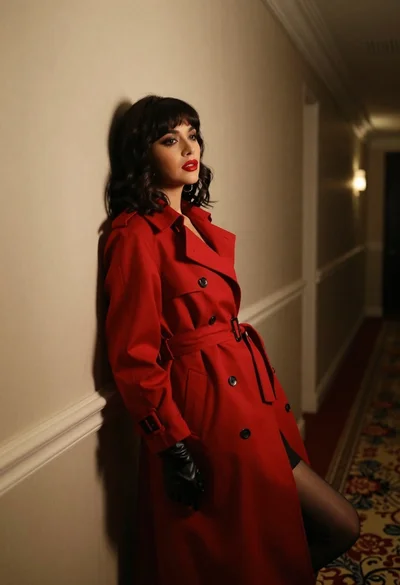
Woman in red trench coat leaning against hallway wall cinematic portrait
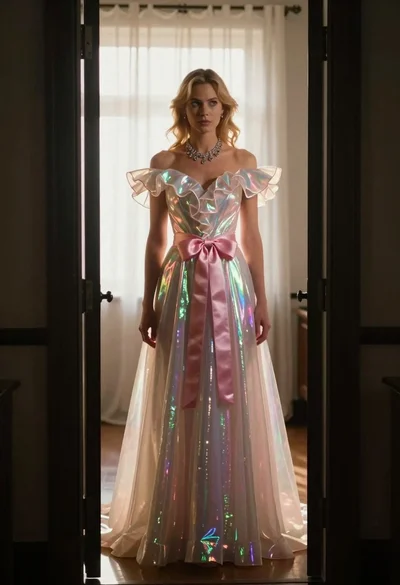
Blonde woman in iridescent gown standing in a doorway with soft backlighting
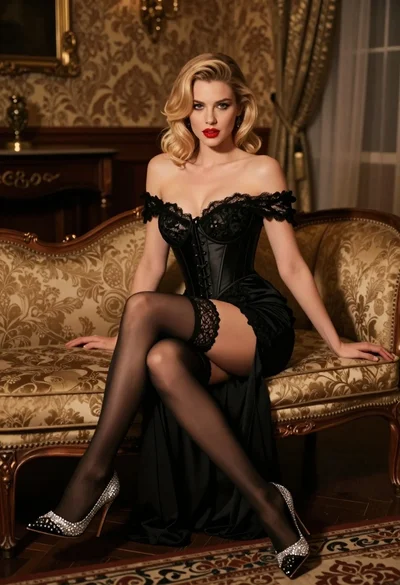
Glamorous blonde woman in black lace gown seated on vintage chaise lounge