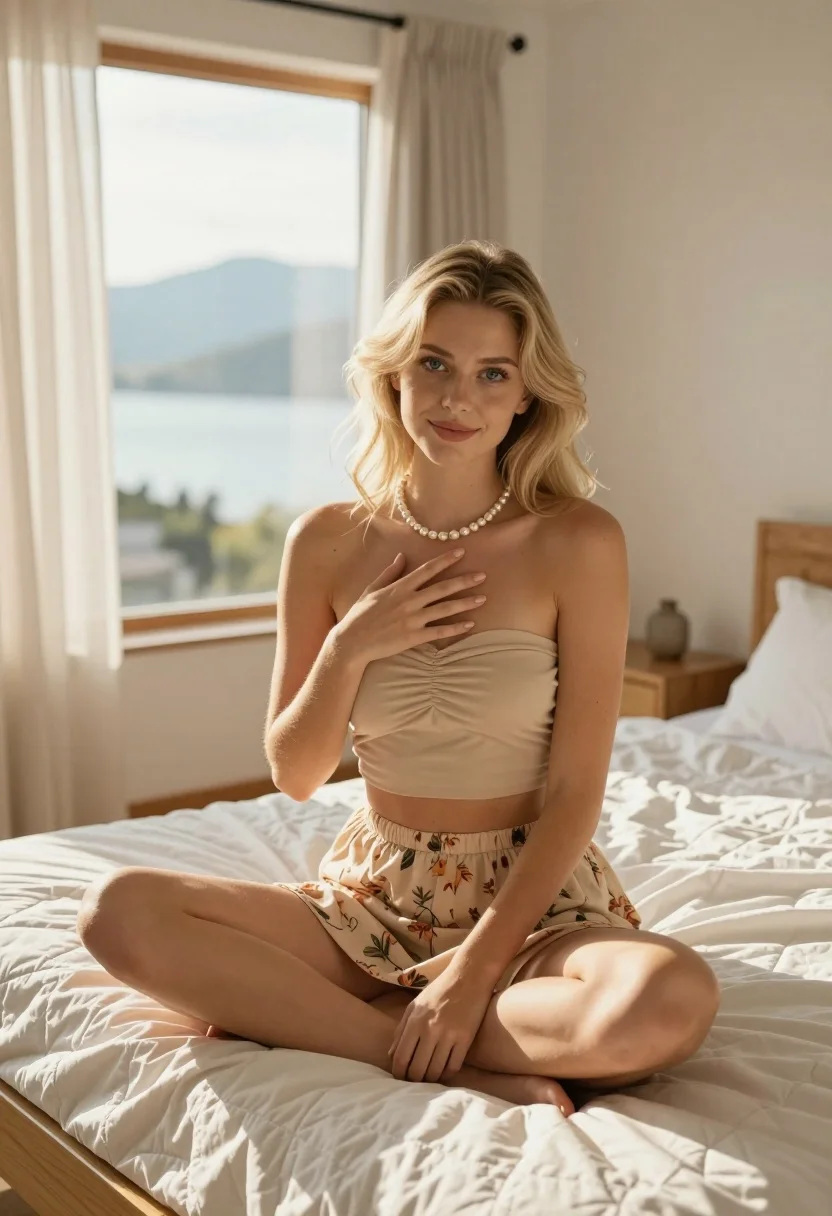
Blonde woman sitting cross legged in sunlit bedroom overlooking mountains and water
Prompt
A young woman with blonde hair sits cross-legged on a bed in a sunlit bedroom.

Subject: A fair-skinned woman with shoulder-length blonde hair and blue eyes, looking directly at the camera with a soft smile.

Clothing: She wears a beige strapless ruched crop top and a matching beige floral skirt, accessorized with a pearl necklace.

Action: She sits in a relaxed cross-legged pose on the bed, her left hand resting gently over her chest and her right hand resting near her knee.

Environment: The setting is a bright bedroom featuring a wooden bed frame with a white quilted mattress protector, light wood flooring, and floor-to-ceiling windows draped with sheer beige curtains that reveal a view of mountains and water outside.

Lighting: Warm natural sunlight streams through the window from the left, casting soft shadows and creating a golden glow on the subject's skin and the room.

Camera: The shot is taken at eye level with a medium framing that captures the subject from the knees up, utilizing a shallow depth of field to keep the focus sharp on her while softly blurring the background scenery.
Description
This prompt is useful for creating editorial lifestyle photography, aspirational travel blogs, and intimate portraiture featuring natural light. The combination of 'warm natural sunlight' streaming from the left and the 'shallow depth of field' ensures that while the background view of mountains and water provides context, the focus remains sharply on the subject's face and the visible texture of her 'beige strapless ruched crop top', preventing the entire scene from becoming a washed-out postcard shot.
Suggestions
- Change 'blonde hair' to 'platinum blonde hair' for a more dramatic contrast.
- Swap 'sheer beige curtains' for 'gauzy white curtains' to maximize light diffusion.
- Adjust 'medium framing' to 'full body shot' to incorporate the entire bed and view.
Category
Tags
BedroomBlondeFair SkinFemaleIndoorsMedium ShotMountainsRealistic
Date added
July 12, 2026
Added by
PromptDexter Team
Related Prompts
More prompts with similar categories and tags.

Blonde woman seated sideways in black mini dress by window
Young woman with blonde pigtails holding hair while sitting on a pink
Blonde woman sitting on kitchen counter with watermelon slice

Blonde woman in geometric dress seated in modern stylish interior setting

Young blonde woman in brown top seated in modern living room setting
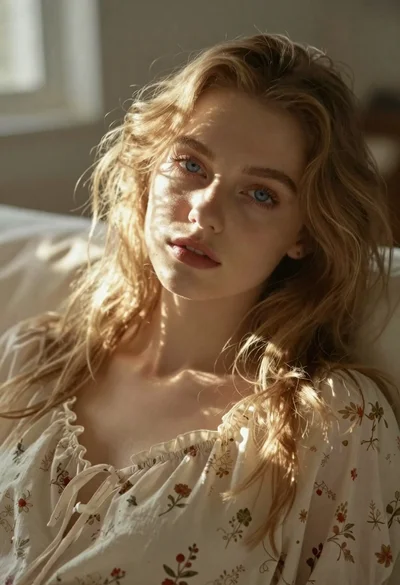
Close up portrait of blonde woman in cream nightgown
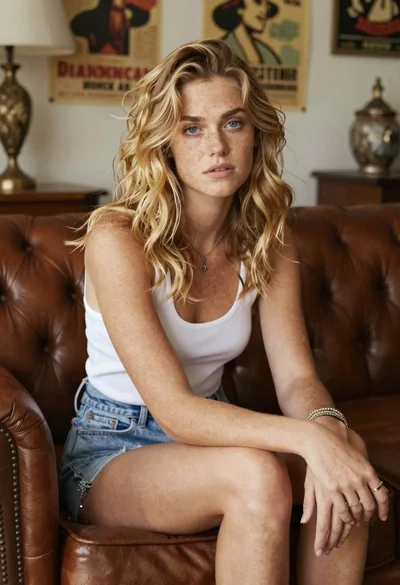
Woman with freckles sitting on brown leather sofa
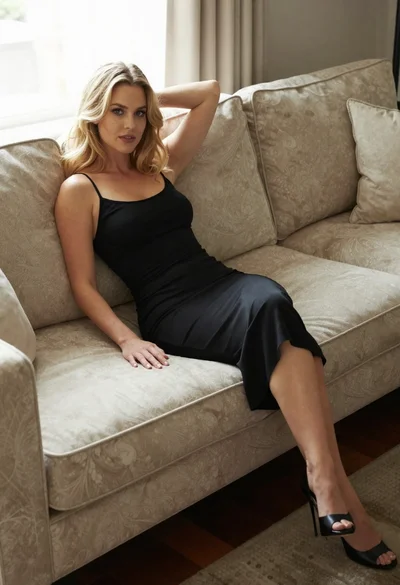
Blonde woman in black slip dress reclining on beige sofa indoors
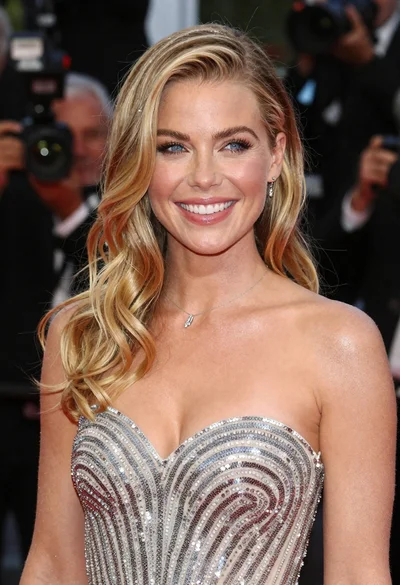
Close up portrait of smiling blonde woman in silver sequin gown

Smiling blonde woman in boutique wearing navy blouse and black skirt
