Blonde woman sitting in chair wearing cream blouse at low angle
Prompt
A blonde woman with wavy hair sits confidently in a chair, gazing directly at the camera.

Subject: A fair-skinned woman with voluminous, shoulder-length blonde wavy hair and striking blue eyes. She has a neutral to slightly serious expression with soft pink lips.

Clothing: She wears a loose-fitting, cream-colored long-sleeved blouse with a tie-front detail and floral embroidery on the chest pockets. Her outfit includes a matching satin-like mini skirt. She is wearing black patent leather strappy high-heeled sandals.

Action: The woman sits in a relaxed but posed manner, leaning back slightly with one leg crossed over the other, resting her foot on the arm of the chair. Her left arm extends outward along the back of the chair.

Environment: The setting appears to be an indoor room with warm, dim lighting. A window with shutters is visible in the background, casting shadows on the wall behind her.

Camera: The shot is a medium close-up taken from a low angle looking up at the subject, emphasizing her posture and facial features.

Lighting: Soft, directional lighting illuminates her face and upper body from the front, creating gentle highlights on her hair and skin while leaving the background in shadow.

Style Details: The image has a soft-focus, cinematic quality with warm color tones and a vintage aesthetic typical of early 2000s fashion photography.
Description
This prompt is useful for creating editorial portraiture, magazine features focusing on seated poses, and mood boards evoking early 2000s nostalgia. The combination of 'low angle looking up at the subject' with 'soft-focus, cinematic quality' directs the viewer's eye upward, making the subject appear dominant while the 'warm color tones' maintain a cohesive, vintage atmosphere suitable for fashion storytelling.
Suggestions
- Change 'cream-colored' to 'ivory' for a slightly warmer tone.
- Swap 'black patent leather strappy high-heeled sandals' for 'nude ankle strap heels' to soften the contrast.
- Adjust 'soft pink lips' to 'muted berry stain' for a more vintage feel.
Category
Tags
BlondeCasual WearFair SkinFemaleIndoorsLow AngleRealistic
Date added
June 19, 2026
Added by
PromptDexter Team
Related Prompts
More prompts with similar categories and tags.

Blonde woman seated sideways in black mini dress by window
Blonde woman in black slip dress reclining on beige sofa indoors
Blonde woman in black satin mini dress at upscale lounge setting
Blonde woman in black dress reclining on red velvet chaise lounge indoors

Smiling blonde woman in boutique wearing navy blouse and black skirt
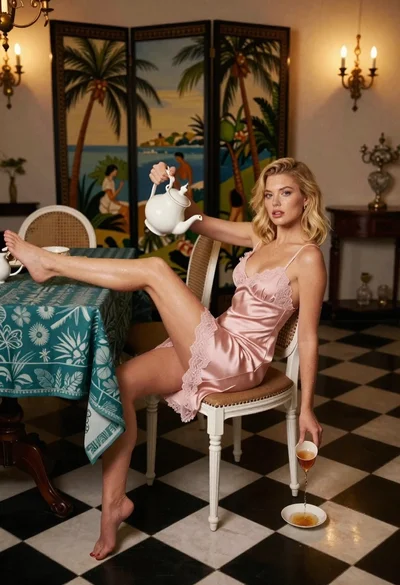
Blonde woman in pink slip dress pouring tea in ornate dining room

Blonde woman in black coat leaning against white wall by window

Blonde woman in black dress leaning on stone pillar in garden setting
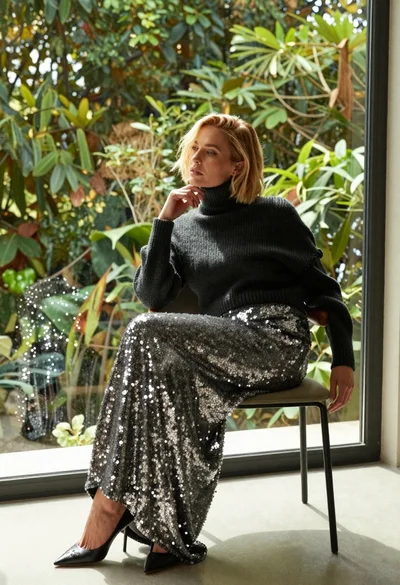
Blonde woman in sequined skirt seated indoors by large window
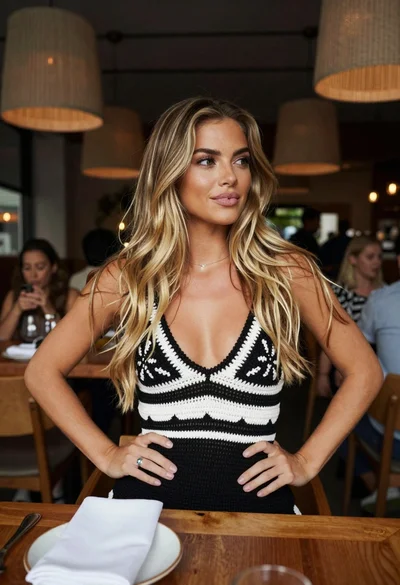
Young blonde woman at wooden table in dimly lit upscale restaurant setting