
Blonde woman sitting inside vintage open top car outdoors during day
Prompt
A young woman with wavy blonde hair sits inside a vintage car with the door open.

Subject: A fair-skinned woman with shoulder-length wavy blonde hair and blue eyes looking directly at the camera with a neutral expression.

Clothing: She wears a white long-sleeved crop top with a deep plunging neckline, layered gold necklaces including a choker and a long pendant chain, and loose-fitting beige trousers.

Action: She is seated in the driver's seat of an open-top car, leaning slightly forward with her left arm resting on the door frame and her right arm extended along the interior.

Environment: The setting is outdoors during the day, featuring the interior of a classic vehicle with light blue upholstery and a white painted metal door panel showing mechanical components like hinges and bolts.

Camera: Medium shot framed from the side capturing the subject within the car interior, utilizing natural daylight that creates soft shadows on her face and body.

Lighting: Bright natural sunlight illuminates the scene from above and slightly to the right, casting distinct highlights on her hair and skin while leaving parts of the car interior in shadow.

Style Details: Photorealistic image with high detail in fabric textures and metallic surfaces, featuring a clean composition typical of fashion photography.
Description
This prompt is useful for creating editorial automotive lifestyle spreads, vintage travel advertisements, and casual portraiture showcasing modern fashion within classic settings. The combination of 'natural daylight' casting soft shadows alongside the detailed focus on 'metallic surfaces' ensures that the car's mechanical components read as tangible props rather than flat backdrops, while the subject's direct gaze anchors the composition for commercial appeal.
Suggestions
- Change 'beige trousers' to 'denim jeans' for a more casual feel.
- Add 'Kodak Portra 400 film grain' to soften the photorealistic edge.
- Adjust 'natural daylight' to 'overcast softbox lighting' for even illumination.
Category
Tags
BlondeCasual WearFair SkinFemaleMedium ShotOutdoorsRealistic
Date added
June 19, 2026
Added by
PromptDexter Team
Related Prompts
More prompts with similar categories and tags.
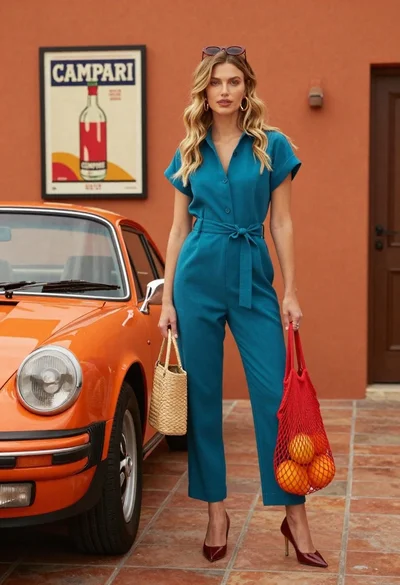
Stylish blonde woman in teal jumpsuit stands next to vintage orange porsche
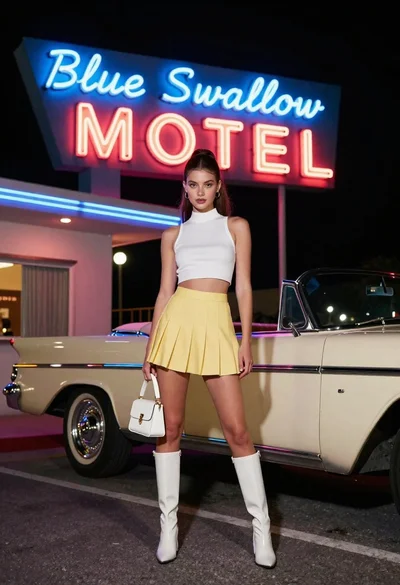
Young woman in white top and yellow skirt standing near vintage motel
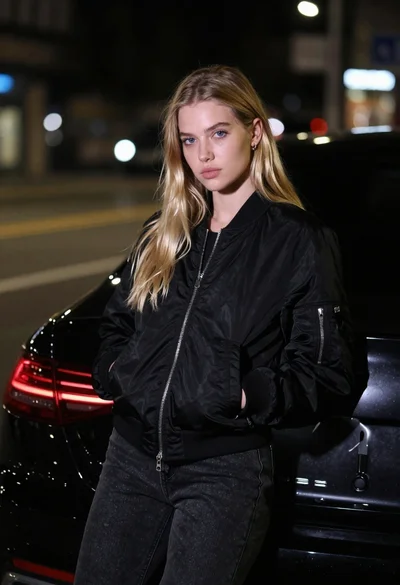
Young woman in black bomber jacket leaning against a black sedan at
High fashion editorial shot of blonde woman and afghan hound in modern
Woman in red gown leaning on black porsche near ancient city ruins
Young woman in floral dress sitting on vintage truck tailgate in dusty
Blonde woman in vintage dress poses by white convertible car on wet
Young woman in grey knit sweater sitting against red corrugated metal wall

Blonde woman reading at a cafe table with roses

Fair blonde woman touching hair outdoors overlooking hazy cityscape
