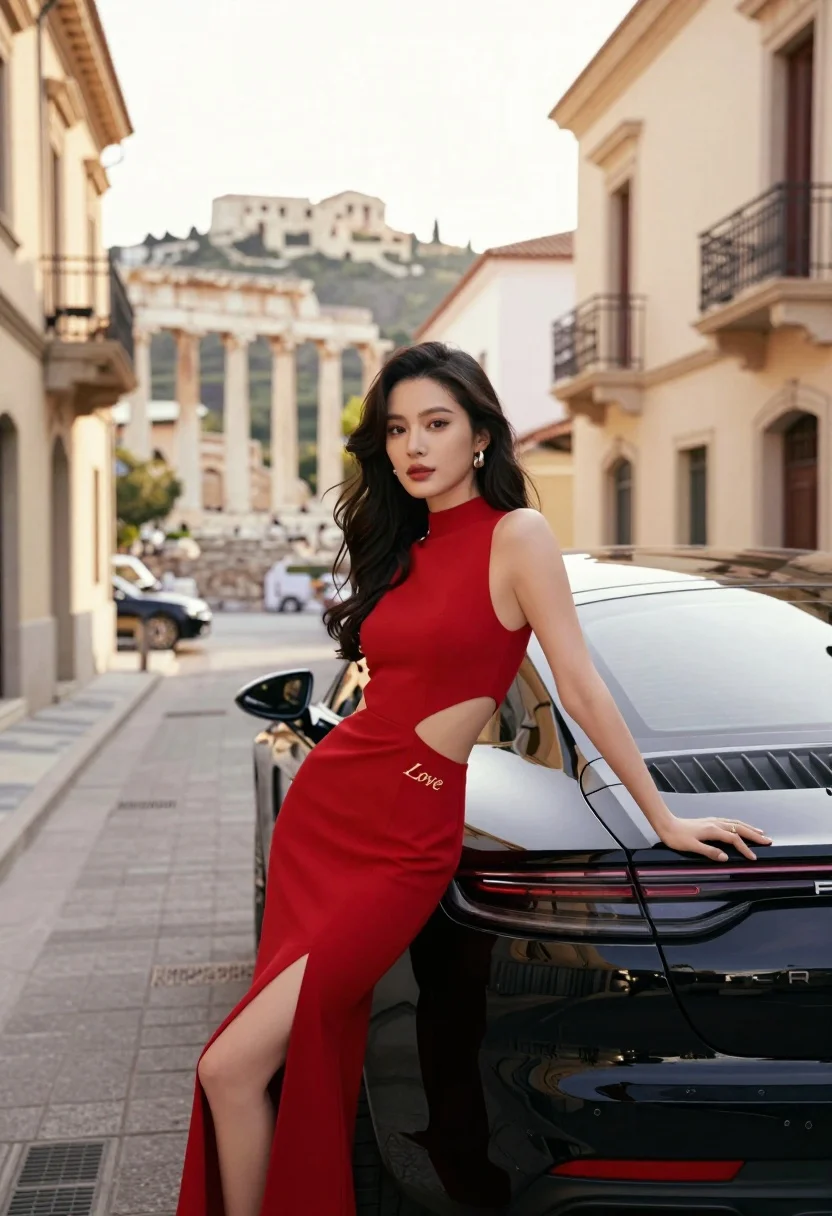
Woman in red gown leaning on black porsche near ancient city ruins
Prompt
A woman in a red dress leans against the trunk of a black Porsche on a city street with ancient ruins in the background.

Subject: A woman with long dark wavy hair and a fair complexion leaning back against a vehicle.

Clothing: She wears a sleeveless, high-necked, floor-length red gown featuring side cutouts at the waist and a high slit on the left leg; the word "Love" is embroidered in gold script on the hip.

Action: She rests her right hand on the car trunk while her left arm hangs by her side, looking directly forward with a neutral expression.

Environment: The setting is a paved city street lined with beige buildings featuring arched doorways and balconies; ancient stone columns and a hilltop ruin are visible in the distance under a bright sky.

Camera: The shot uses a medium framing angle that captures the subject from the thighs up, employing a shallow depth of field to blur the background architecture and ruins.

Lighting: Warm golden sunlight illuminates the scene from above and behind, creating soft highlights on her hair and skin while casting gentle shadows.

Objects: A glossy black Porsche with a visible rear light bar and "PORSCHE" lettering is positioned directly behind the woman.

Style Details: The image features high-definition realism with smooth textures, vibrant color saturation, and a cinematic composition that emphasizes elegance and luxury.
Description
This prompt is useful for creating editorial fashion editorials, luxury automotive advertising campaigns, and cinematic concept art featuring historical backdrops. The combination of the 'red gown' against the 'glossy black Porsche' juxtaposed with ancient ruins creates a high-contrast narrative tension, while the 'warm golden sunlight' ensures that both the fabric sheen and the car paint retain rich saturation rather than appearing flat.
Suggestions
- Change 'red gown' to 'emerald velvet gown' for a deeper color contrast.
- Add 'anamorphic lens flare' to enhance the cinematic feel of the lighting.
- Modify 'medium framing angle' to 'full body shot' to better showcase the floor-length dress.
Category
Tags
Fair SkinFemaleFull BodyMedium ShotOutdoorsRealisticRuinsStreet
Date added
July 12, 2026
Added by
PromptDexter Team
Related Prompts
More prompts with similar categories and tags.

Blonde woman sitting inside vintage open top car outdoors during day
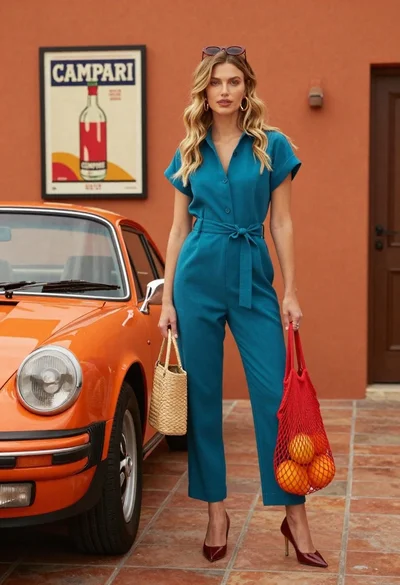
Stylish blonde woman in teal jumpsuit stands next to vintage orange porsche
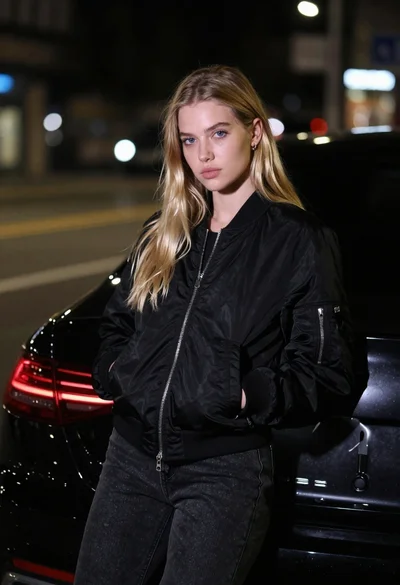
Young woman in black bomber jacket leaning against a black sedan at

Man sitting on colorful floral scooter in vibrant outdoor playground setting
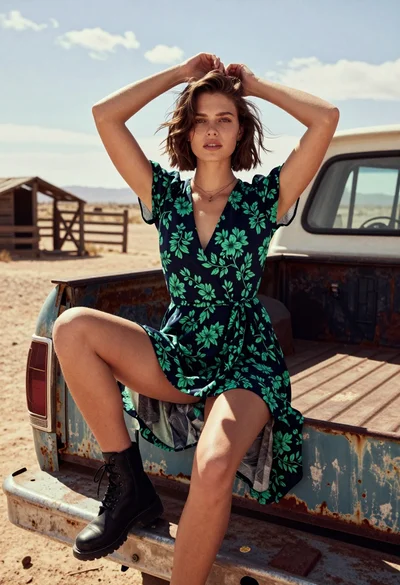
Young woman in floral dress sitting on vintage truck tailgate in dusty
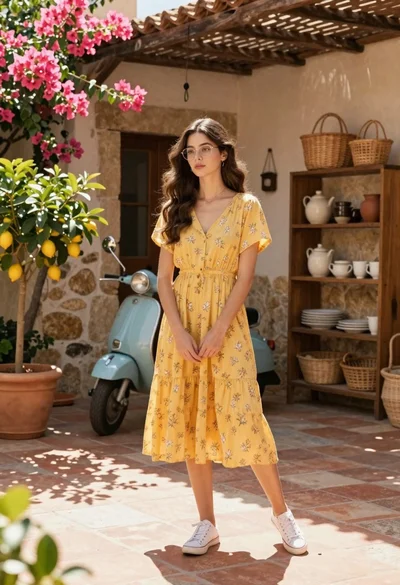
Young woman in yellow floral dress standing in sunny mediterranean courtyard
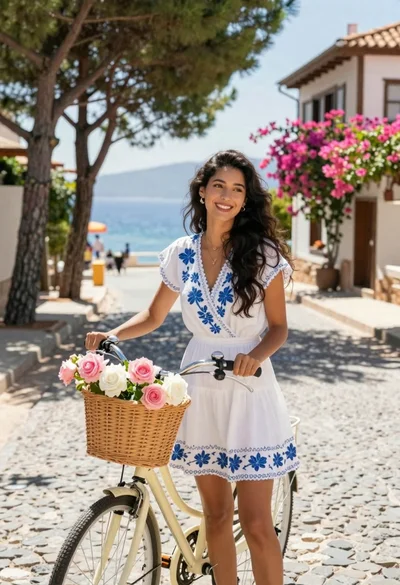
Smiling woman in white floral dress standing next to bicycle on cobblestone
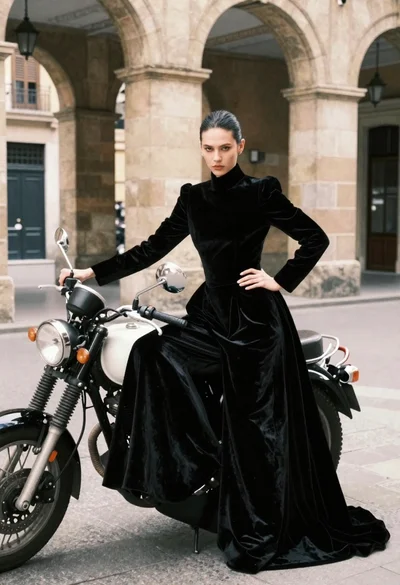
Woman in black velvet gown by vintage motorcycle under stone arches
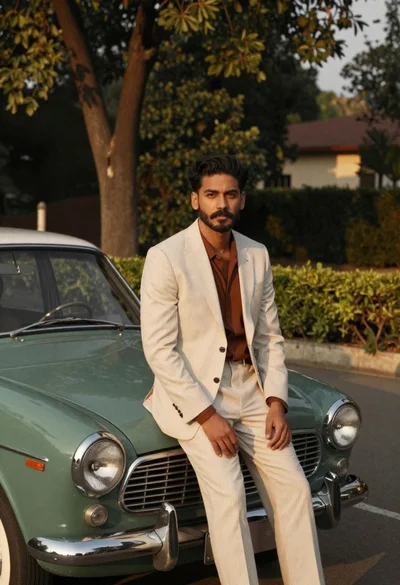
Man in pinstripe suit on vintage green sedan outdoors

Man in suit sitting on classic red car outdoors